Submit a talk proposal
When an event runs a call for papers, anyone with a Zufest account can propose a talk. The organisers' reviewers score the proposals and the programme team decides.
Open the call
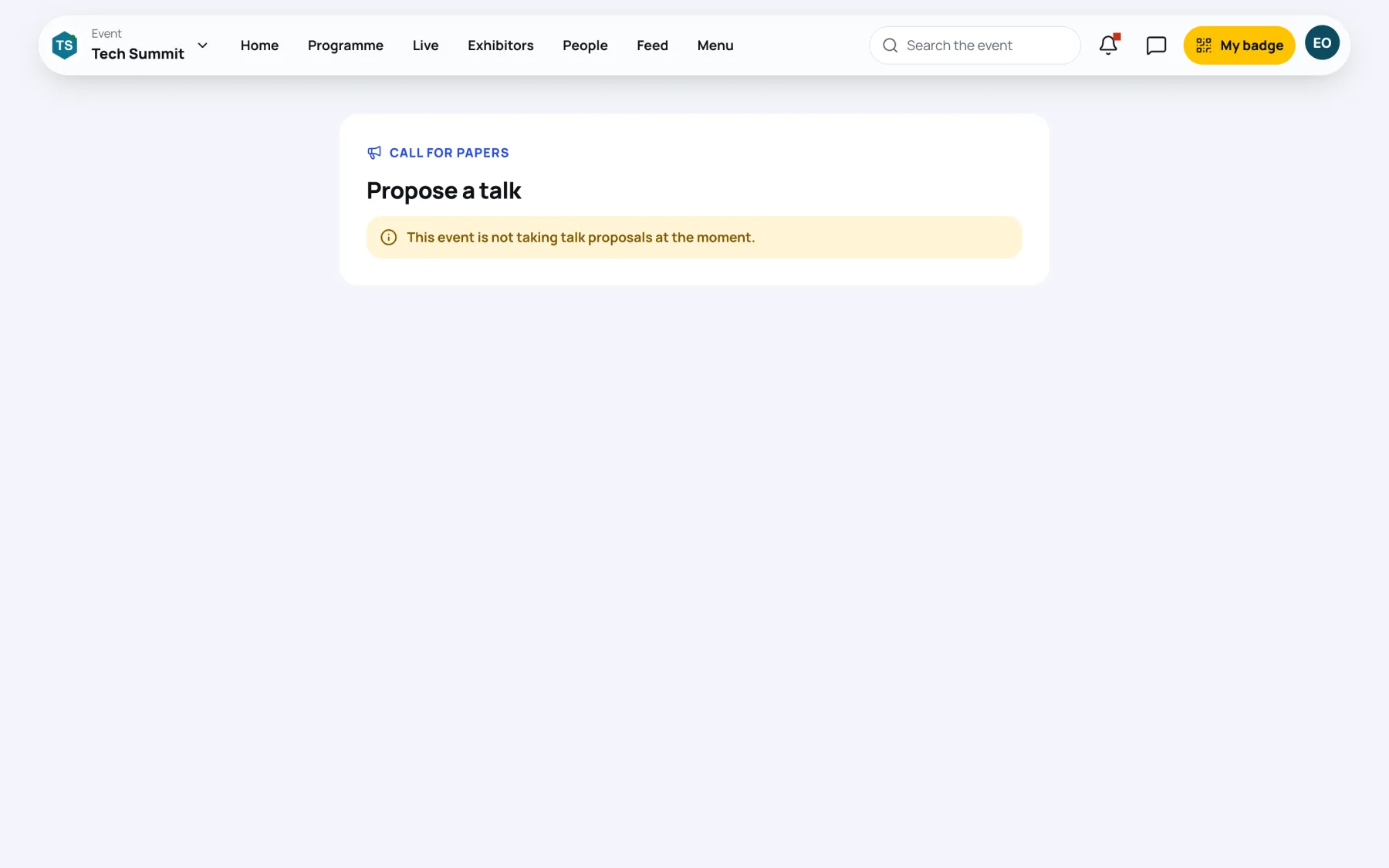
Open the link the organisers shared. The page shows Propose a talk, the closing date ("Proposals close on … at …", in the event's time zone) and the organisers' guidelines.
If the call is not open, the page says "This event is not taking talk proposals at the moment." If you are signed out, select Sign in to propose a talk first.
Send a proposal
-
Select Propose a talk.
-
Describe the talk:
- Title.
- Abstract: what the talk covers and what people will take away. At least 50 characters.
- Format: one of the formats the organisers accept, such as keynote, panel or workshop.
- Length: from 15 to 120 minutes.
- Level: Beginner, Intermediate or Advanced.
- Track: if the event has tracks, choose one or No preference.
-
Under About you, check Your name, Job title and Organisation (filled in from your profile) and write a Short biography.
-
Optionally add Notes for the organisers, such as past talks.
-
Select Send the proposal. Zufest says "Proposal sent. We have emailed you a receipt."
Follow your proposals
Your proposals are listed under Your proposals on the same page, each with its format, length and status:
| Status | What it means |
|---|---|
| Under review | The organisers have not decided yet |
| Accepted | Your talk is going on the programme |
| Waiting list | Not now, but it may be accepted later |
| Not accepted | The organisers declined it |
| Withdrawn | You took it back |
You get an email and an app notification when the team decides, with their note if they wrote one. The note also appears under the proposal. You never see reviewers' scores or comments.
Change or withdraw a proposal
- Edit changes a proposal while it is undecided and the call is open. Select Save when done.
- Withdraw takes it out of consideration. It cannot be undone.
When your talk is accepted
Accepting your proposal makes you a speaker at the event, and the programme team creates a session from it. It stays unpublished until they schedule it. Once it is published, your speaker tools appear. See your speaker profile.
Last updated