Read the feed
The event feed is where delegates and speakers post observations, questions and photos during the event. Read it to catch what is happening in other rooms, and to find the people worth meeting.
Open the feed
-
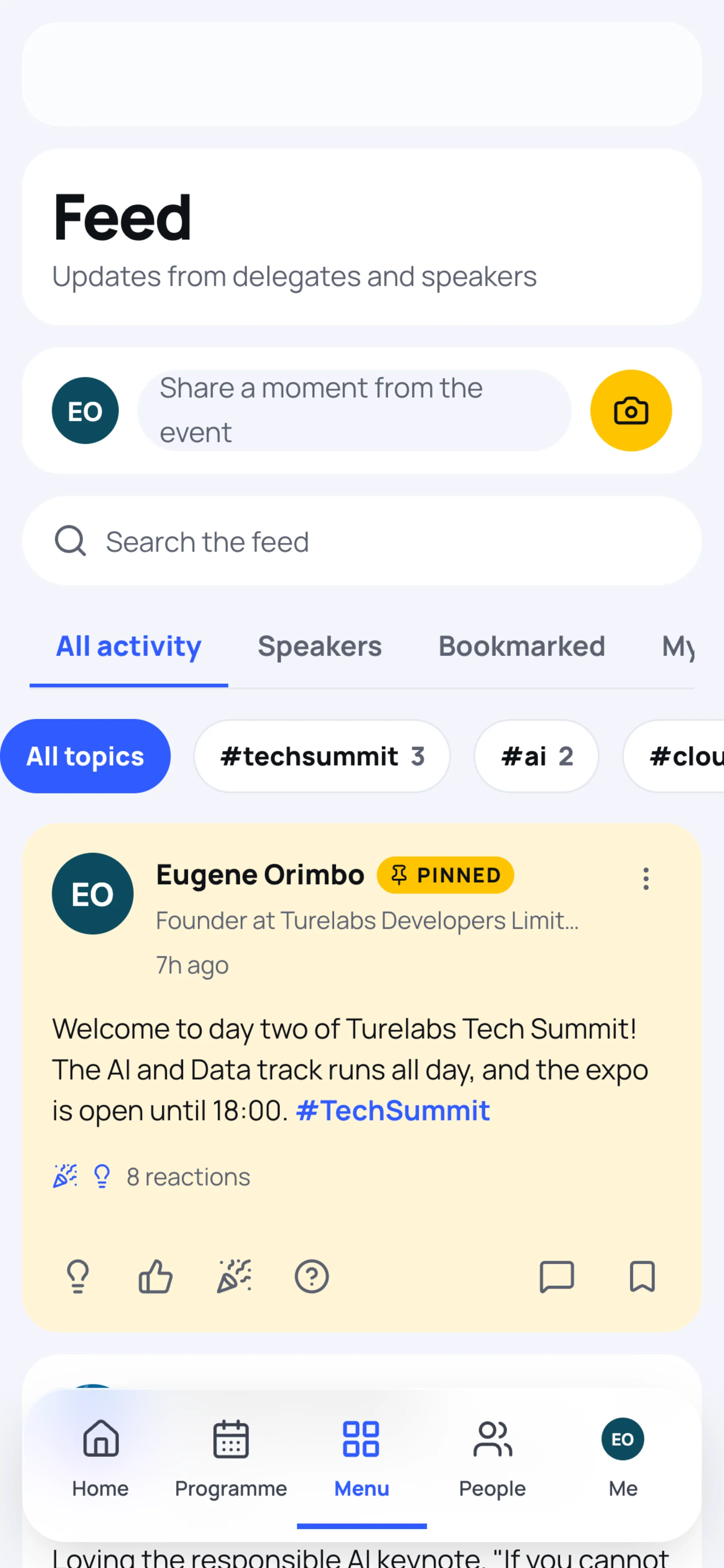
Open the event and select Feed in the top bar. On a phone, open Menu, then Event feed.
-
Scroll down for older posts. The newest are at the top, with any post the organisers Pinned above them.
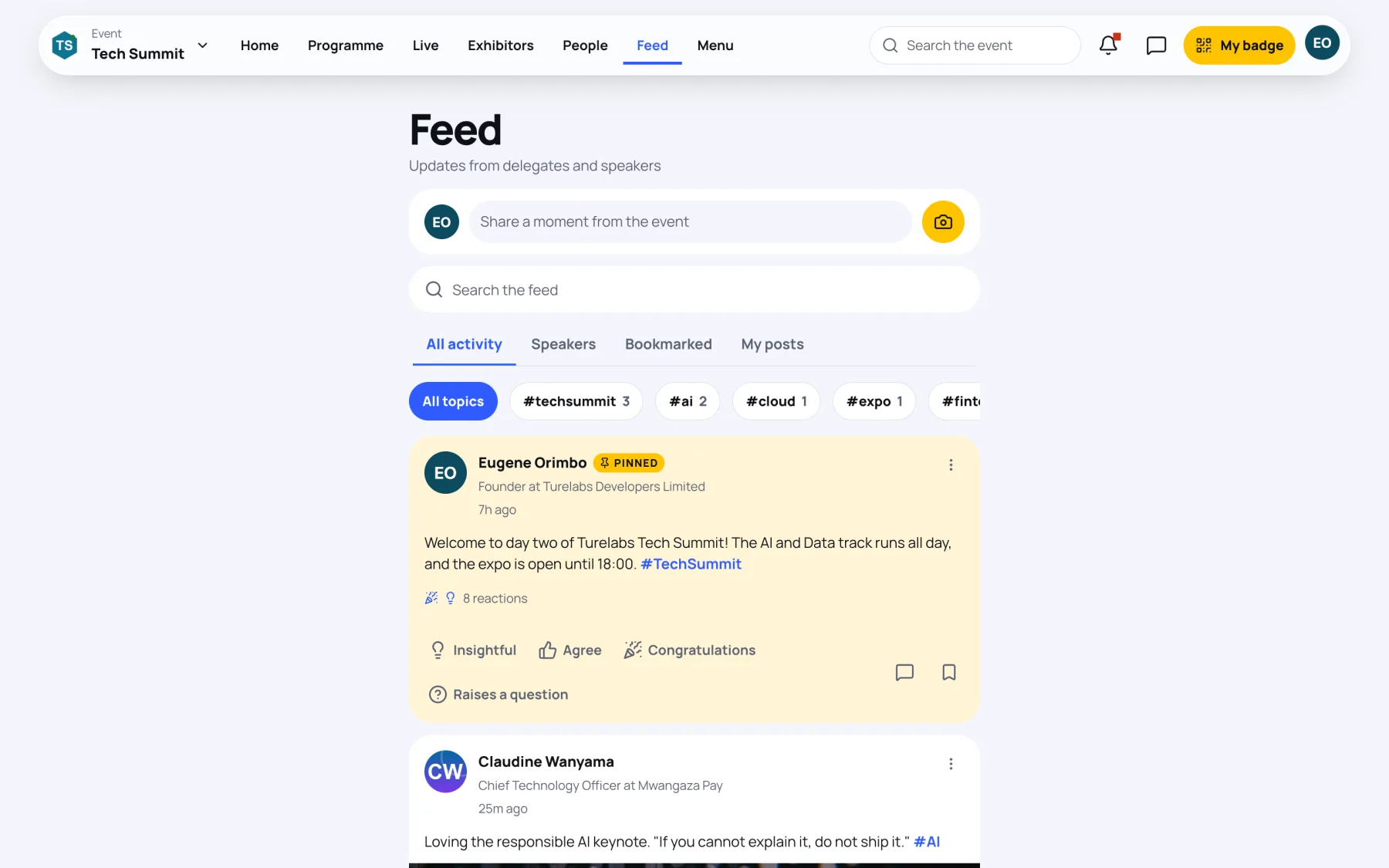
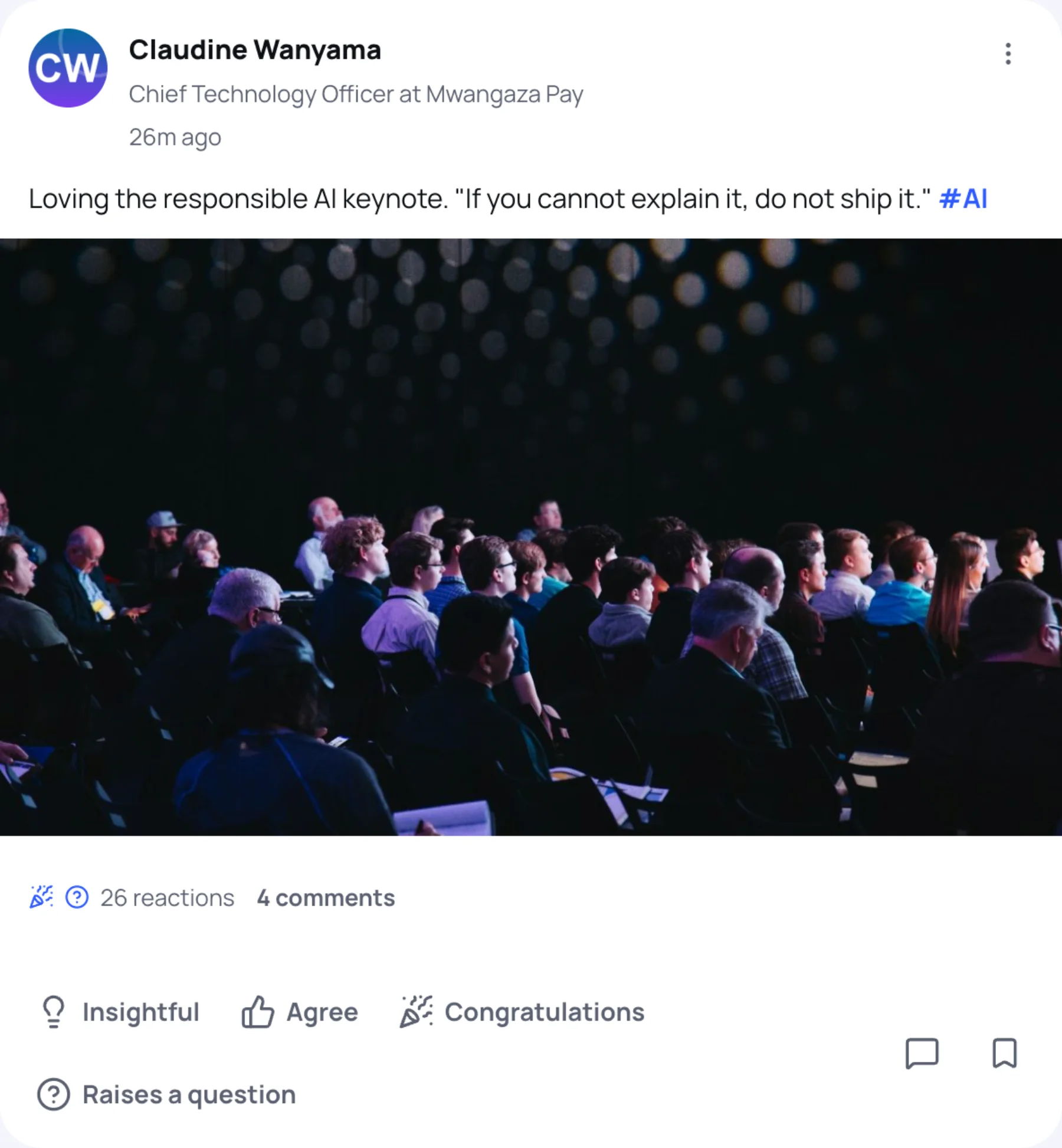
Each post shows who wrote it, their job and organisation, how long ago it was posted, its photos, and how many reactions and comments it has. Speakers have a tick next to their name. Select a person's picture to open their profile.
Switch views
Use the tabs above the posts:
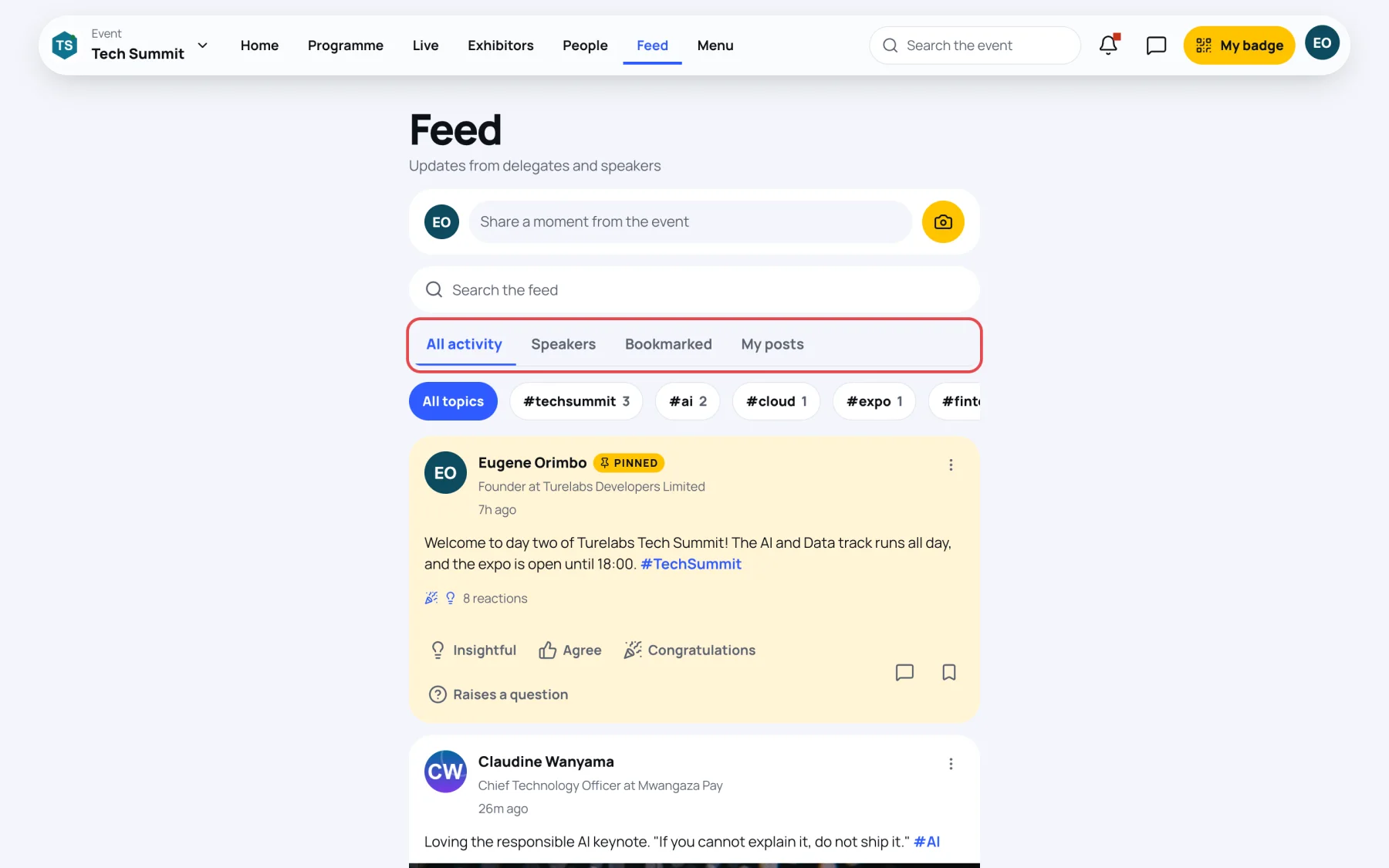
| Tab | Shows |
|---|---|
| All activity | Every post you can see. |
| Speakers | Posts by the event's speakers. |
| Bookmarked | Posts you bookmarked, so you can find them again after the event. |
| My posts | Your own posts, including any waiting for a moderator. |
Filter by hashtag
The chips under the tabs are the hashtags in use, with the number of posts carrying each one.
-
Select a hashtag chip, or select a hashtag inside a post.
-
The feed shows only posts with that tag.
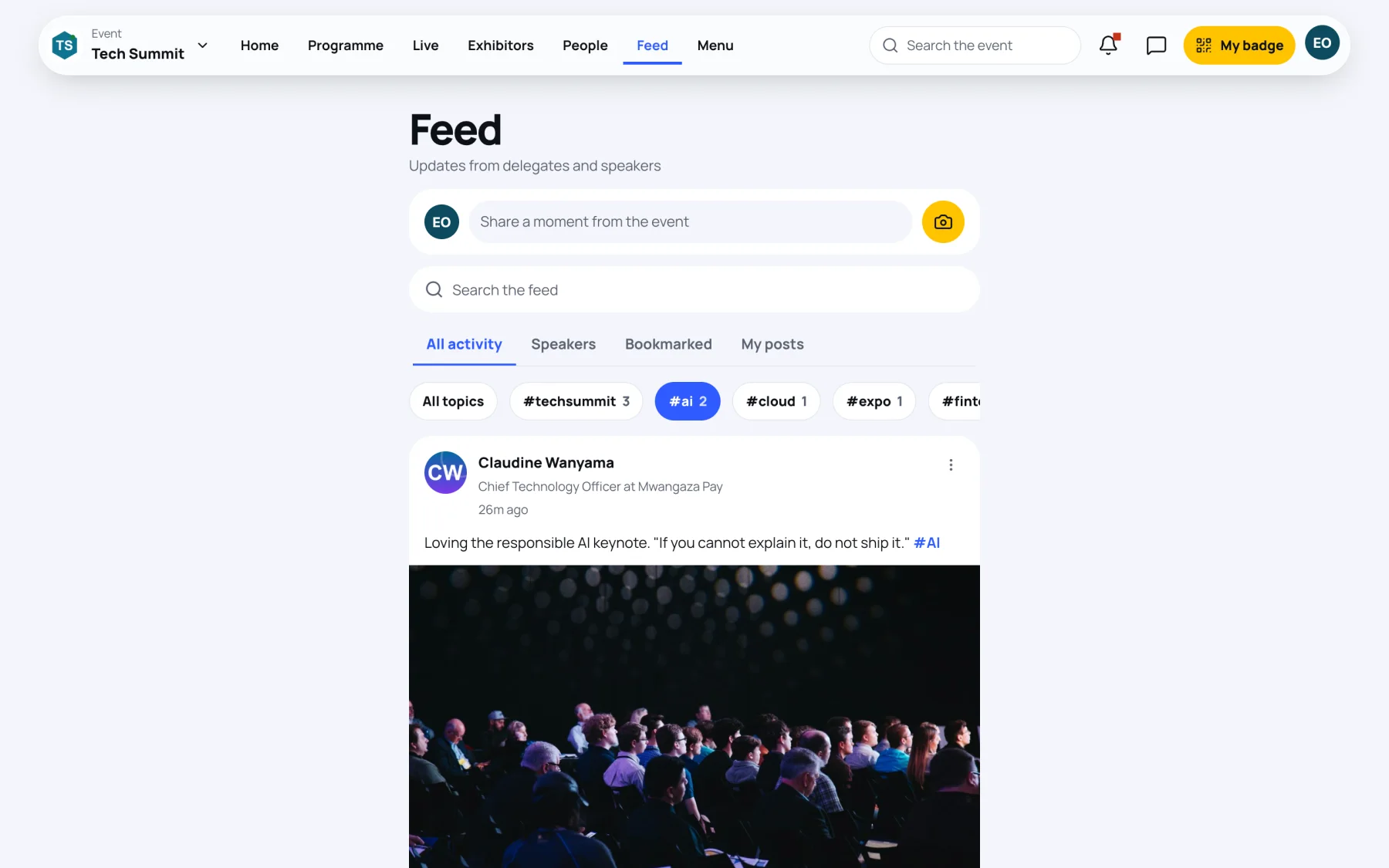
-
Select All topics to see everything again.
Search the feed
Type in Search the feed to find posts by their words or by hashtag. When nothing matches, try a shorter term.
Bookmark a post
Select the bookmark at the bottom right of a post. It is saved to your Bookmarked tab and to Saved in your own menu. Select it again to remove it.
Last updated