Read the event dashboard
The dashboard is the first screen of an event in the organiser workspace. It shows how registration, the doors, the programme and the money stand right now, and what is waiting for your team.
Open the dashboard
In the sidebar, under Event, select Dashboard.
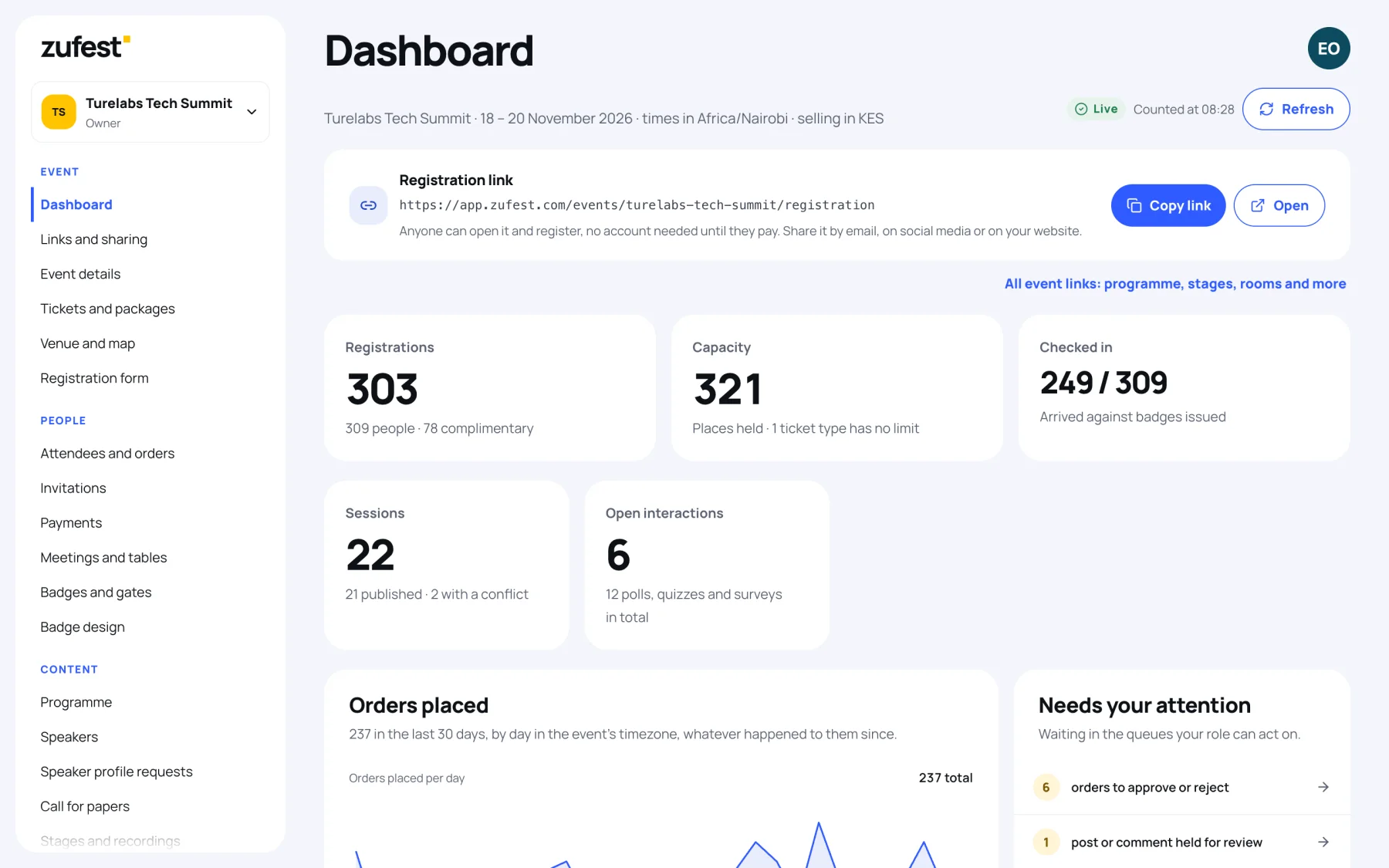
The line under the title gives the event's name, dates, time zone and currency. Beside it you see the event's status (Live, Upcoming, Ended or Draft) and the time the figures were counted. Select Refresh to count them again.
Every figure is counted from your orders, badges and payment records when the page loads. None of them is typed in or estimated.
The headline figures
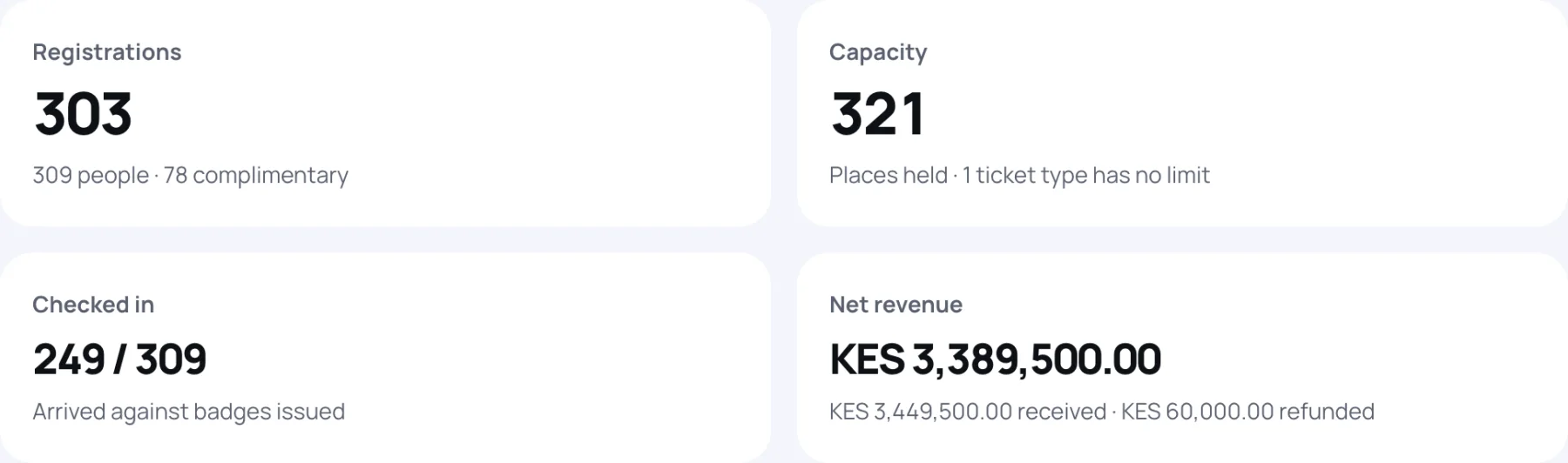
| Figure | What it counts |
|---|---|
| Registrations | Confirmed orders. Underneath: the people on them, and how many of those are complimentary (a free ticket or a full discount) |
| Capacity | Places held now: confirmed, awaiting review, or awaiting payment within the payment window. Shown against the total capacity, or noted when a ticket type has no limit |
| Checked in | People admitted at the gate, against the badges issued |
| Net revenue | Money received minus money refunded, with both shown underneath |
| Sessions | Sessions in the programme, how many are published and how many have a conflict |
| Open interactions | Polls, quizzes and surveys open now, out of all you have set up |
Orders and tickets
- Orders placed: orders created on each of the last 30 days, by day in the event's time zone, whatever happened to them since.
- Places by ticket type: places held on each ticket, against its capacity where one is set.
- Registrations by status: orders and people that are Confirmed, Awaiting payment, Awaiting review, Waitlisted or Cancelled.
Needs your attention
This card lists what is waiting in the queues your role can act on, with a count and a link to each queue.
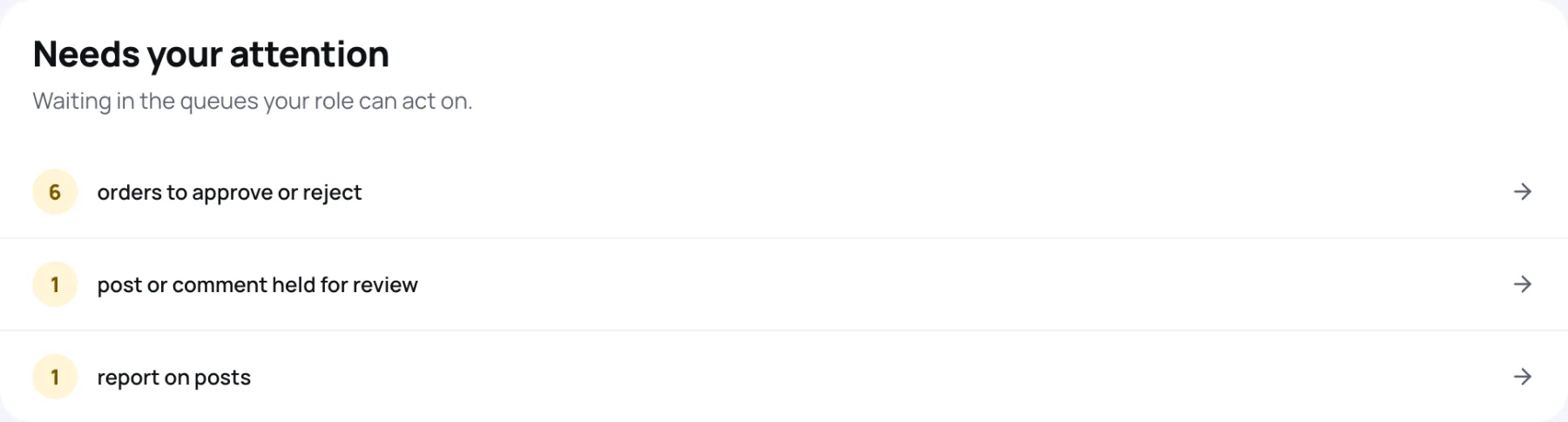
It can include orders to approve or reject, payment references to check against your statement, payments made twice to return, payments of the wrong amount, posts, comments and chat messages held for review, reports from attendees, and speaker materials to review. When nothing is waiting, it says so.
Money
The Money panel comes from the payment ledger, in the event's currency.
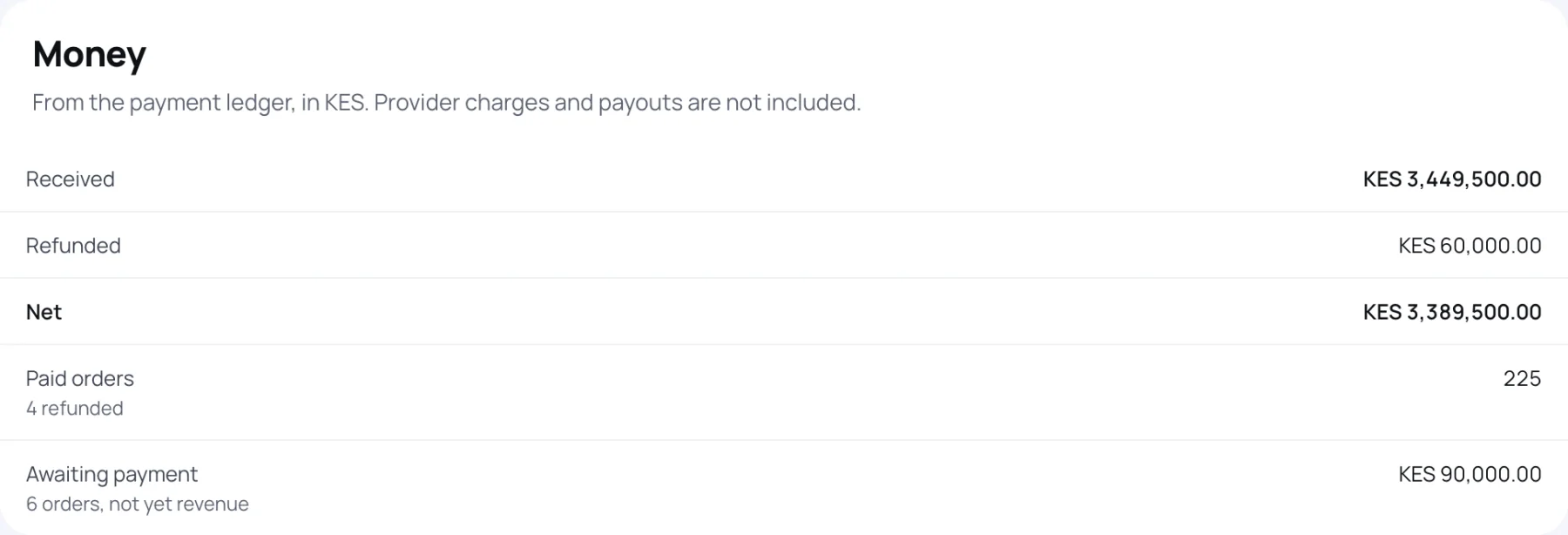
| Line | Meaning |
|---|---|
| Received | Payments applied to orders |
| Refunded | Refunds that have been confirmed |
| Net | Received minus refunded |
| Paid orders | Orders with a payment, and how many were refunded |
| Refunds in progress | Refunds asked for but not yet confirmed. Still counted in net |
| Awaiting payment | Orders waiting for payment and their totals. Not revenue yet |
| To return | Payments made twice or too late. Never revenue |
| Payments needing review | Payments of the wrong amount or currency, counted but never added up |
The last three lines appear only when there is something to show. Provider charges and payouts are not included. See Revenue and refunds.
Getting ready
While you set up, Getting ready ticks off the main steps: ticket types, the registration form, the venue, sessions and publishing. Only the steps your role can act on are listed.
Last updated