Orders and receipts
Orders and receipts lists every confirmed place you hold, across all your events, with its receipt or invoice.
Open Orders and receipts
Use any of these:
- Open your account menu, then My tickets.
- On My events, select Orders and receipts at the top right.
- On a phone, open Me, then Orders and receipts.
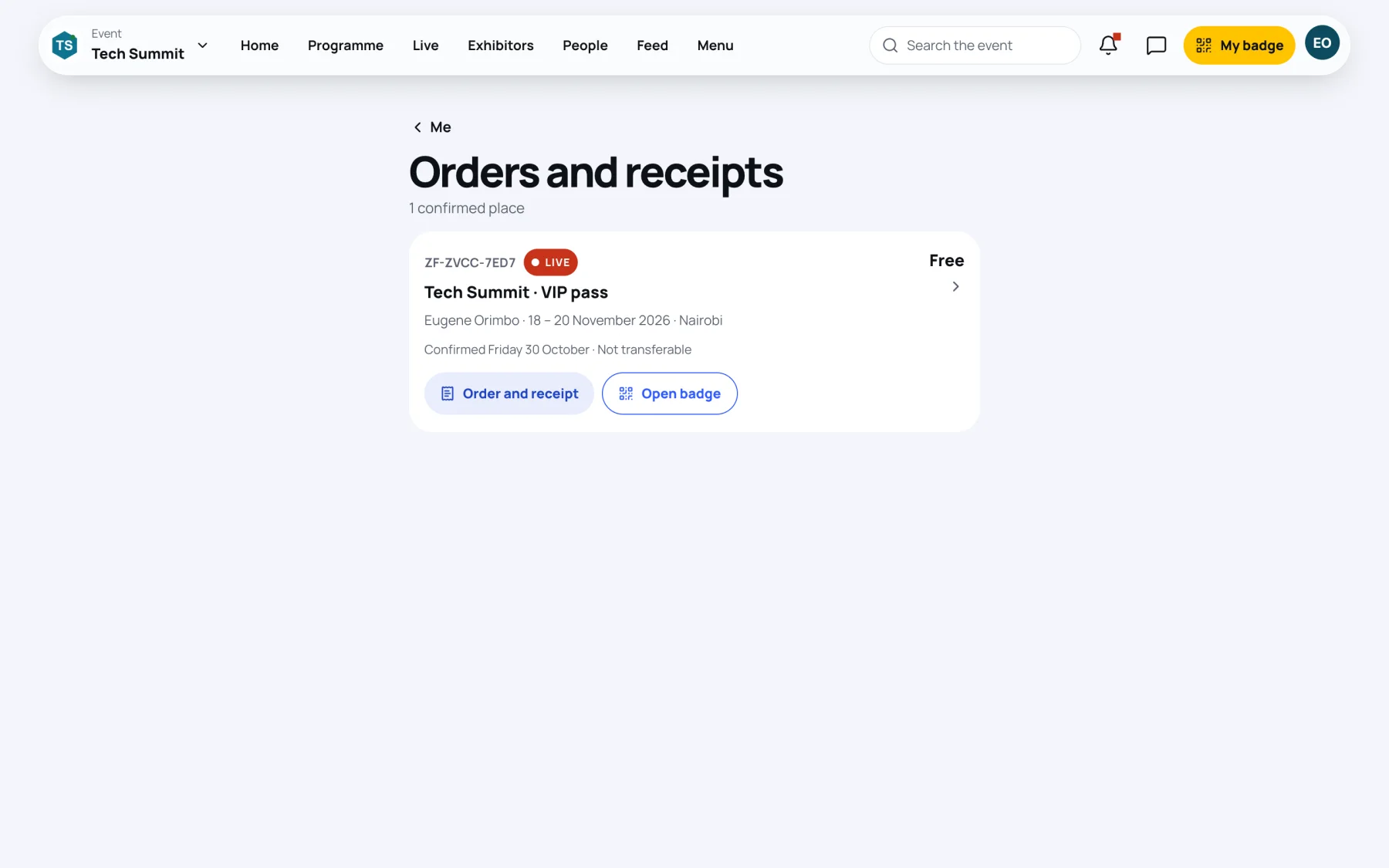
Read an order
Each order shows:
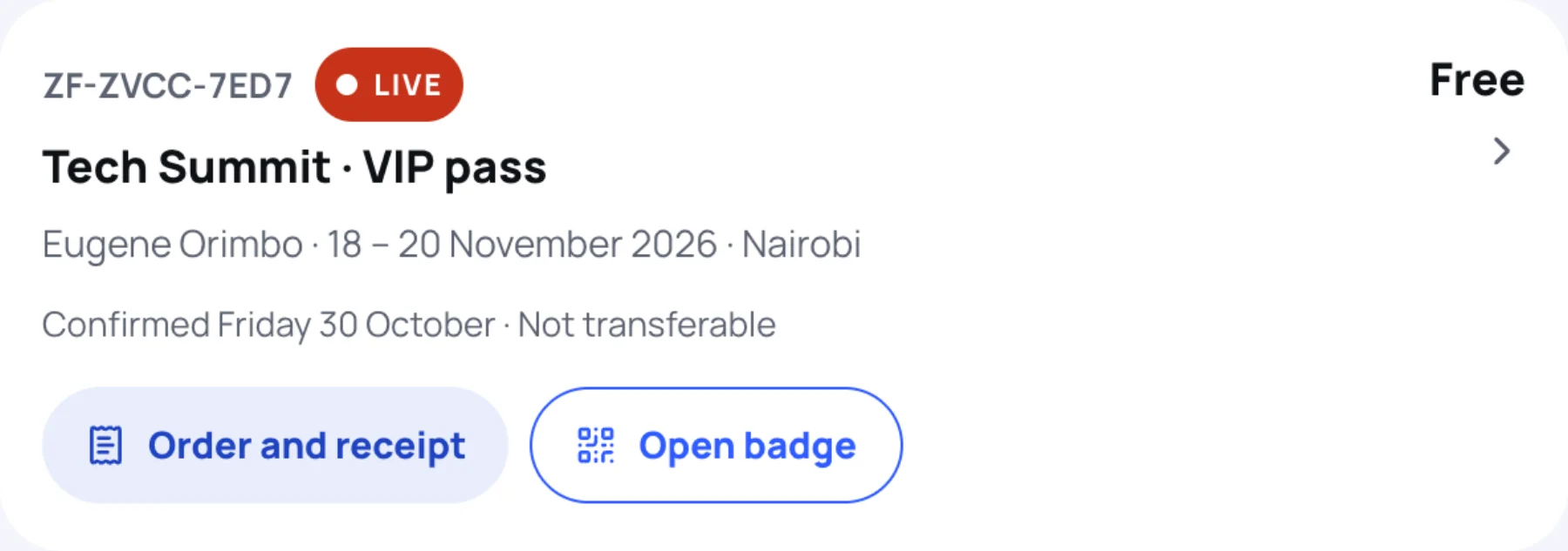
| Part | What it means |
|---|---|
| Reference | Your order reference, for example ZF-AY4Q-WM9Y. Quote it if you contact the organisers |
| Live or Ended | Whether the event is on now or has finished |
| Event and pass | The event and the pass you hold |
| Holder, dates and city | Who the place is for, and when and where the event is |
| Confirmed and the date | When your place was confirmed |
| Transferable or Not transferable | Whether you can hand the place to someone else. See Transfer your ticket |
Buttons on each order
- Order and receipt opens My registration for that event. See Your registration.
- Open badge opens your badge. It is hidden once the event has ended.
- Receipt or Invoice downloads that document as a PDF, when the order has one.
Still stuck?
Tell us what you were trying to do and we will help.
Contact us
Last updated