Visit a stand
Every exhibitor has its own page in the app. It is the stand's shop window: what they do, what they sell, who is on the team, and the ways to talk to them, whether you are at the venue or not.
Open a stand
-
Select Exhibitors.
-
Select the stand's card. You can also open a stand from Sponsors, from the event search or from your Saved list.
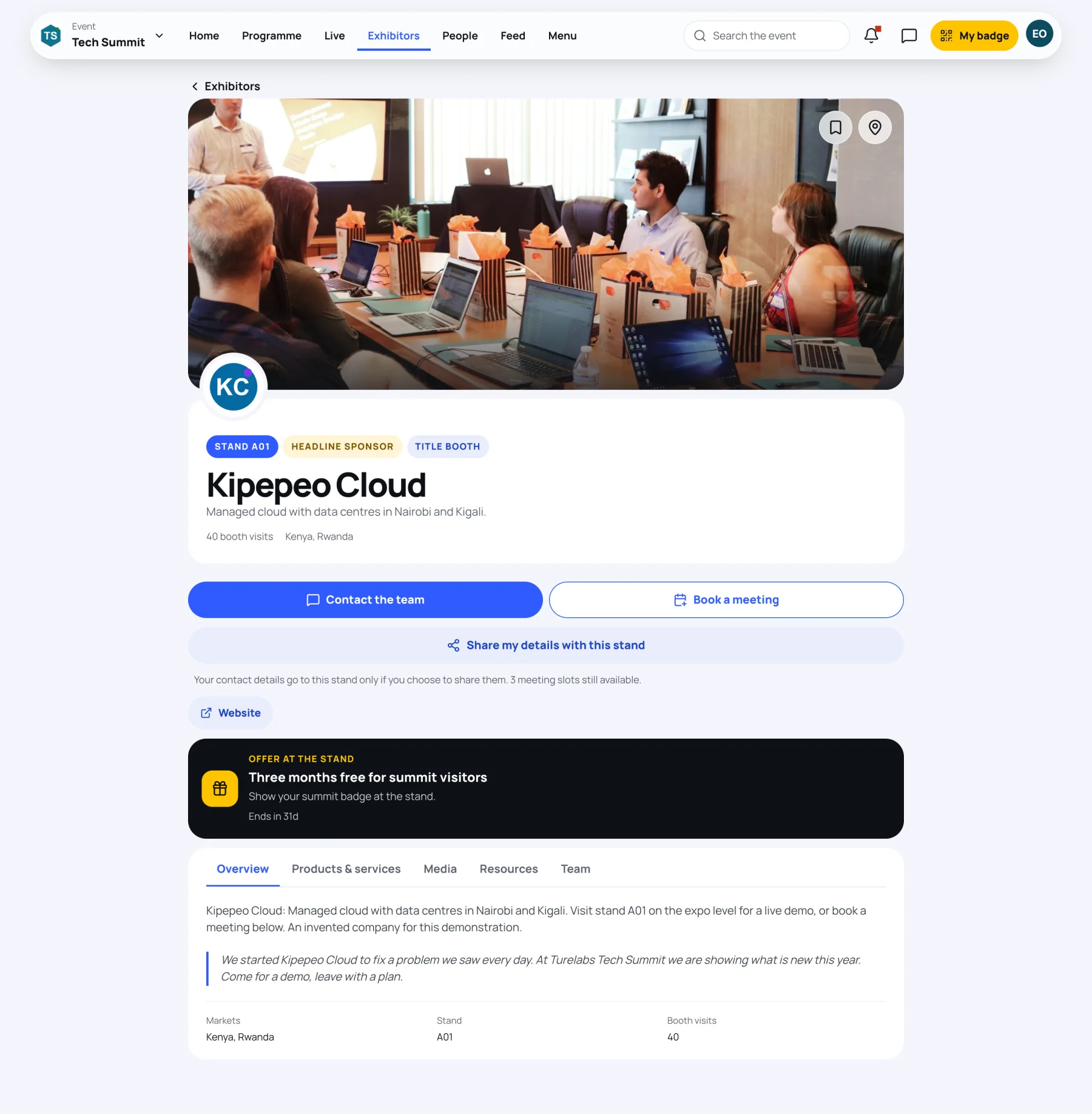
What is at the top
| Part | What it shows |
|---|---|
| Badges | The stand number, sponsor tier and booth type, for example Stand A01, Headline sponsor and Title booth. |
| Name and tagline | What the exhibitor does, in one line, with the number of booth visits and the countries they serve. |
| Bookmark and map pin | Save the stand, or show it on the floor map. |
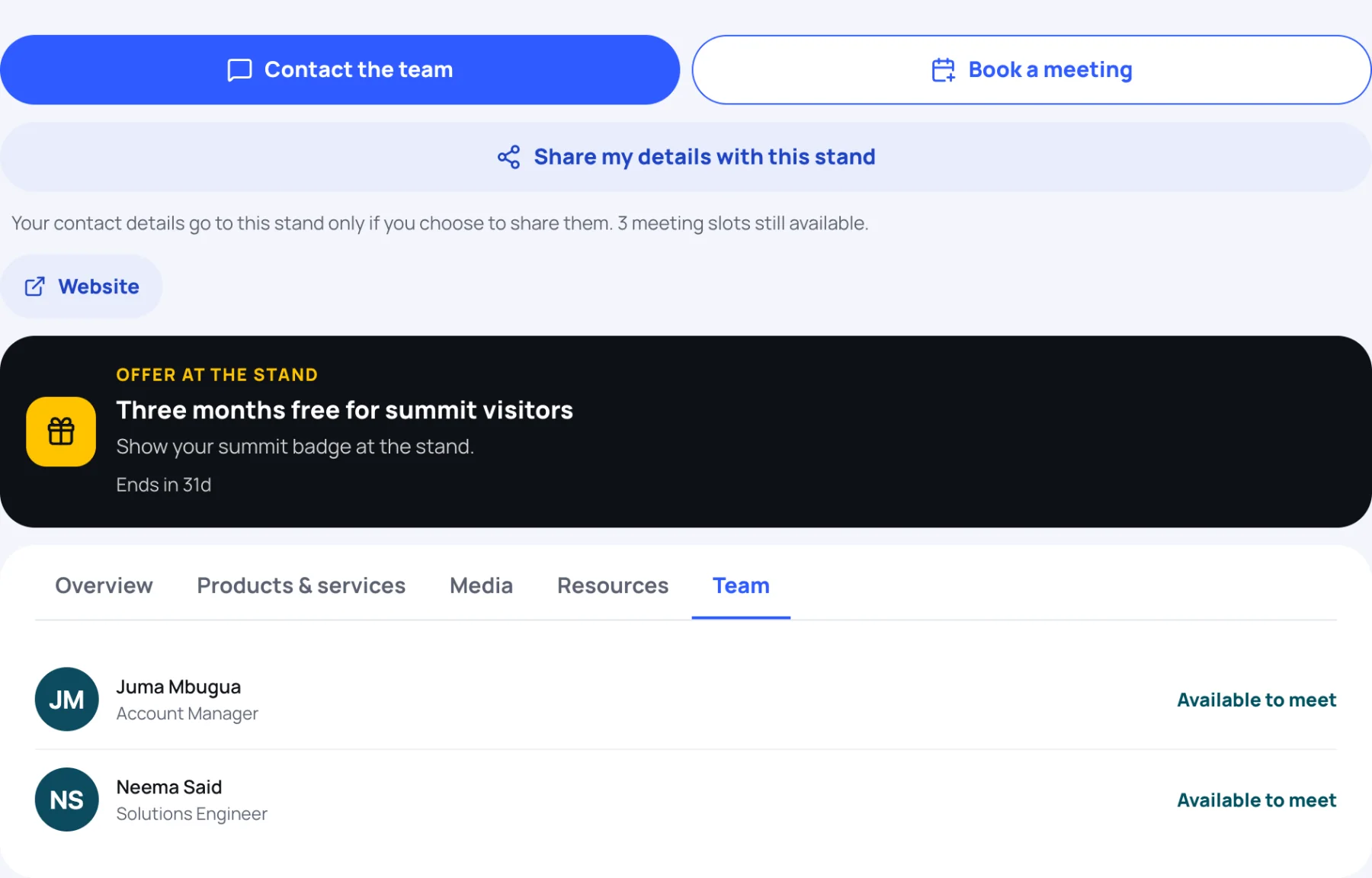
| Contact the team | Send the team a message. |
| Book a meeting | Book one of the team's meeting slots. |
| Share my details with this stand | Give the stand your contact details in one tap. |
| Website | The exhibitor's own website. |
Under the buttons, a line tells you how many meeting slots are still free. If the stand is running a live demonstration, a Join the live demo button appears, and a stand with a recorded tour has Watch the walkthrough.
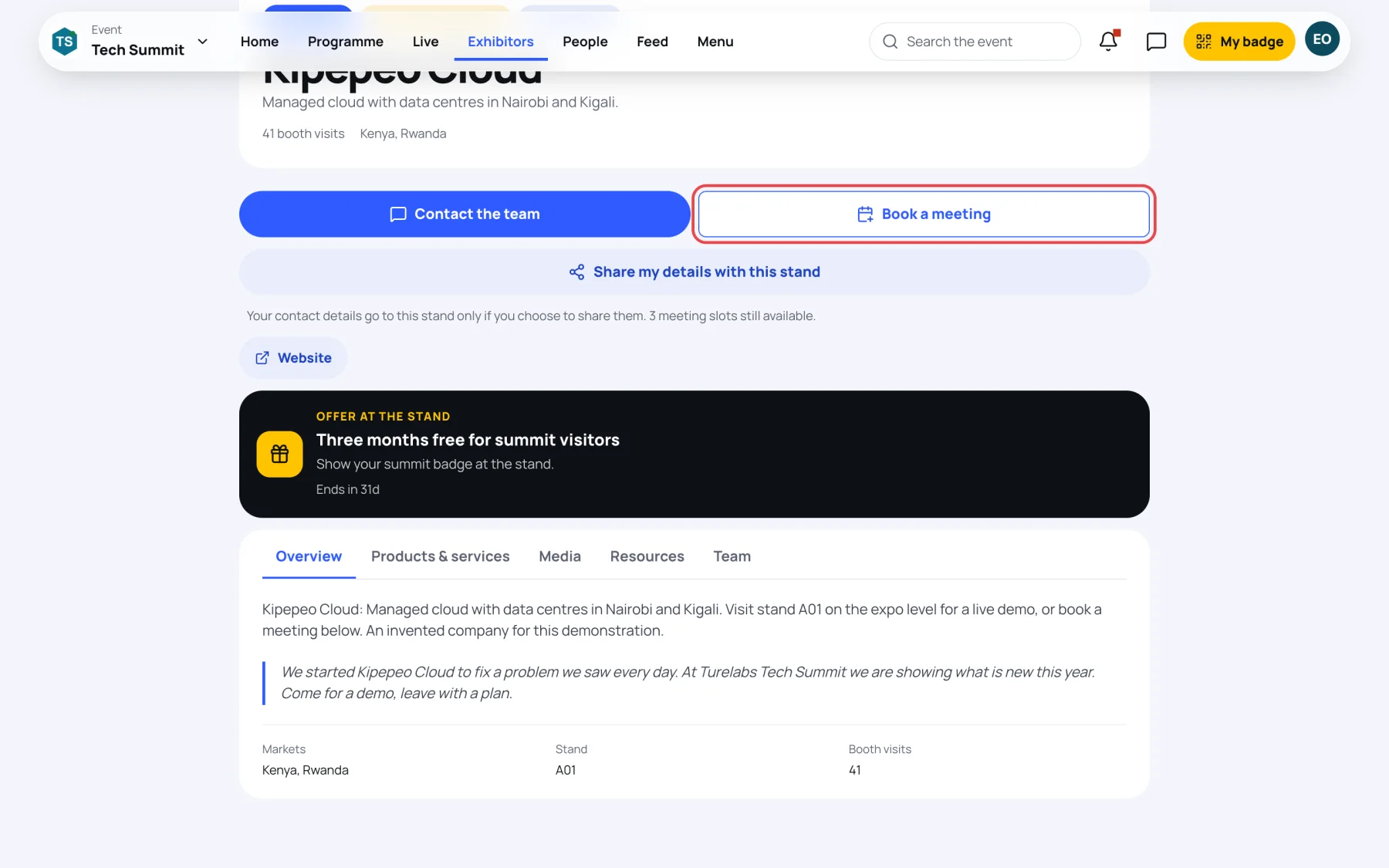
Offers at the stand
An Offer at the stand box shows a deal the exhibitor is running for visitors, such as a free trial, with how long it lasts. Follow the instructions in the offer, for example showing your badge at the stand.
The tabs
Below the offer, the stand's tabs hold the detail. A stand shows only the tabs it has content for.
Overview is the exhibitor's story, with its markets, stand number and booth visits.
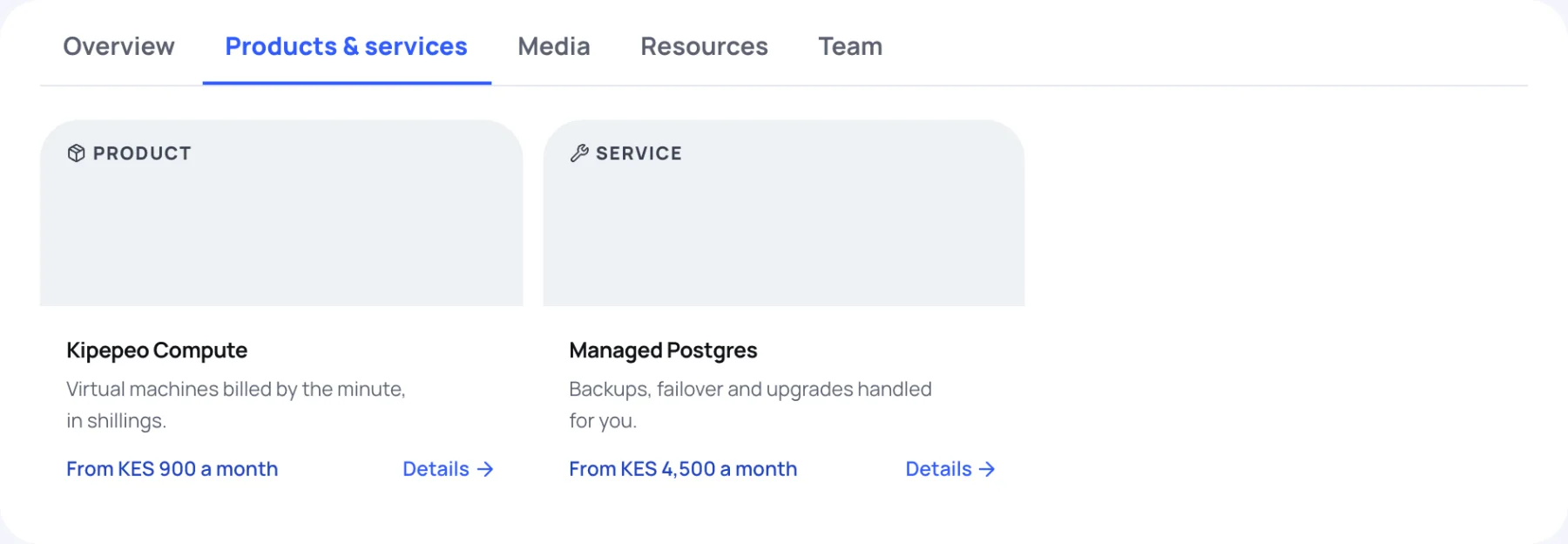
Products & services lists what the exhibitor offers. Each item is marked Product, Service or Solution, with a short summary and a price label or Enquire for pricing. Select Details to read more.
Media has the stand's videos and photo gallery. Select a picture to see it full size.
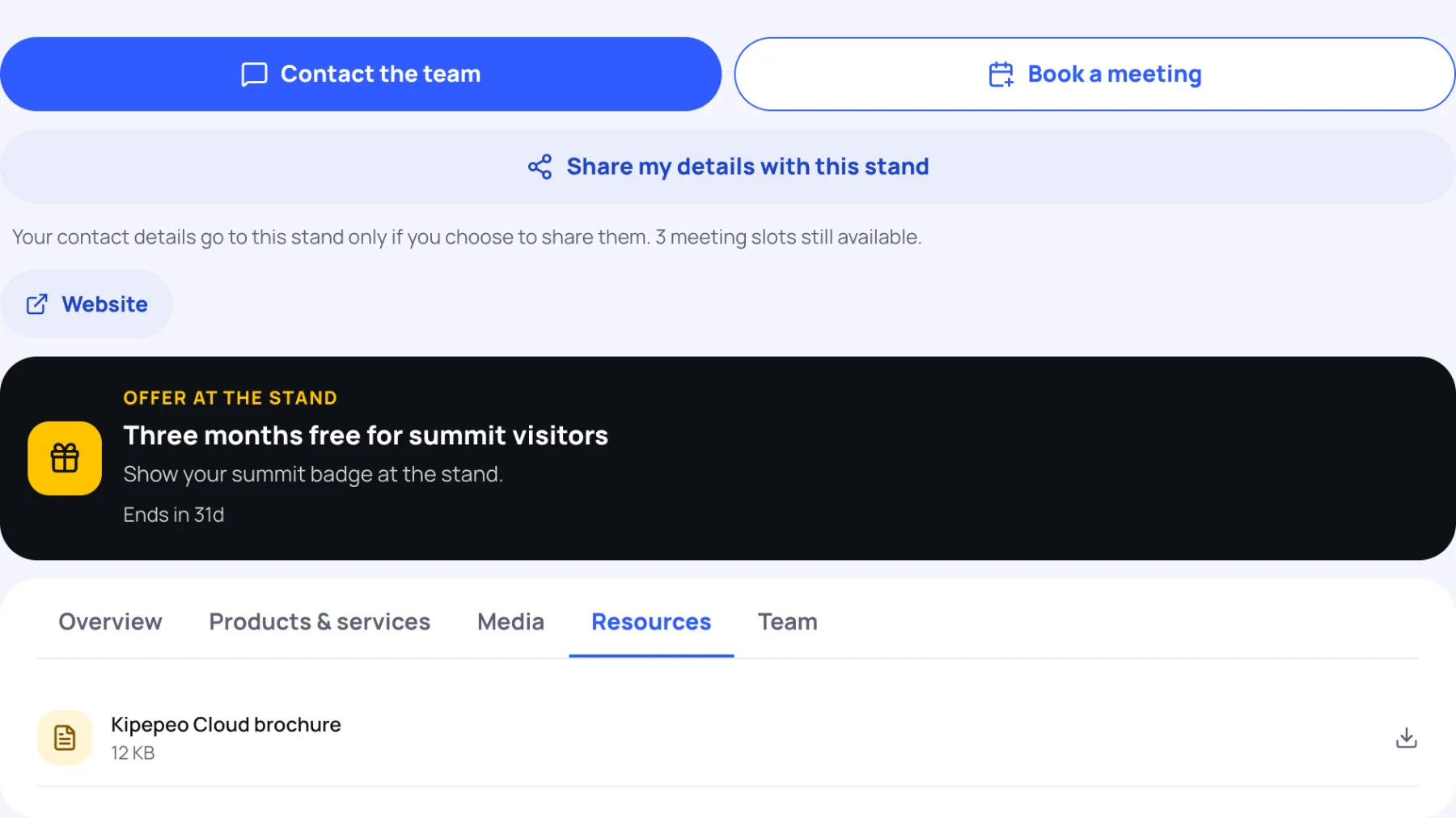
Resources holds brochures and other files to download, with their size.
Team lists the people on the stand. Those marked Available to meet can be booked for a meeting.
To message the team, book a slot or save the stand, see Save and contact a stand.
Last updated