Accept an invitation
Organisers can invite you by email to a free pass or to a paid place on a chosen ticket. The invitation works only for the address it was sent to.
Accept a free pass
-
In the invitation email, select the link. Zufest opens You are invited with the event, the ticket and Free pass. It also says This invitation is for and the address.
-
Fill in the organiser's questions, if there are any.
-
If you are not signed in, create your account or sign in. Your account uses the invited address, so the email field cannot be changed.
-
Select Accept invitation.
-
Zufest shows You are registered. Your place is confirmed and your badge is ready. Select Open the event.
Accept an invitation to a paid place
-
In the invitation email, select the link.
-
Zufest says the invitation is for a paid place. Select Continue to registration.
-
The usual checkout opens with your ticket already chosen. Fill in your details and pay. See Register for an event.
If the invitation does not open
You are signed in as someone else. Zufest says the invitation is for another address. Select Sign out, then sign in or create an account with the invited address.
The link is no longer valid. Zufest shows This invitation link is not valid.
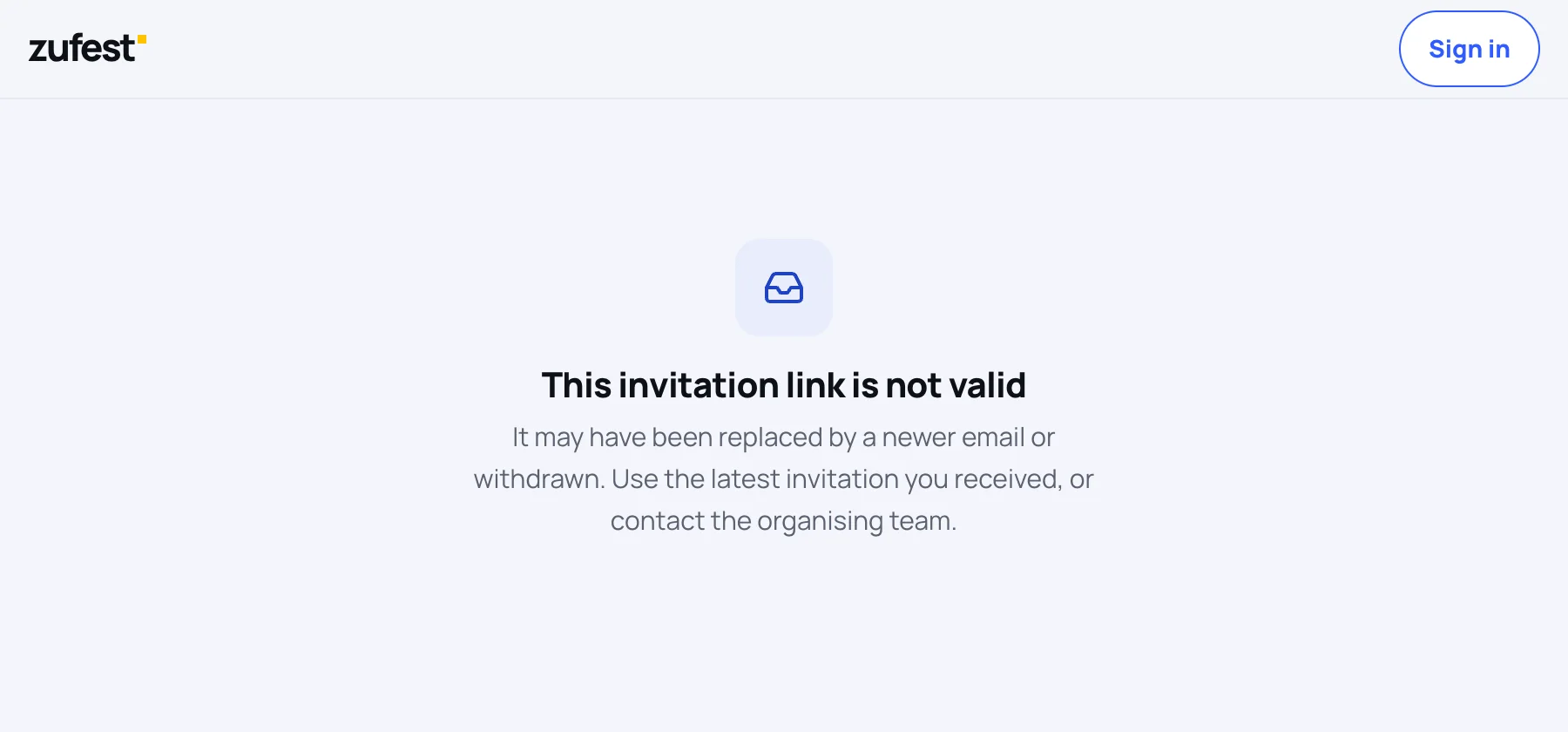
This happens when:
- the organiser sent you a newer invitation, which replaces the old link, or
- the invitation was withdrawn or has expired.
Use the newest invitation email you received, or contact the organising team.
It has already been accepted. Sign in with the invited address to open the event.
Last updated