Search the event
One search box looks through the whole event: sessions, people, exhibitors and feed posts.
Search
-
Select Search the event in the top bar. On a phone, select the magnifying glass at the top of the screen.
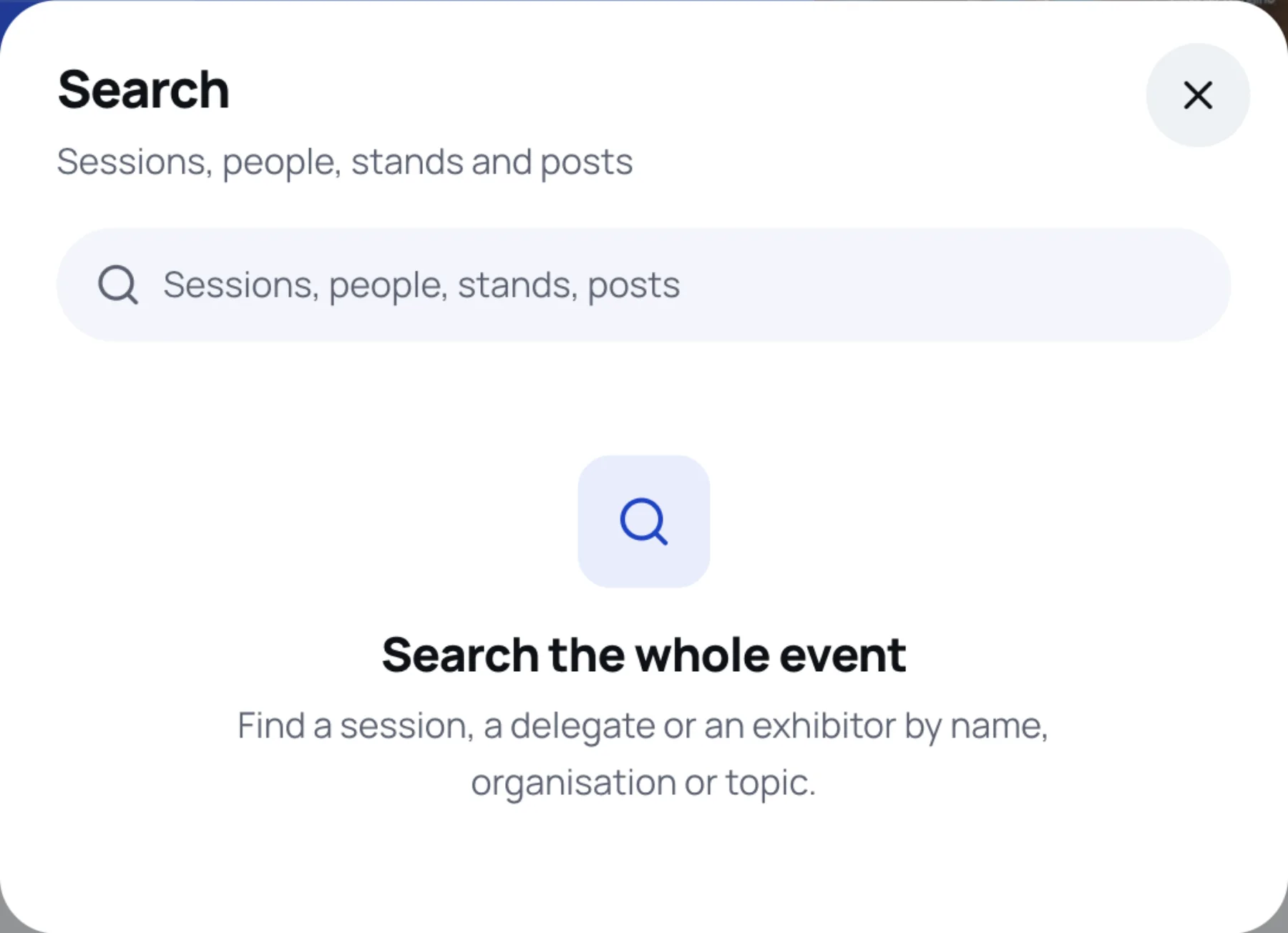
-
Type a name, an organisation, a topic or a product. Results appear as you type.
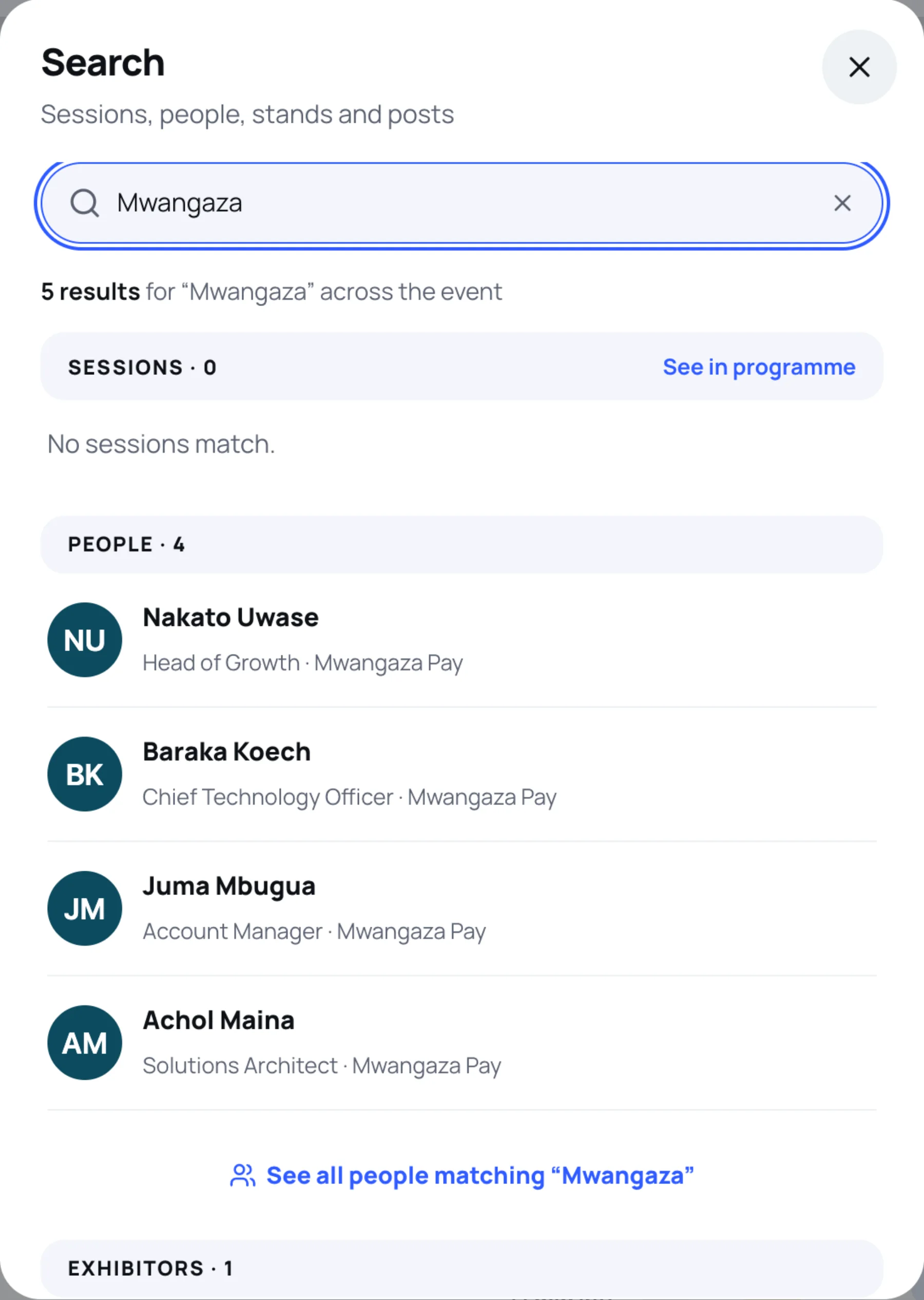
-
Select a result to open it.
Results are grouped:
| Group | What it finds | Shortcut |
|---|---|---|
| Sessions | Session titles, with the time, day and room | See in programme |
| People | Delegates you can discover, with their job title and organisation | See all people matching your search |
| Exhibitors | Stands, with their stand number | All stands |
| Feed posts | Posts that match | Open the feed |
Recent searches
When you open search again on the same device, your Recent searches at this event are listed under the box. Select one to run it again, select the cross beside it to remove it, or select Clear all.
Still stuck?
Tell us what you were trying to do and we will help.
Contact us
Last updated