Recordings
When the organisers publish a session's recording, you can watch it in the app. Zufest remembers where you stopped, so you can pick up later on any device.
Find a recording
-
Open the event, select Menu, then Recordings.
-
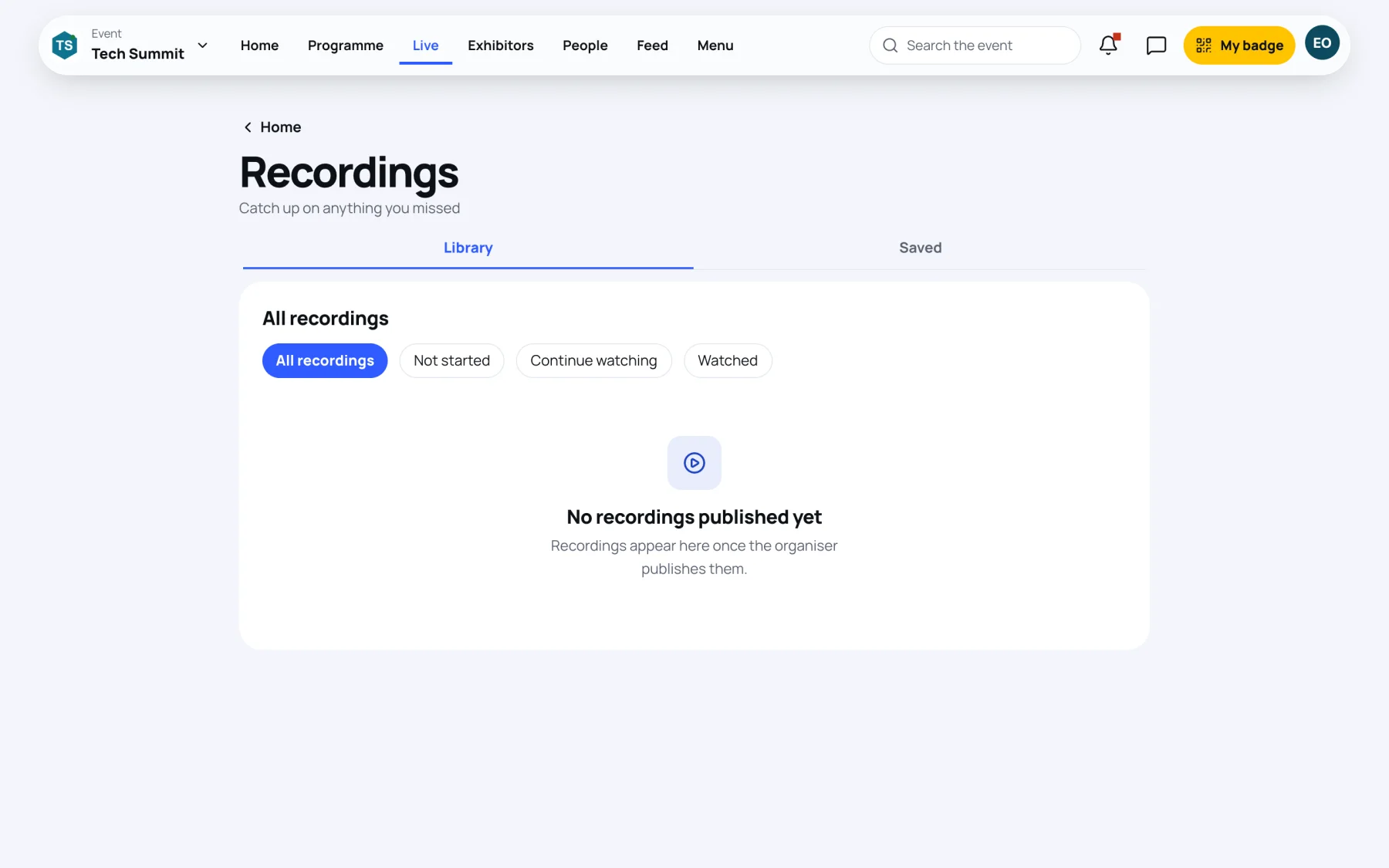
Library lists every published recording under All recordings.
-
To narrow the list, choose Not started, Continue watching or Watched, or pick a track.
Continue watching at the top lists the recordings you started and did not finish.
You can also open a recording from its session page: a finished session with a recording shows Watch the recording.
Watch a recording
-
Select a recording. It plays in the app on the dark player.
-
The recording starts where you last stopped. One you watched to the end starts again from the beginning.
-
Use the player's controls to pause, seek, change the quality and go full screen.
Under the player you see the recording's length, when it was published and More from this track.
Save a recording for later
-
On the player page, select Save. It changes to Saved.
-
Find it later under Recordings, then Saved. Session materials you saved are listed there too.
Select Saved again to remove it from the list.
Last updated