Links and sharing
Links and sharing puts every link to your event in one place: the registration page, each event screen, each live stage and each discussion room.
Copy the registration link
-
In the sidebar, under Event, select Links and sharing.
-
At the top, under Registration link, select Copy link. Open shows the page as visitors see it.
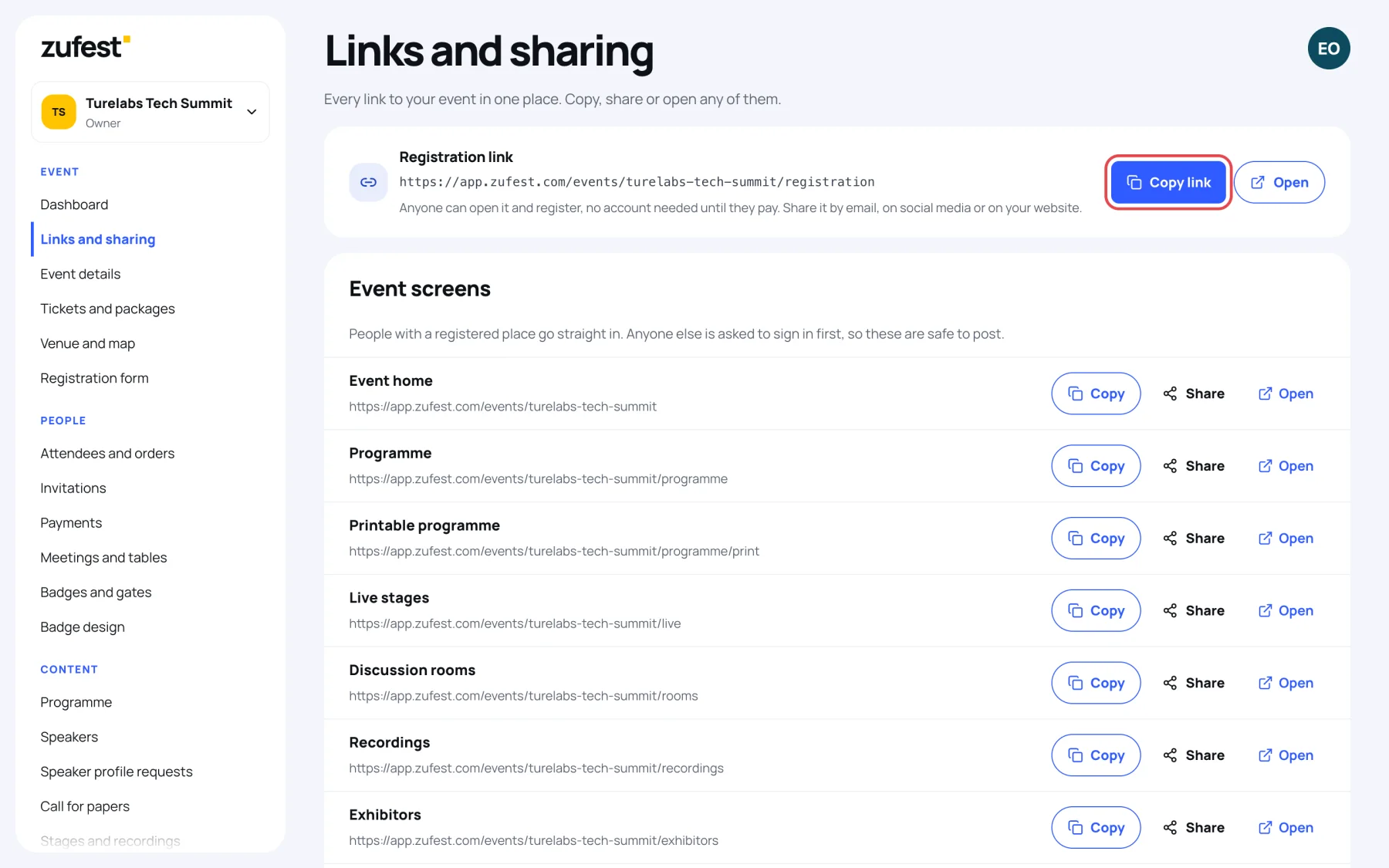
Anyone can open the registration link and register. They do not need an account until they pay. Share it by email, on social media or on your website.
The same registration link card is at the top of the Dashboard, with a shortcut to this screen: All event links: programme, stages, rooms and more.
Link to a screen
Under Event screens each line is a screen of the event app, with its address:
Event home, Programme, Printable programme, Live stages, Discussion rooms, Recordings, Exhibitors, Sponsors, Event feed, Polls and quizzes, Surveys and Venue map.
For each one:
- Copy copies the address.
- Share opens your device's share options, where it has them.
- Open opens the screen in a new tab.
People with a registered place go straight in. Anyone else is asked to sign in first, so these links are safe to post.
Link to a stage or a room
- Live stages lists a direct link to each stage, with its state (Upcoming, Live now, Ended or Off air). Viewers still need a pass that includes the stage.
- Discussion rooms lists a direct link to each room, with its state (Open, Full, Scheduled or Closed).
If an event has no stages or rooms yet, the screen says where to add them.
Last updated