Stage chat
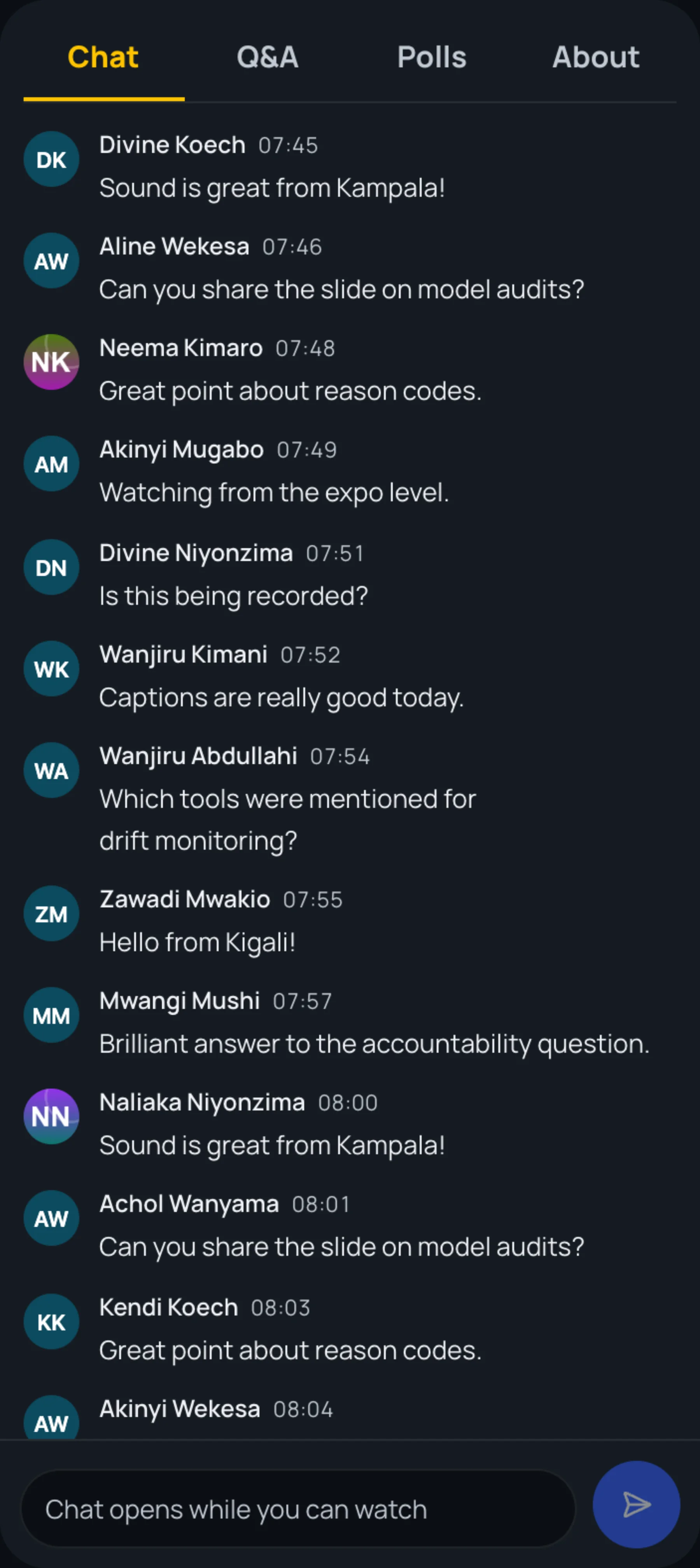
Each live stage has its own chat for everyone watching. Use it to say hello, react to what is said or share a link to the slides. Questions for the speakers belong in the Q&A tab, where they can be upvoted.
Read the chat
-
Open a stage from Live.
-
The Chat tab is open first. Messages arrive as they are sent, each with the sender's name and the time.
Send a message
-
Type in Message the stage at the bottom of the chat.
-
Select the send button.
Your message appears for everyone watching the stage.
Messages held for review
The organisers can hold messages for review. If one of yours is held, it is labelled Visible only to you while a moderator reviews it. Nobody else sees it unless a moderator publishes it. Messages a moderator removes disappear from everyone's screen.
Still stuck?
Tell us what you were trying to do and we will help.
Contact us
Last updated