Points, passport, contests and certificates
Rewards give attendees a reason to visit stands, answer polls and share photos. Each part is off for a new event, and attendees see it only after you switch it on.
Switch rewards on
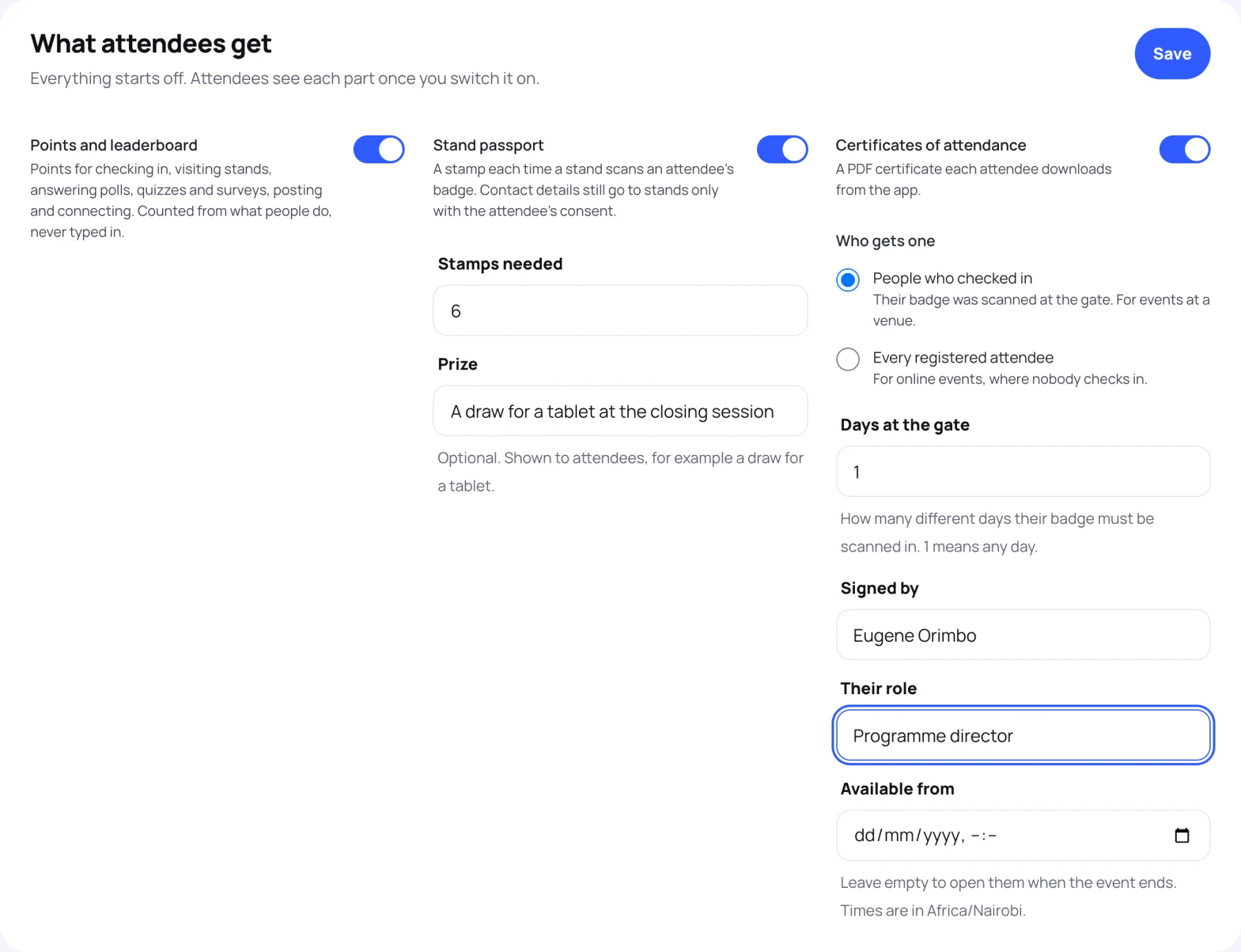
The What attendees get panel holds three switches.
-
Switch on Points and leaderboard to count points for what attendees do.
-
Switch on Stand passport and set:
- Stamps needed: how many stands an attendee must visit to complete it.
- Prize: optional. Attendees see it, for example "A draw for a tablet at the closing session".
-
Switch on Certificates of attendance and set:
- Who gets one: People who checked in (their badge was scanned at the gate, for events at a venue) or Every registered attendee (for online events, where nobody checks in).
- Days at the gate: with People who checked in, how many different days their badge must have got in on. Leave it at 1 for any day; on a three-day event, 2 asks for at least two of the three days.
- Signed by and Their role: the name and title printed on the certificate.
- Available from: leave it empty to open certificates when the event ends.
-
Select Save.
How points are counted
Points are counted from what attendees have already done. Nobody types them in, and an action that is undone (a removed post, a cancelled badge) takes its points away again.
| Action | Points | Counted up to |
|---|---|---|
| Checked in at the gate | 50 | once |
| A stand scanned their badge | 15 | no limit |
| Quiz completed | 20 | no limit |
| Survey completed | 20 | no limit |
| Poll answered (vote, rating or word cloud) | 10 | no limit |
| Session feedback | 10 | no limit |
| Feed post | 10 | 10 posts |
| Question asked in a session | 5 | 10 questions |
| Connection accepted | 5 | 20 |
| Comment on a post | 2 | 25 |
Only registered attendees score. People with equal points share a place.
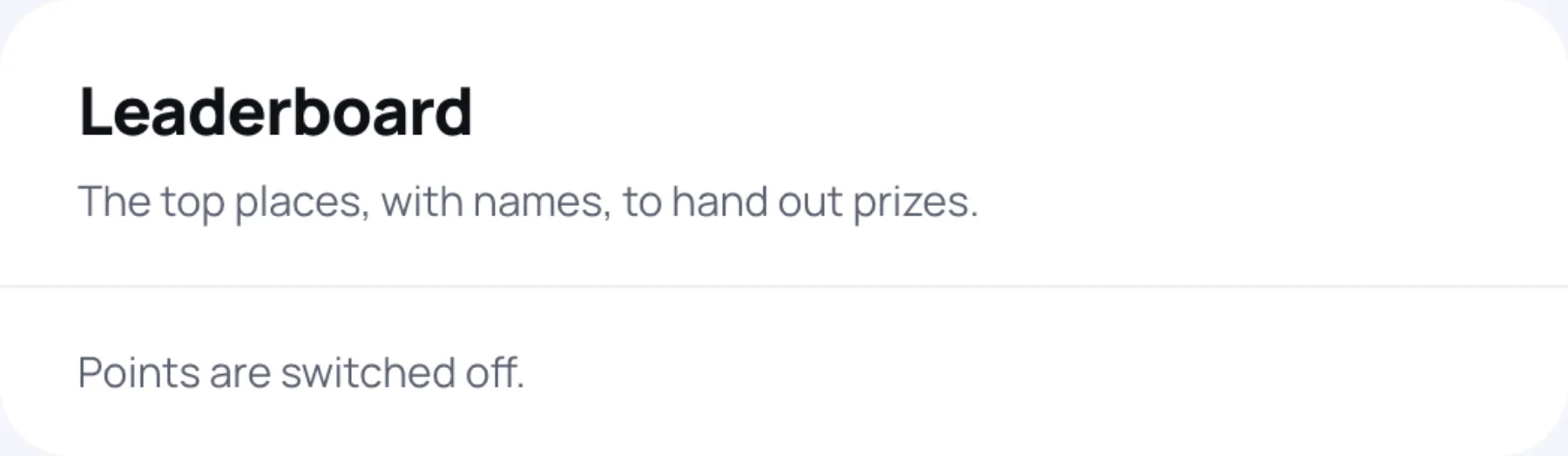
The Leaderboard panel shows the top places with names, so you can hand out prizes. Attendees see names only for people they could find in the delegate directory; everyone else shows as an unnamed place.
The stand passport
A stamp is a stand scanning the attendee's badge, one per stand. Enquiries sent from a stand's page do not count. The stand still gets the visitor's contact details only if the visitor agrees.
Completed passports lists everyone who has the stamps needed, first to finish first, ready for a prize draw.
Run a photo contest
Attendees enter by posting a photo to the event feed with the contest's hashtag while the contest is open. A vote is a reaction on the post.
-
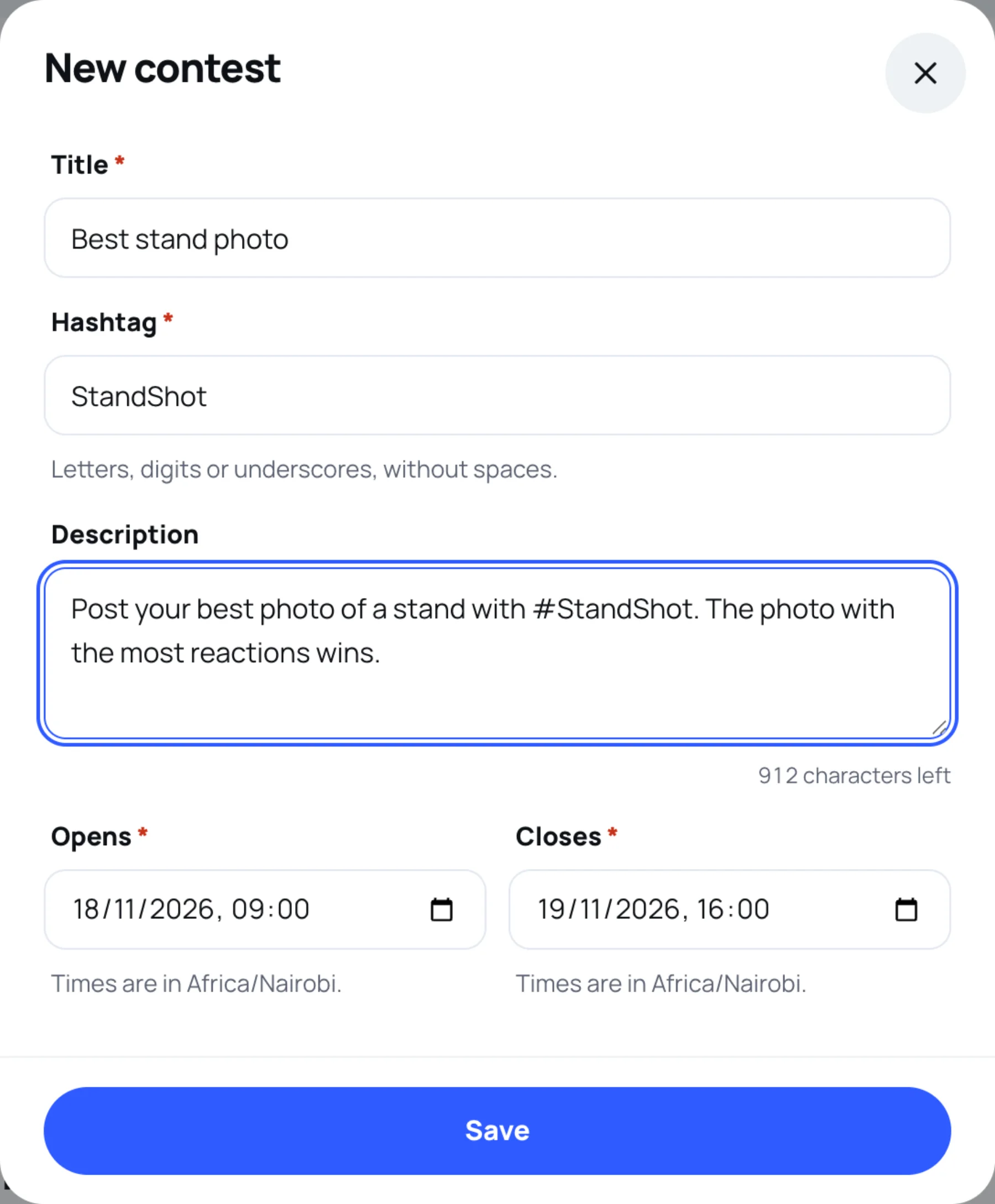
In Photo contests, select New contest.
-
Type a Title, for example "Best stand photo".
-
Type a Hashtag: letters, digits or underscores, without spaces and without the #. For example
StandShot. -
Add a Description telling attendees how to enter.
-
Set Opens and Closes, in the event's time zone.
-
Select Save.
To pick a winner, select Entries on the contest. Entries are ranked by votes, then by who posted first. Select Choose as winner under the photo you pick. Deleting a contest leaves the photos in the feed.
Certificates
When certificates are on and available, each attendee who qualifies downloads a PDF from the app. Each certificate gets a number the first time it is downloaded, and it always shows the attendee's current name.
Last updated