Fill in your profile from a link
Instead of emailing a bio and a headshot, the organisers may send you a link to fill in your speaker profile yourself. You do not need a Zufest account. Nothing is published until the organisers approve it.
Start the form
-
Open the link. The page shows the event, the form's title and the organisers' message, such as what they need and by when.
-
Under Start with your contact details, enter your name and email address, and optionally a phone number. These are for the event team only and are never published.
-
Select Continue.
-
Zufest gives you Your private link. Select Copy link and keep it: it brings you back to your own form to make changes or check the decision. It is also saved on the device you used. Do not share it.
Fill in your profile
Under Your profile, fill in what attendees will see once the organisers approve it. Fields marked with a star are needed before you can send it.
- Headshot*: a clear, recent photo of your face. Square works best. Select Upload.
- Full name*.
- Job title, Organisation and Country.
- Biography*: a short paragraph in the third person, as it should appear in the programme.
- LinkedIn, X and Website.
Then:
- Save and finish later keeps a draft. Come back with your private link.
- Send to the event team sends it for review. It is refused until the starred fields are filled in.
After you send it
The top of the form tells you where it stands:
| Status | What it means |
|---|---|
| Not sent yet | A draft. Fill in the starred fields and send it |
| Sent | The team will check it before it is published. You can still make changes |
| The event team asked for a few changes | Their note says what to change. Update the form and send it again |
| Approved | Your details are published in the event app. To change them now, contact the event team |
| The event team will not be publishing these details | Declined |
You get an email at each decision, with your private link.
If the link does not work
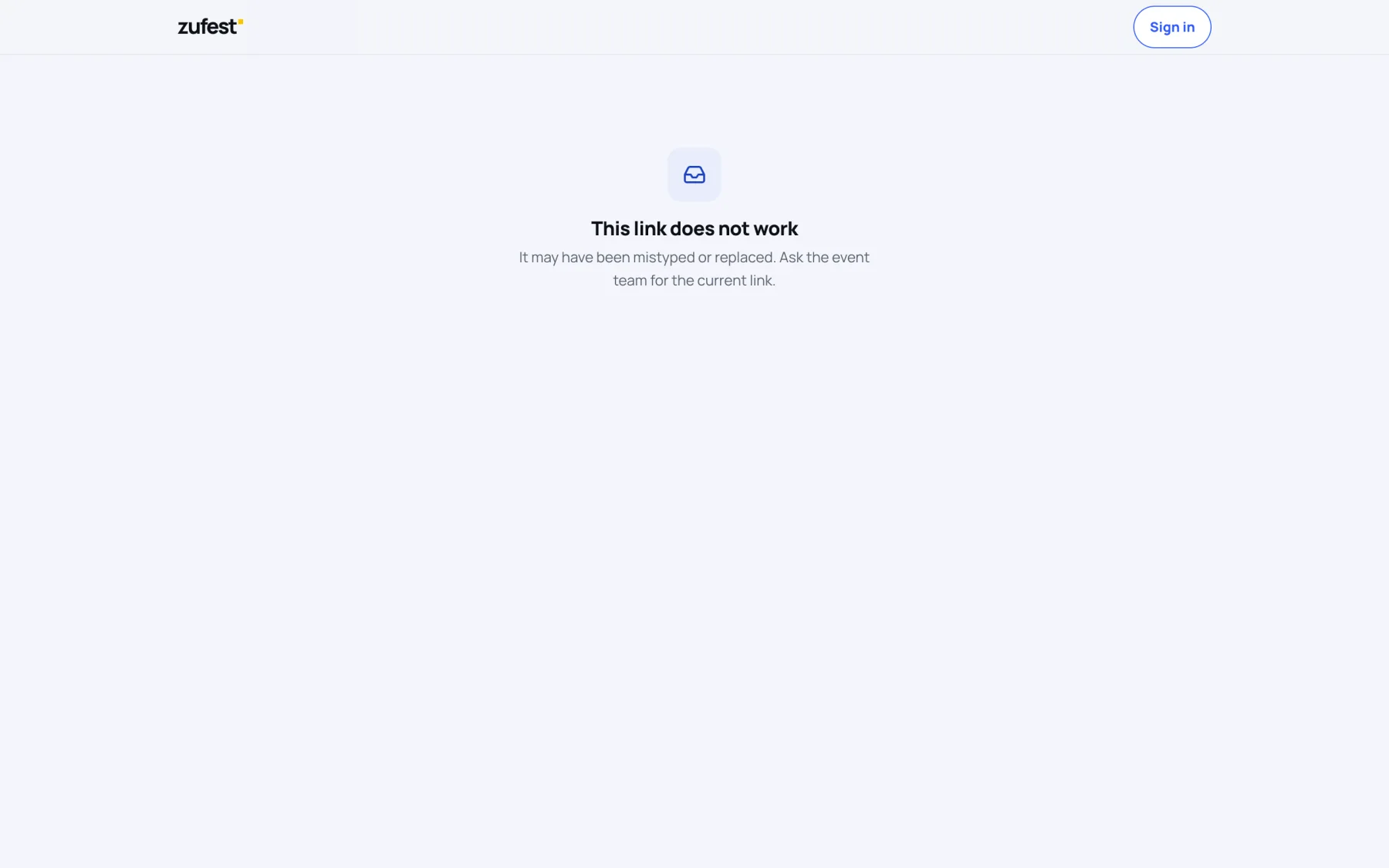
- "This link does not work" means it was mistyped or has been replaced. Ask the event team for the current link.
- "This link is not taking new people" means the shared link is closed. If the team sent you a personal link, open that one instead.
Last updated