Share your details with a stand
Stands collect leads, but they only get your email address and phone number when you say so. This page explains what a stand sees when it scans your badge, and how to share your details, or stop sharing them, at any time.
What a stand sees
| What happened | What the stand sees |
|---|---|
| You opened its page | No contact details. The visit counts towards its booth visits. |
| It scanned your badge, and you have not answered | Your name only. You are asked whether to share more. |
| You chose Share my details | Your name, job title, organisation, email address and phone number. |
| You chose Don't share | Your name only. |
| You sent an enquiry or booked a meeting | Your name, job title and organisation, plus your email and phone only if you ticked Share my contact details. |
When a stand scans your badge
Stand teams can scan your badge as you walk past. When they do, you get a notification, and the stand appears on Stands and your details.
-
Open the notification, or open Menu, then Stands you visited.
-
Each stand shows what it can see: "They see your name only. Share your email and phone?" while you have not decided.
-
Select Share my details to give them your email address and phone number, or Don't share to keep them private.
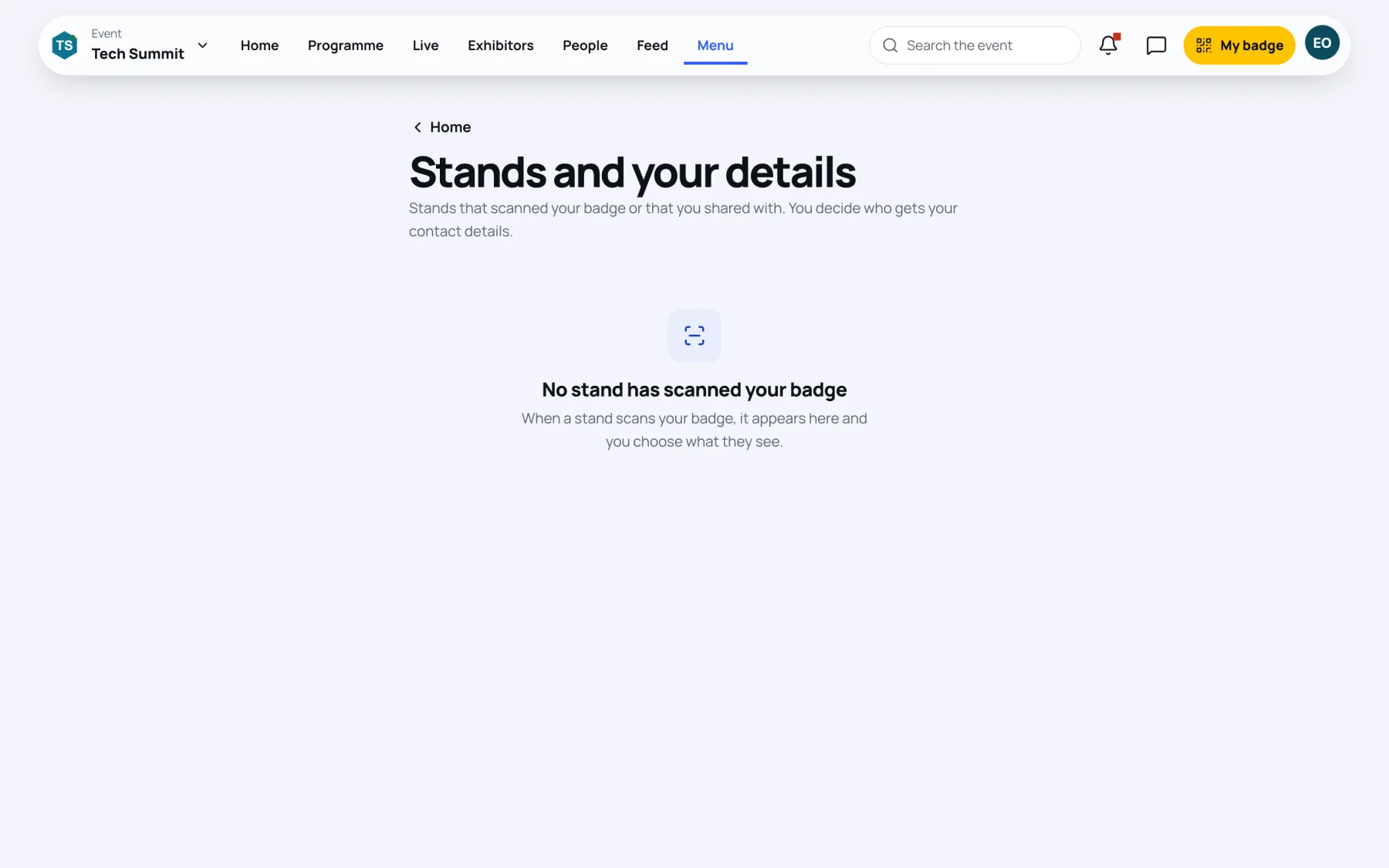
Every scan stays listed, so you can answer later, after the conversation at the stand.
Share your details with a stand yourself
If you want a stand to follow up but they did not scan you:
-
Open the stand's page.
-
Select Share my details with this stand.
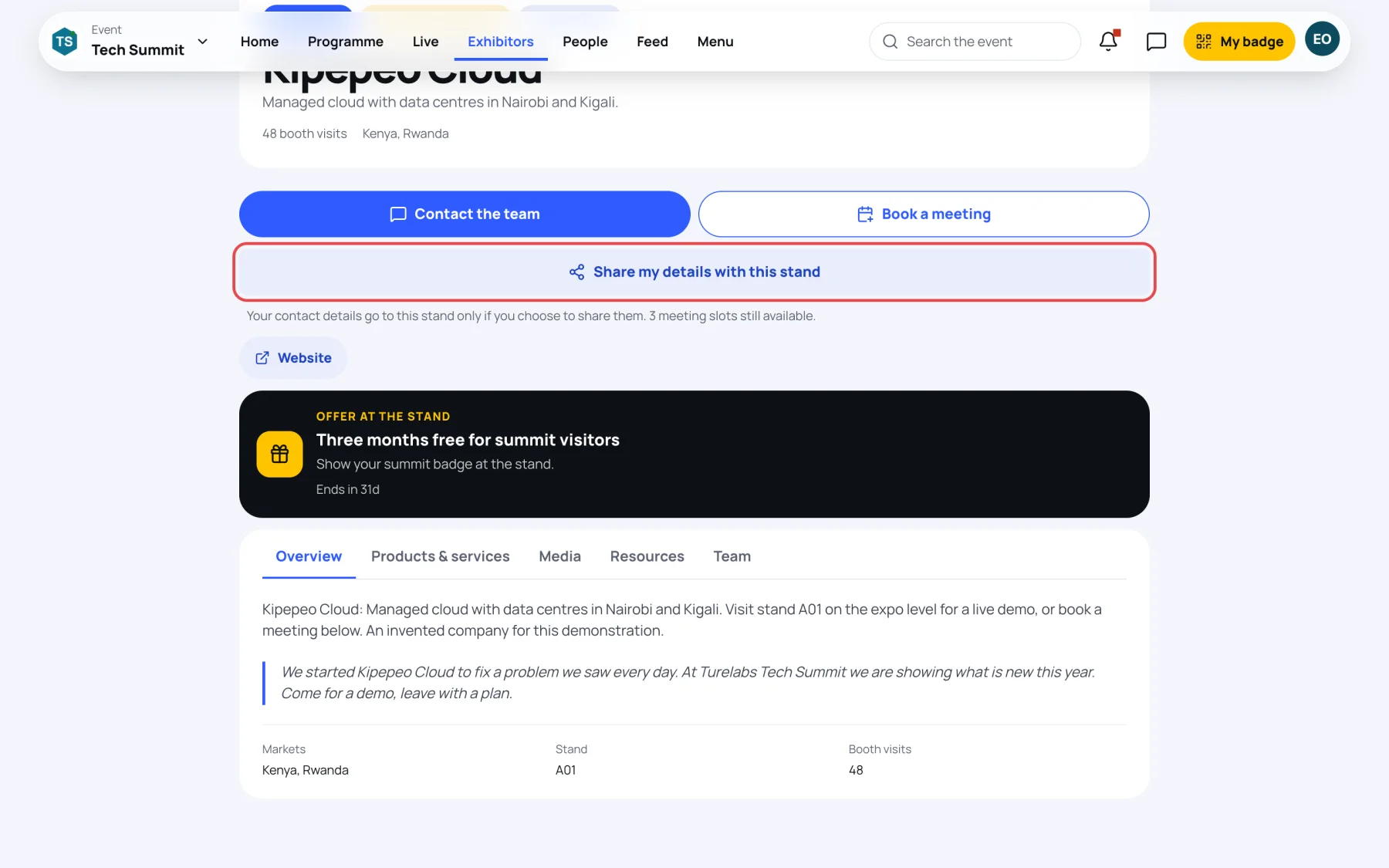
You see "Your details are shared", and the button changes to Stop sharing my details.
Stop sharing
You can change your mind at any time:
- On the stand's page, select Stop sharing my details, or
- On Stands and your details, select Stop sharing next to the stand.
From then on the stand's lead list no longer shows your contact details.
Last updated