Who can watch a stage
By default, everyone with a confirmed place can watch every stage while it runs. You can narrow that for a stage: to some ticket types, to holders of a perk, away from some countries, or to a maximum number of viewers.
Set the rules
-
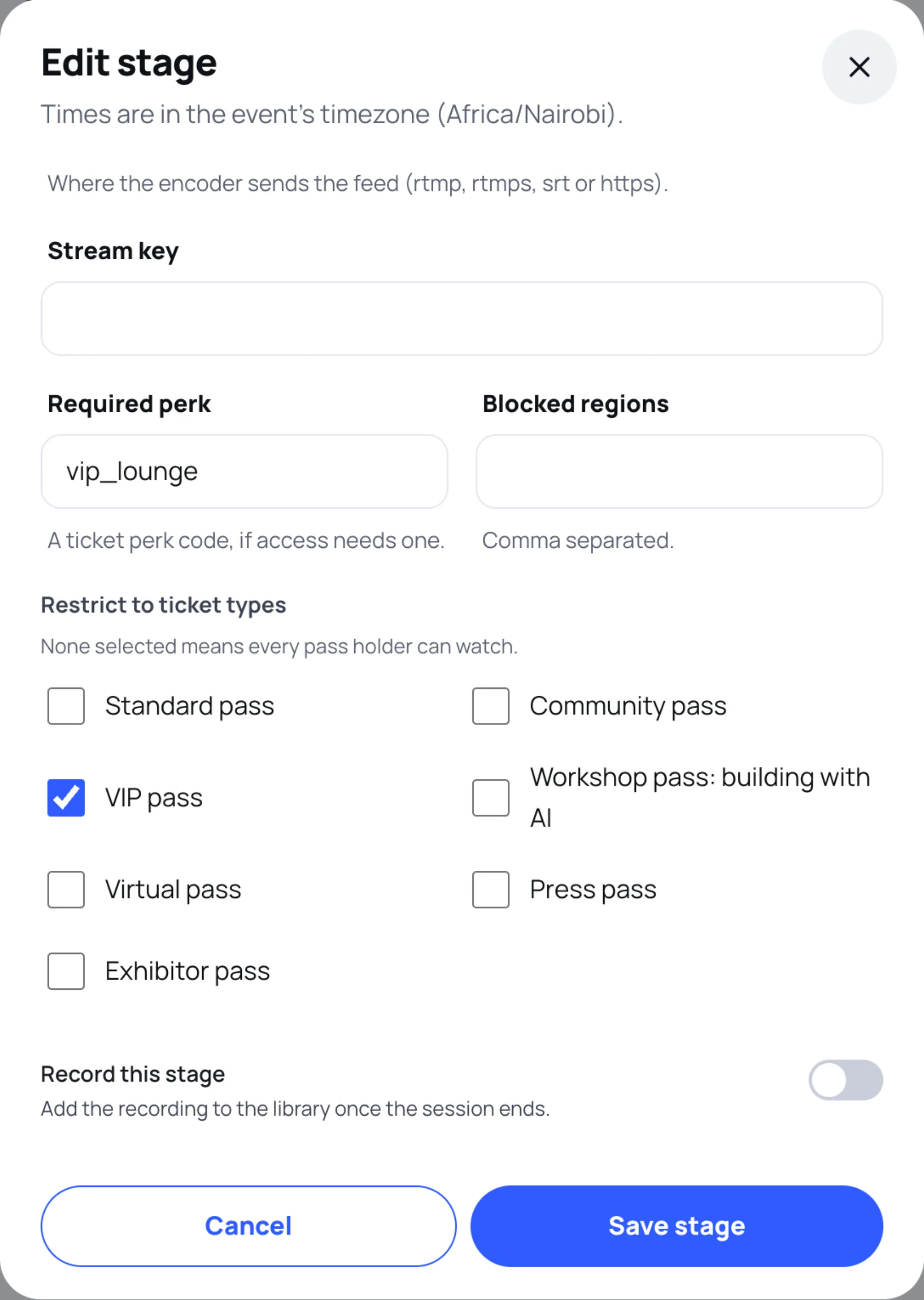
On Stages and recordings, select the pencil on the stage.
-
Scroll to the access fields.
-
Set any of these:
- Restrict to ticket types: tick the tickets that may watch. With none ticked, every pass holder can watch.
- Required perk: a ticket perk code, such as
vip_lounge. Only people who hold that perk may watch. - Blocked regions: countries where the stream must not play, separated by commas. They are matched against the country in each person's profile, so write them the same way, for example
Kenya, Uganda. - Capacity: the most people who may watch at once. Leave it empty for no limit.
-
Select Save stage.
The Access column on the stage list shows All pass holders, or how many ticket types may watch.
The checks, in order
Each time someone opens a stage, Zufest checks:
| Check | What the attendee sees when it fails |
|---|---|
| The stage has ended | This stage has finished. They are offered the recordings. |
| The stage has not started, or is offline | This stage has not started yet, with the start time. |
| Their profile country is blocked | This stream is not available in your region. |
| Their ticket or perk is not included | Your pass does not include this stage, with See pass options. |
| The stage is full | This stage is at capacity. Try again in a few minutes. |
Only a confirmed place counts. Someone whose order is waiting for payment or review cannot watch yet.
The stage chat
The same ticket, perk and region rules decide who can read and post in the stage's chat. Chat that needs review is moderated under Community moderation (see Moderate the community).
Last updated