Host or join a meet-up
Meet-ups are small gatherings that attendees organise themselves: a coffee before the keynote, a breakfast for people in the same field, a walk at lunch. Anyone taking part in the event can see them and join.
Find meet-ups
-
Open Menu, then Meet-ups.
-
The Upcoming tab lists meet-ups that have not happened yet. Mine shows the ones you host or are going to, and Past shows earlier ones.
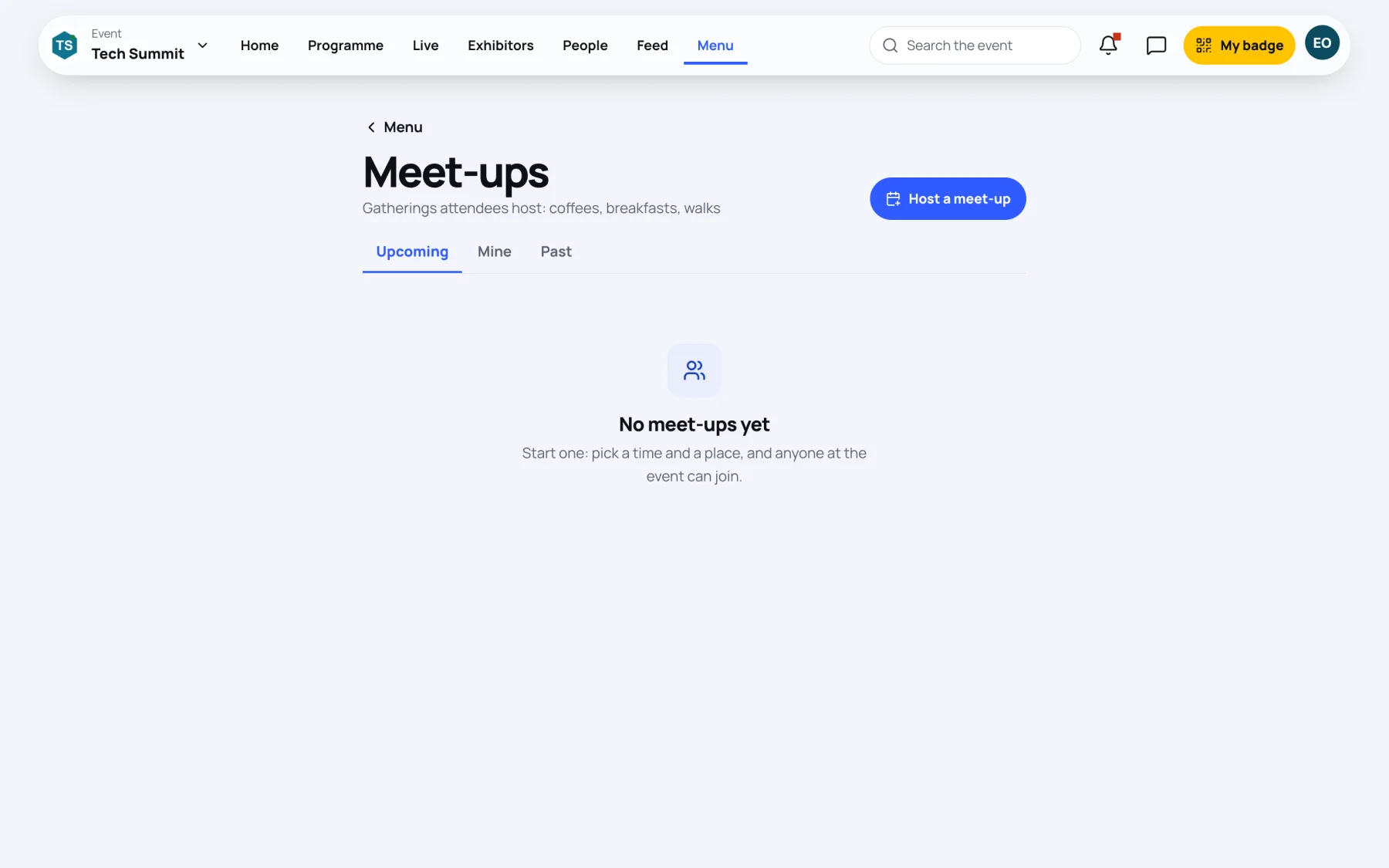
Each meet-up shows its title, time, place and who hosts it, with how many people are going and, when the host set a limit, how many places there are.
Join a meet-up
-
Find the meet-up on Upcoming.
-
Select I’m going. The meet-up moves into your Mine tab and shows You’re going.
-
To change your mind, select Not going.
When every place is taken, the button shows Full.
Host a meet-up
-
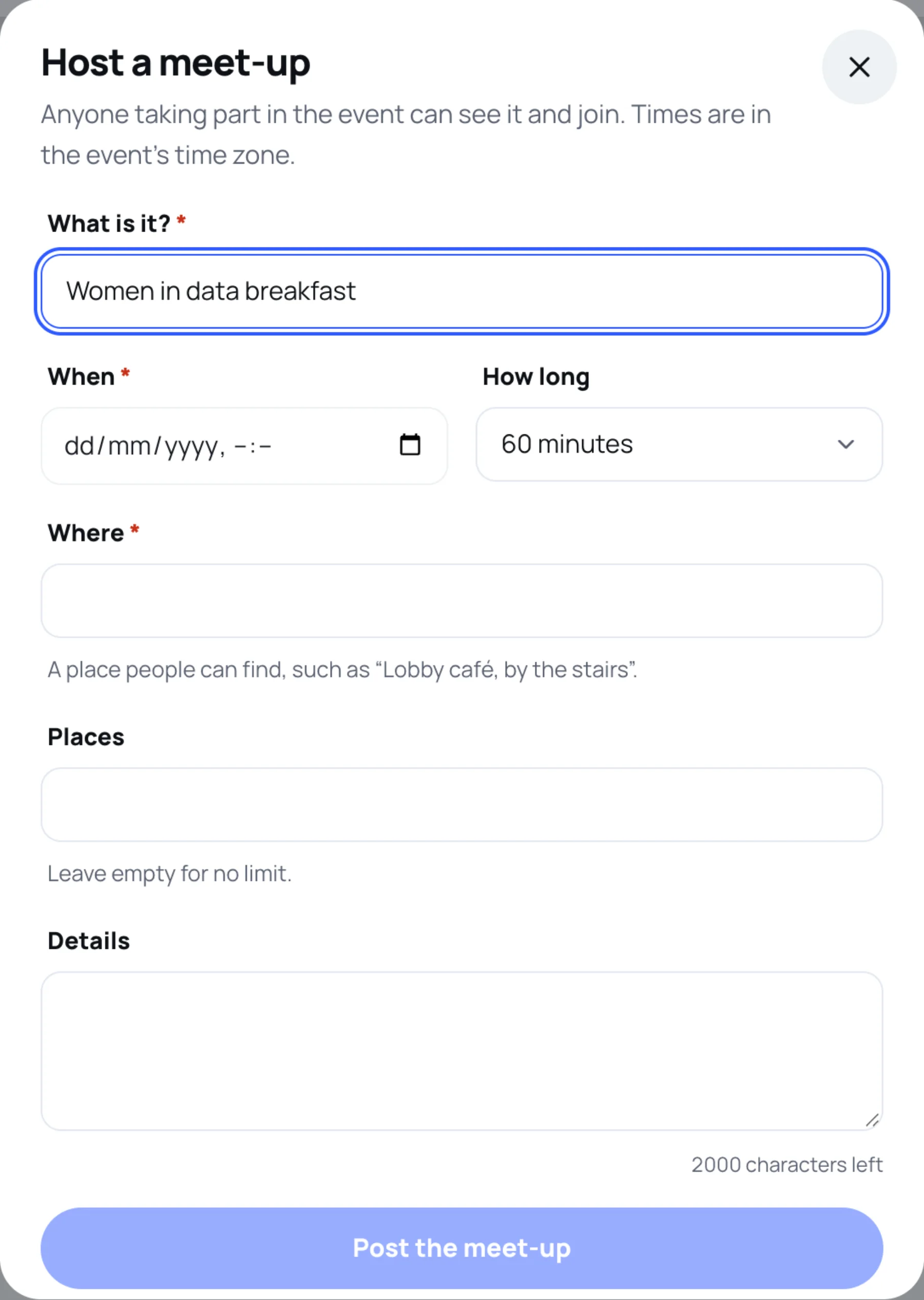
On the Meet-ups page, select Host a meet-up.
-
In What is it?, give it a clear title, such as "Women in data breakfast".
-
Choose When and How long. Times are in the event's time zone.
-
In Where, name a place people can find, such as "Lobby café, by the stairs".
-
Optional: set Places to cap the numbers. Leave it empty for no limit.
-
Optional: add Details.
-
Select Post the meet-up.
Change or cancel your meet-up
On your meet-up, select Edit to change it, or Cancel meet-up to call it off. When you cancel, everyone going is told in their inbox. This cannot be undone.
Last updated