Speakers
Each speaker has a page with their biography, their links and every session they are in at this event. Following a speaker means you never miss one of their sessions.
Open a speaker's page
-
Open any session they speak in, from Programme.
-
Under Speakers, select their name.
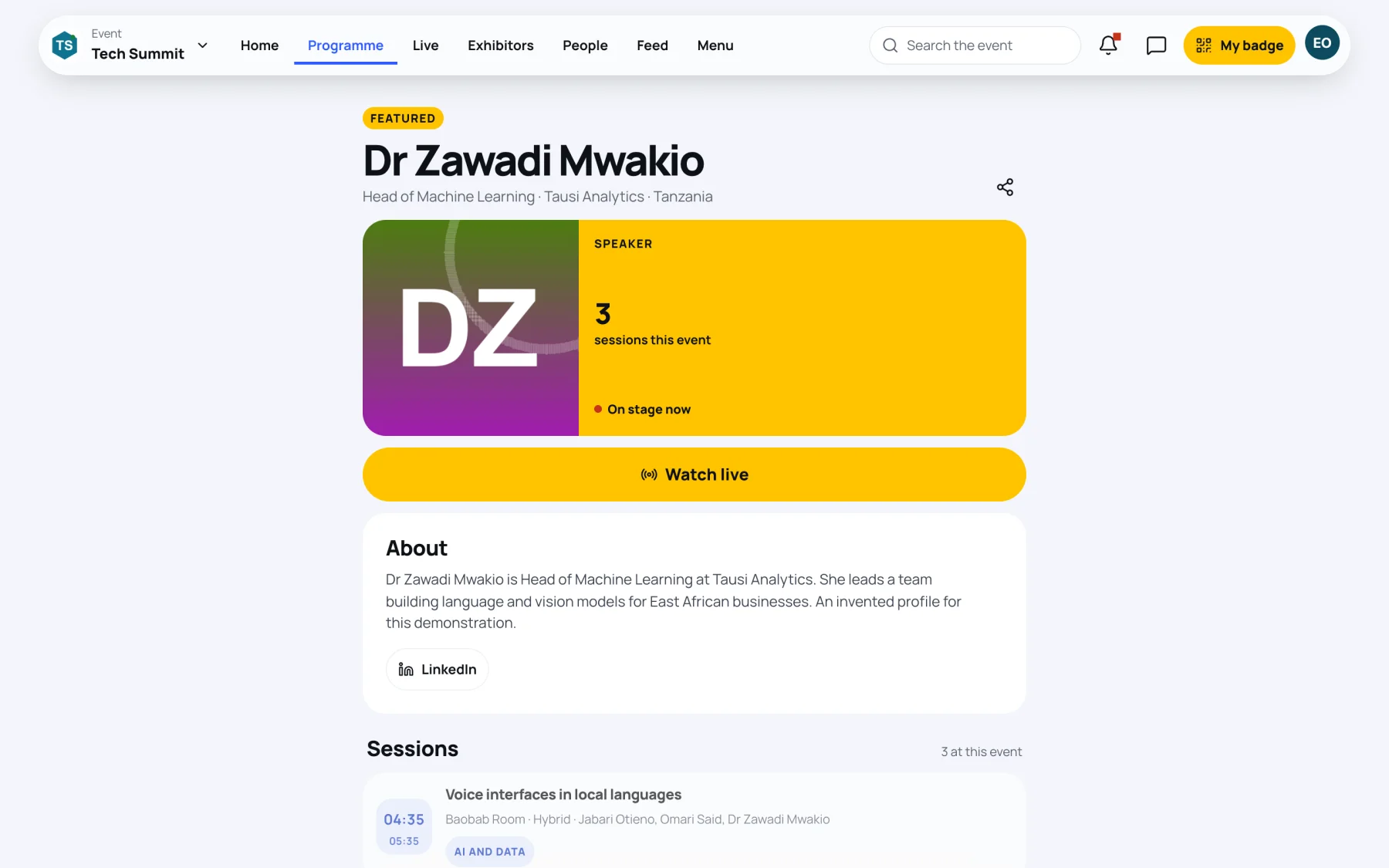
The page shows:
- Their job title, organisation and country.
- Featured when the organisers have marked them as a featured speaker.
- How many sessions they have at this event, and On stage now while one of them is live.
- About: their biography and links such as LinkedIn or a website.
- Sessions: each of their sessions at this event. Select one to open it.
Follow a speaker
-
On the speaker's page, select Follow. It changes to Following.
-
Zufest sets a reminder before each of their sessions, including any added later.
To stop, select Following. Reminders you set yourself on a session stay as they are.
Watch a speaker live
While a speaker is on stage, their page shows Watch live. Select it to open the live stage. See Watch a live stage.
Still stuck?
Tell us what you were trying to do and we will help.
Contact us
Last updated