Pay for your order
For a paid pass, your place is held while you pay and confirmed as soon as the payment is confirmed. This page explains each way to pay and what you see while a payment is in progress.
Choose how to pay
-
Under Paying from, choose your country. The methods on offer depend on it.
-
Under How would you like to pay?, choose a method. The organiser decides which methods their event accepts.
-
If a method is charged in another currency, it shows Charged as and the amount you will pay in that currency. The rate is fixed when you see it, not looked up at the moment you pay.
-
Select the button at the bottom of the order. The hold note above it says how long your places are kept.
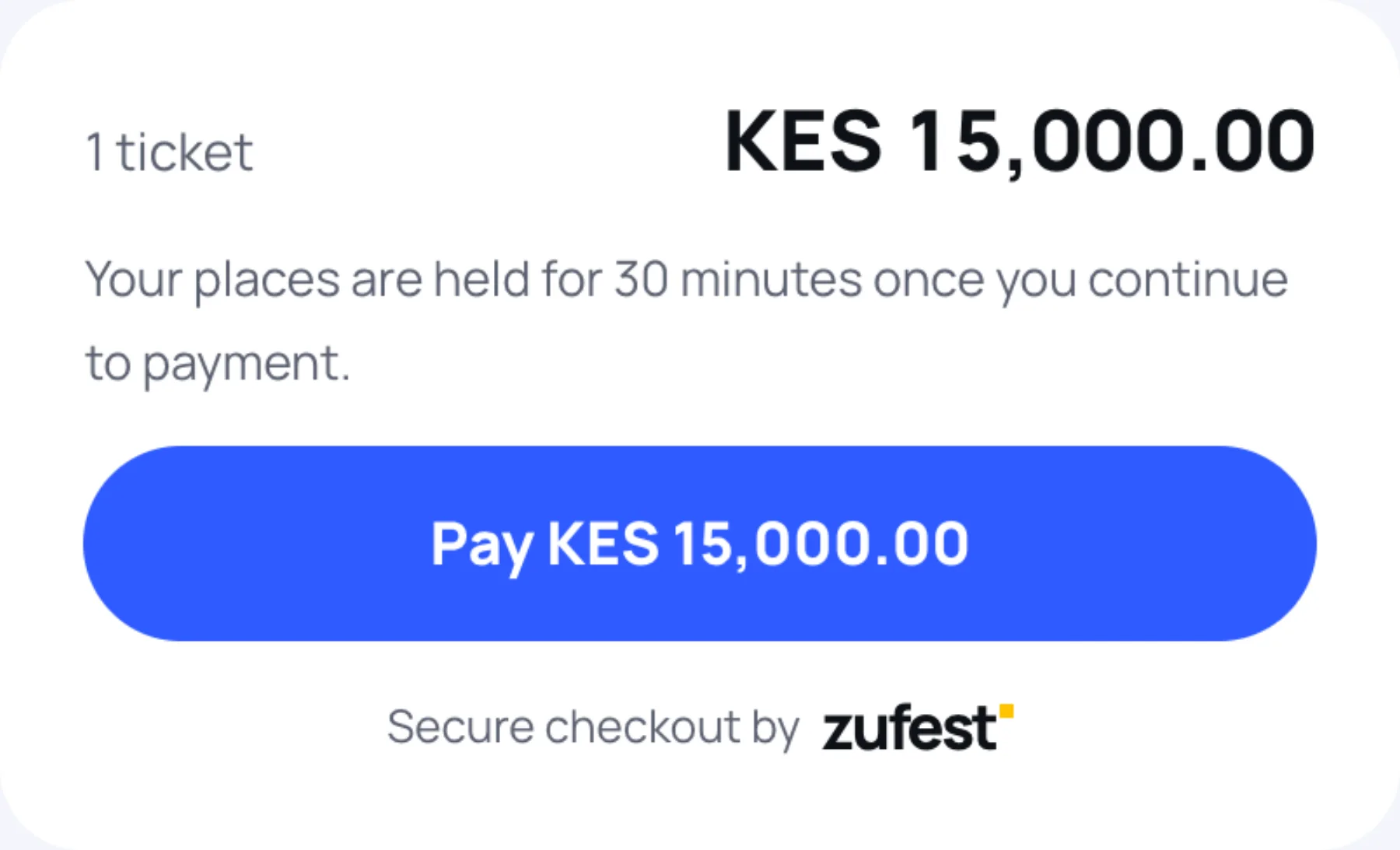
The ways to pay
| Method | What you do | When your place is confirmed |
|---|---|---|
| Mobile money | Enter your Mobile money number. A payment request is sent to that phone. Approve it with your PIN | When the provider confirms the payment |
| Card or wallet | Zufest shows Taking you to the payment page and opens the provider's secure page. Pay there and you come back to Zufest | When the provider confirms the payment |
| Pay the organiser | Read How to pay the organiser, then select Place order for and the amount. You get a payment reference to quote when you pay | When the organising team has checked your payment |
| Invoice | Select Request invoice for and the amount. The organiser sends you an invoice | When the organising team records your payment |
Follow your payment
Until the payment is confirmed, your order shows Awaiting payment and a status card with the time your place is held until.
| What the card says | What to do |
|---|---|
| Approve the payment on your phone | Check your phone for the request and enter your PIN. If it did not arrive, check the number and select Send a new request |
| Waiting for payment confirmation | Wait. The page updates on its own. If you have not paid yet, select Continue to payment |
| Payment not completed | No payment was received. Select Pay now to try again |
| Place held, awaiting your payment to the organiser | Pay the organiser using the details shown, then send your transaction reference |
| Place held, awaiting invoice payment | Pay the invoice. Your place is confirmed once the organiser records it |
| Your hold has expired | Payment was not completed in time and the place is being released. Register again if tickets are still available |
Pay another way
If one method does not work for you, select Use another way to pay on the status card. You keep the same order, the same total and the same hold. If your last payment is still in progress, finish it or wait until it fails first.
Pay the organiser directly
Some organisers take payment by bank transfer or mobile money to their own account.
-
Place the order. The status card shows the amount to pay, for example Pay KES 15,000.00 to the organiser, and under Quote this reference when you pay: a reference that starts with ZFT. Select Copy to copy it.
-
Pay the organiser using the instructions on the card, quoting the reference.
-
Select I have paid.
-
Enter the Transaction reference from your payment confirmation message, bank slip or receipt, and the Date paid. Add a Note for the organiser if someone else paid.
-
Select Send payment reference.
The card then says the organising team is checking it. If they cannot match it, the card says so and you can check the reference and send it again.
Coming back from the payment page
When you return from a provider's page, Zufest shows the result:
- Confirming your payment means Zufest is waiting for the provider. The page updates on its own and there is no need to pay again.
- Payment received means you are registered and your badge is ready.
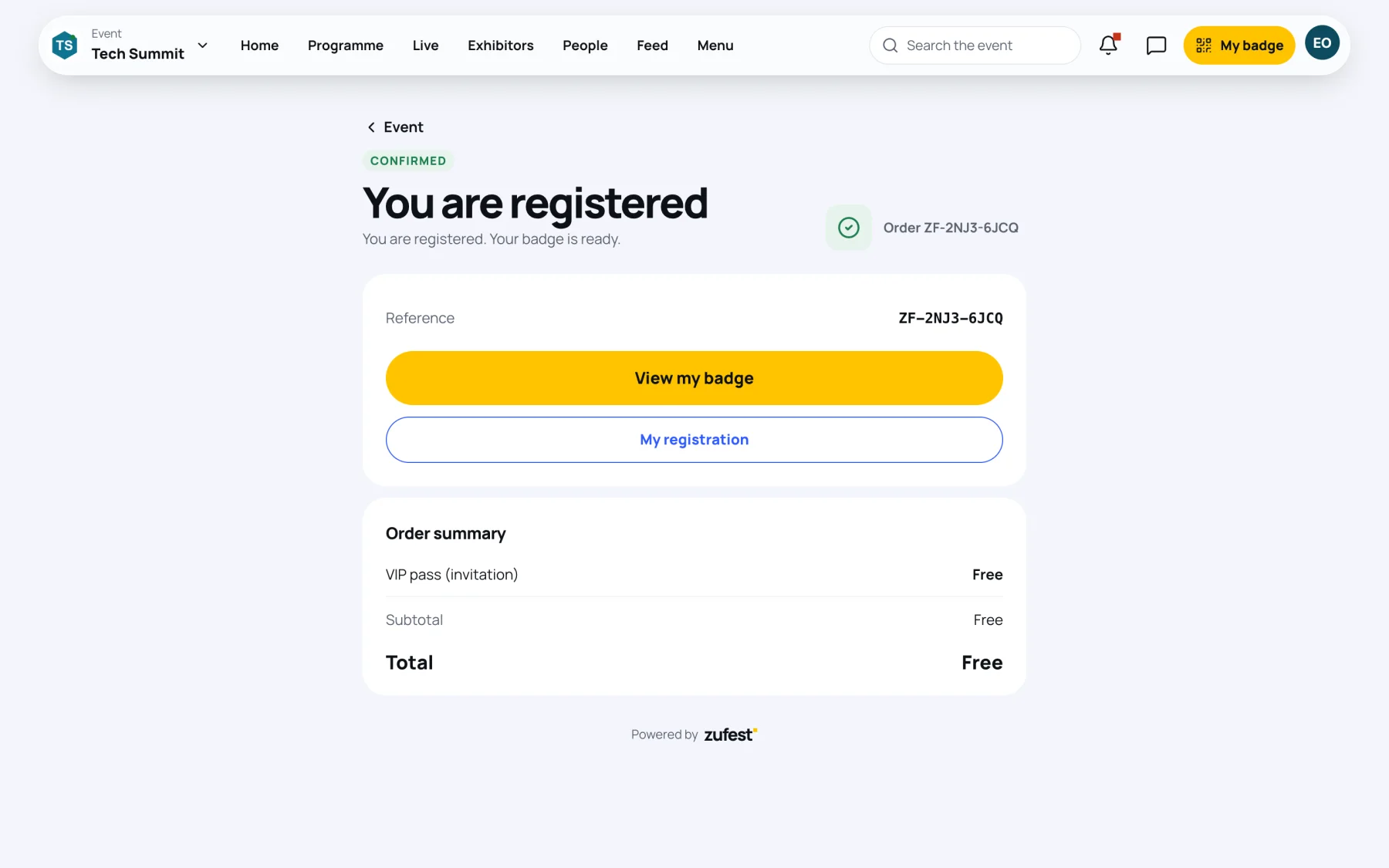
Your receipt is in My registration once the payment is confirmed. See Your registration.
Last updated