Give session feedback
Your rating tells the speakers and the programme team how a session went. It takes a few seconds and you can change it later.
Rate a session
-
Open the session from Programme or My agenda.
-
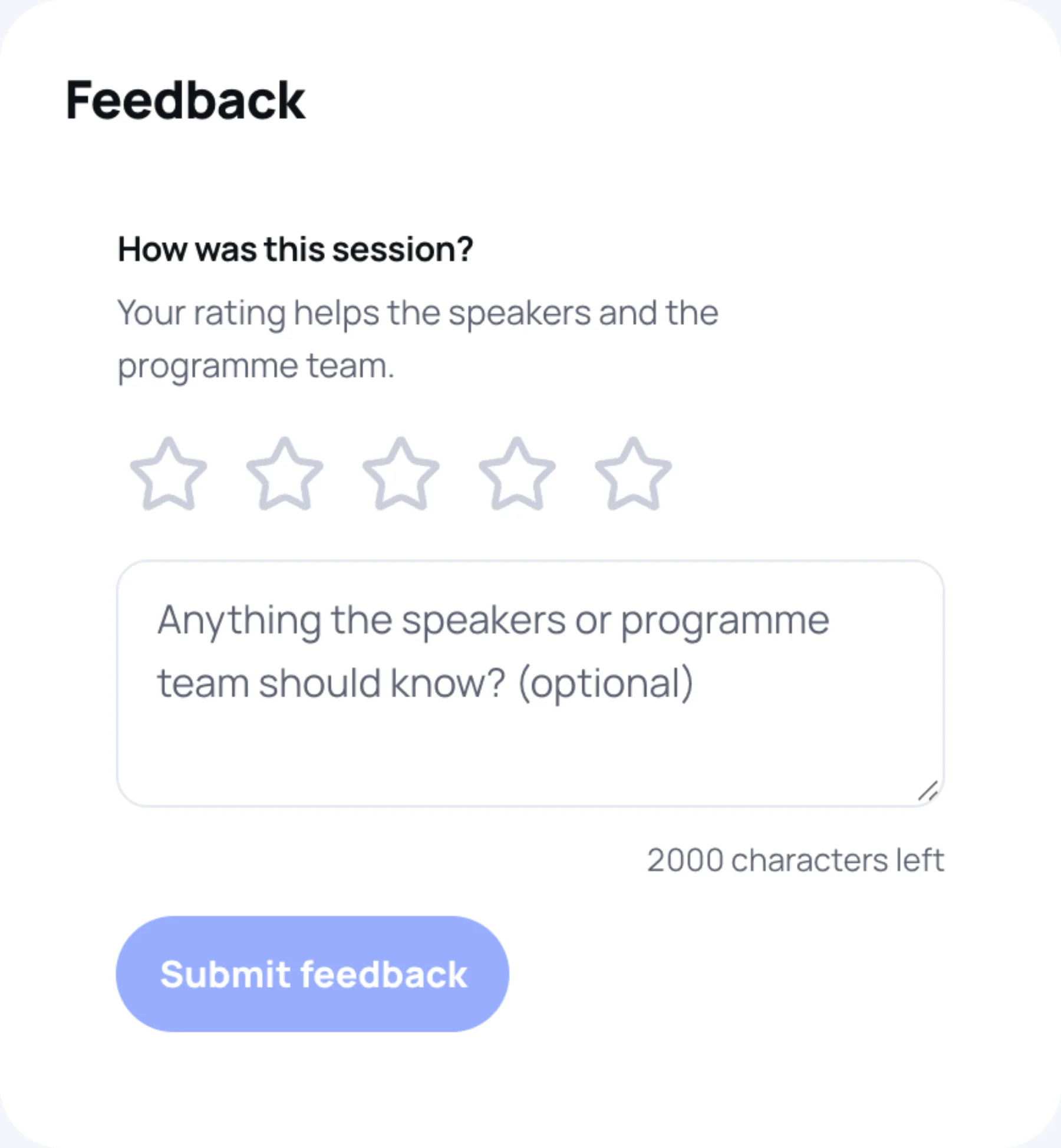
Find How was this session?. On a computer it is in the right-hand column; on a phone, scroll down.
-
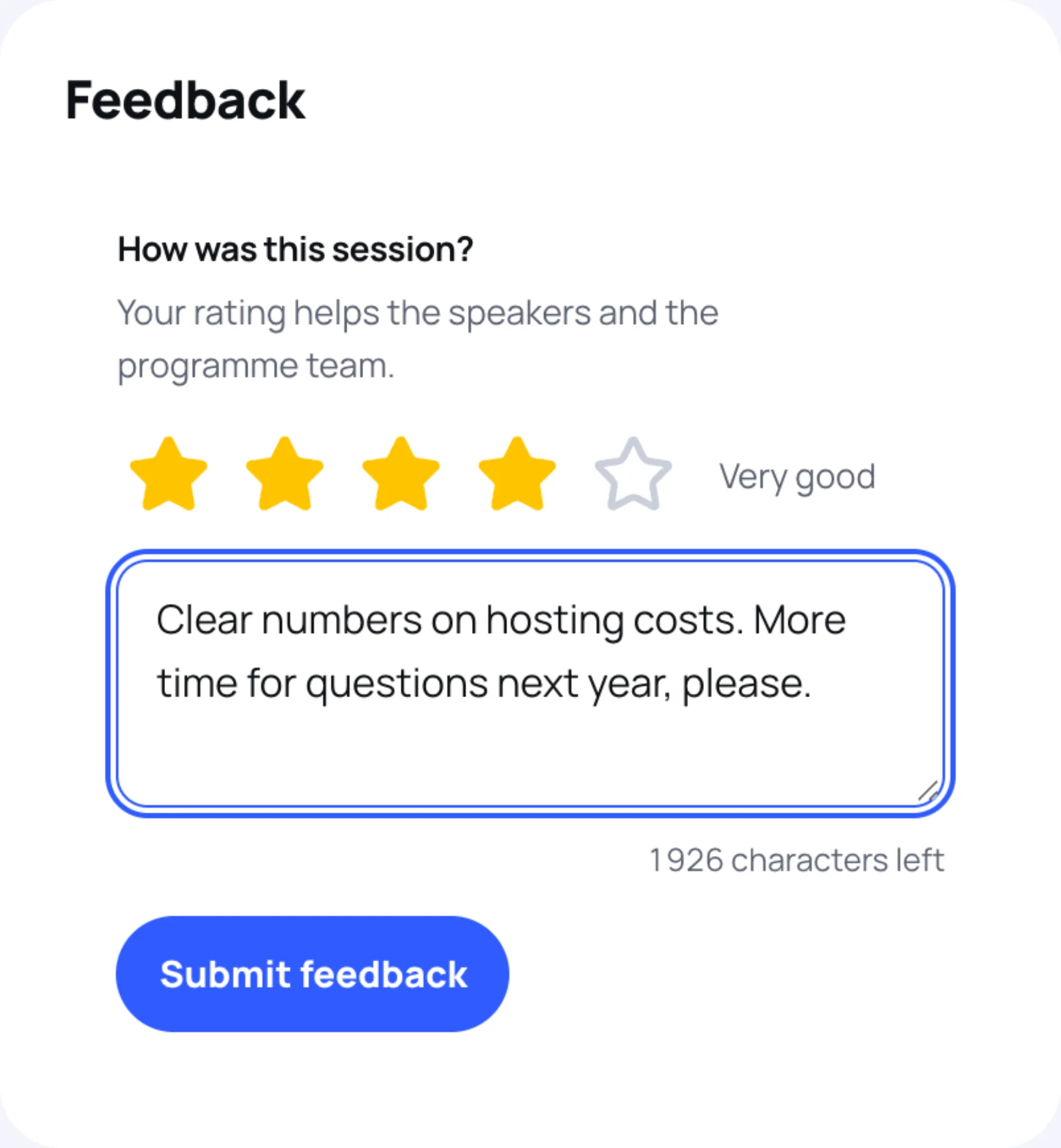
Select a star. One star is Poor and five is Excellent. The word for your rating appears beside the stars.
-
Optional: add a comment in the box, for example what worked or what you would change. You have up to 2,000 characters.
-
Select Submit feedback.
The panel then shows your rating and comment. Once a few people have rated the session, it also shows the average.
Change your feedback
-
Open the session again.
-
Select Change my feedback.
-
Change the stars or the comment, then select Update feedback.
Last updated