Send a message
Messages let you talk to the people you have connected with at the event, one to one or in a group. Conversations stay inside the event, and your email address and phone number stay private unless you choose to share your contact card.
Open your inbox
-
Select People, then the speech bubble at the top right of the Network page. On a computer you can also use the speech bubble in the top bar, or open Menu, then Messages.
-
The Inbox lists your conversations, newest first. A blue dot marks a conversation with unread messages, and the line under Inbox says how many are unread.
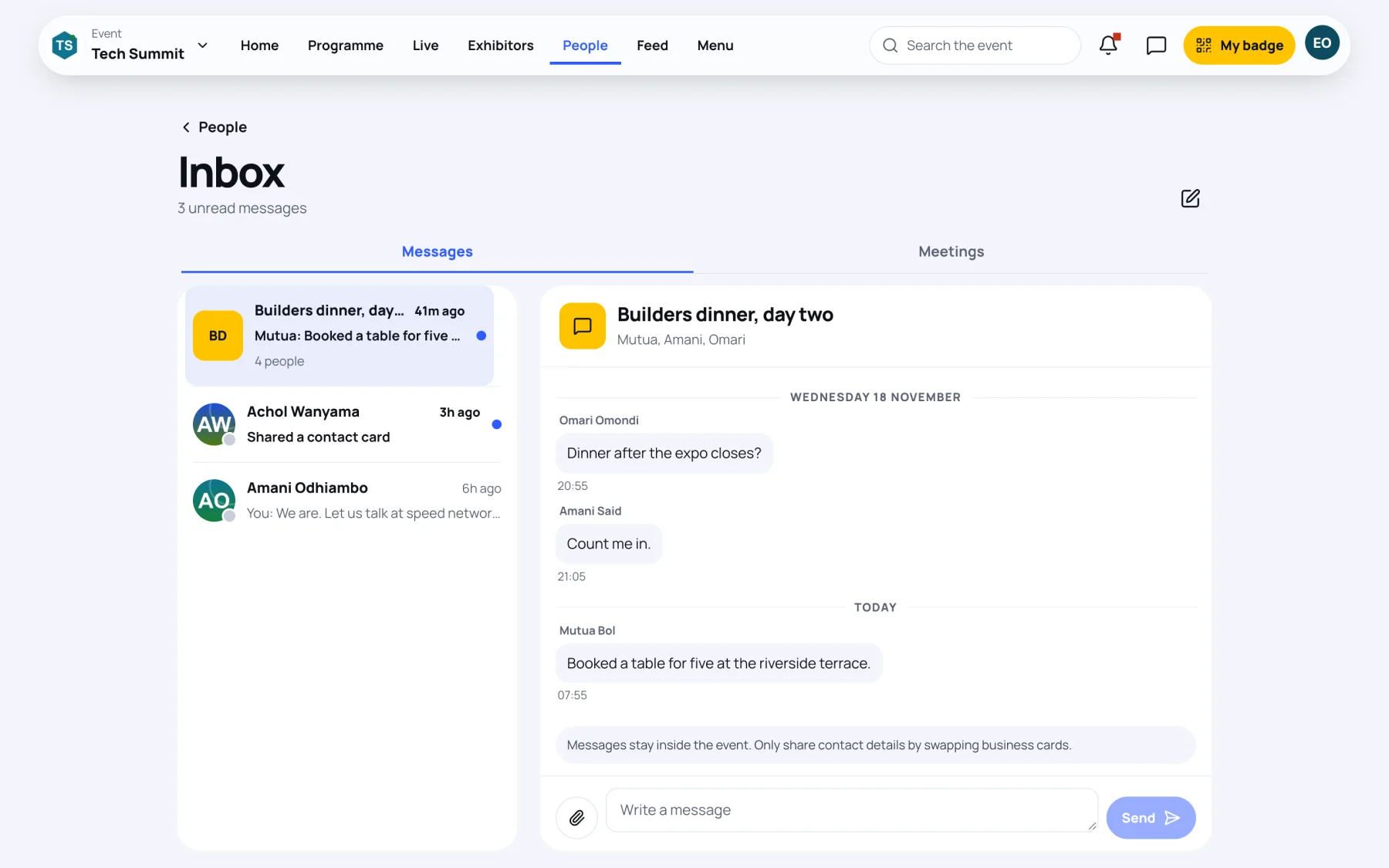
On a computer the conversation opens beside the list. On a phone it opens on its own screen.
Start a conversation with someone
-
Open the person's profile, from the directory, the Connections tab or your saved contacts.
-
Select Message. If you have written to each other before, the existing conversation opens.
Write and send
-
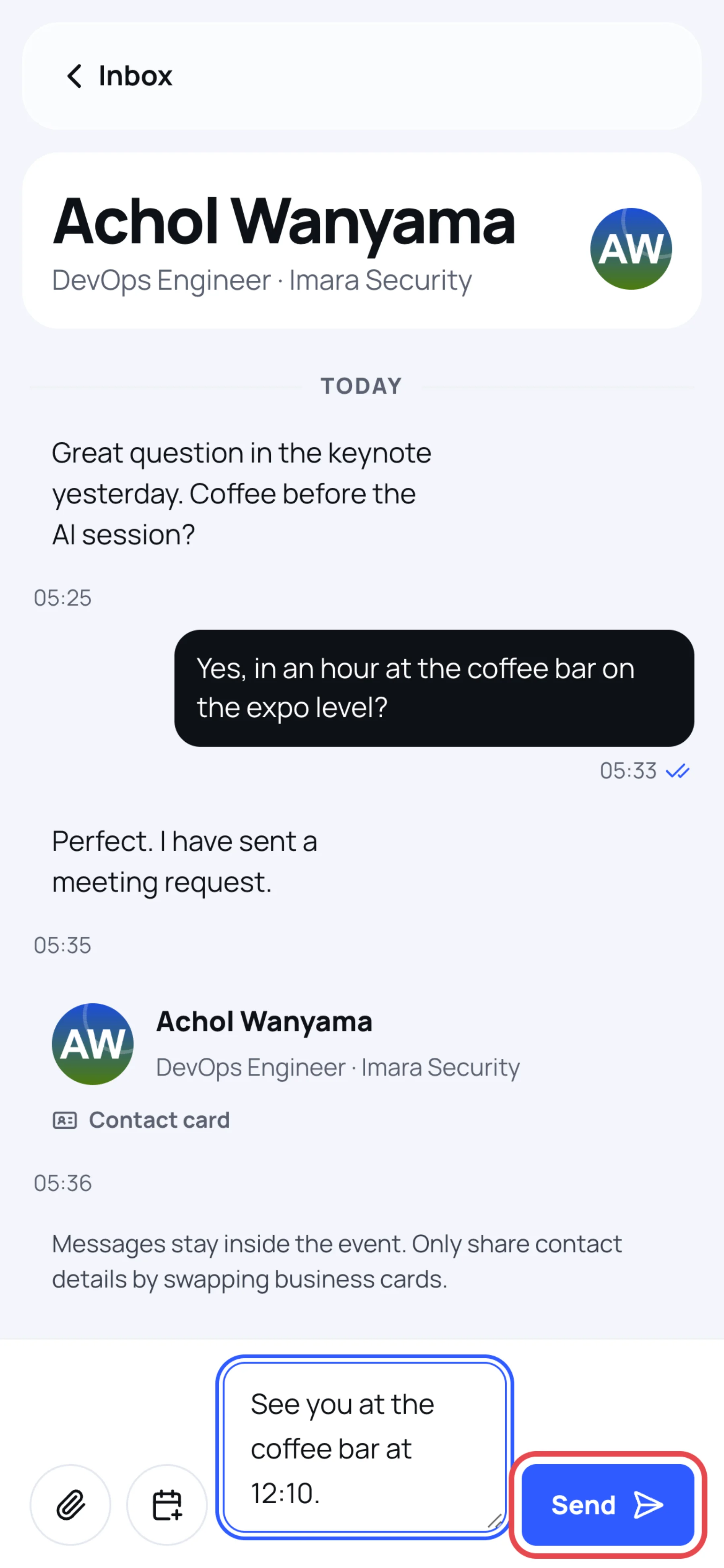
Type in Write a message.
-
Select Send.
Under each message you sent, the ticks show whether it was sent, delivered or read. When the other person is typing, you see it under the last message.
Share your contact card
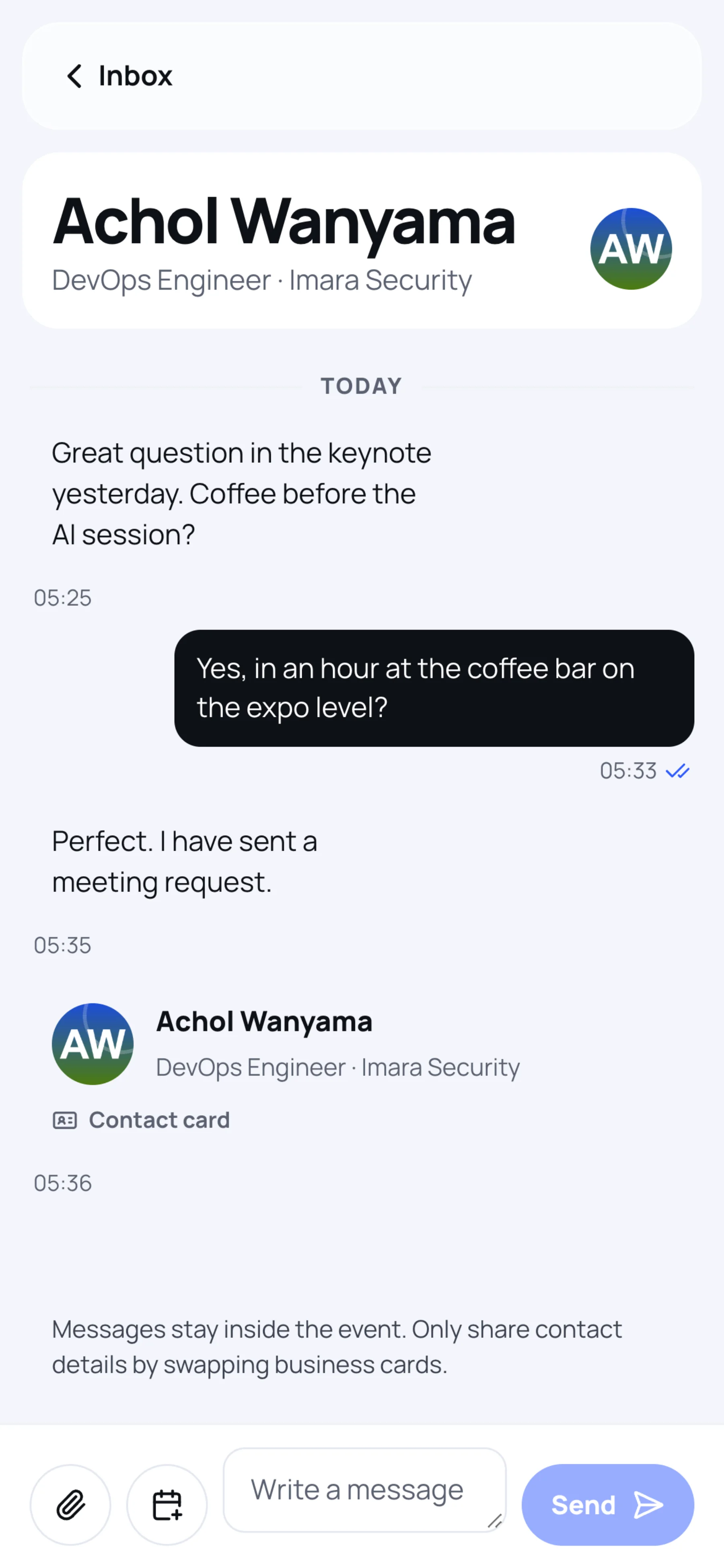
The paperclip button next to the message box shares your contact card in the conversation, straight away. The other person can then open it and see the contact details on your card.
Propose a meeting from a conversation
In a one-to-one conversation, select the calendar button next to the paperclip. The Request a meeting sheet opens with the other person already chosen. The request appears in the conversation as a Meeting request card, which the other person can Accept or Decline there.
For the details of the meeting form, see Book a meeting.
Start a group conversation
A group brings two or more of your connections into one conversation, for example to plan a dinner.
-
In the Inbox, select the pen button at the top right (Create a group conversation).
-
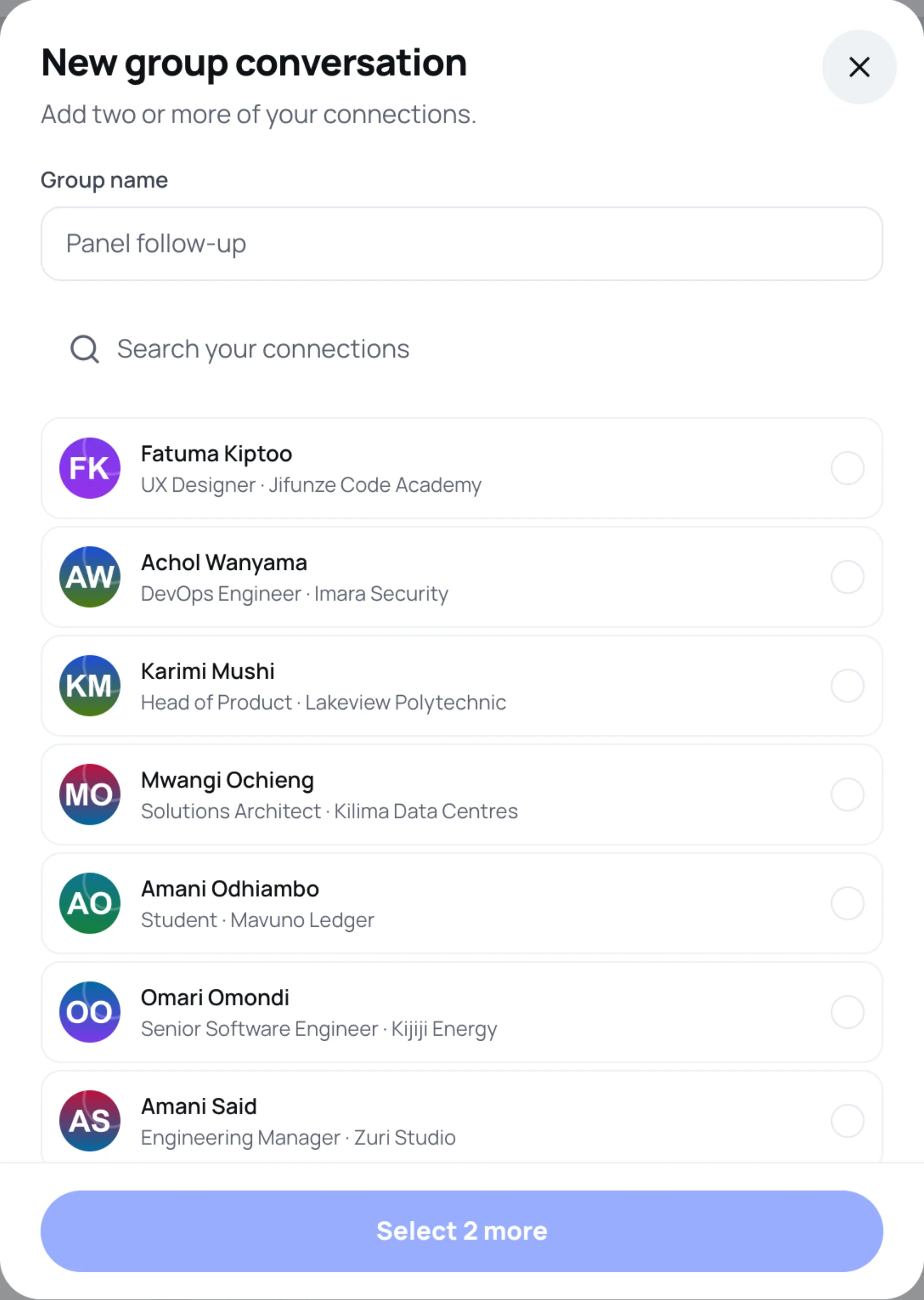
In Group name, type a name, such as "Panel follow-up".
-
Tick at least two of your connections. Use Search your connections to find people.
-
Select the button at the bottom, which shows how many people the group will have.
Everyone in the group sees every message in it.
Last updated