Browse exhibitors
The exhibitor directory lists every stand at the event. Search it, filter it by category, and save the stands you want to visit so you can find them again on the floor.
Open the exhibitor directory
-
Open the event and select Exhibitors in the top bar. On a phone, open Menu, then Exhibitors.
-
The page says how many exhibitors are on the floor. Sponsored stands may be shown in a banner at the top, marked Sponsored.
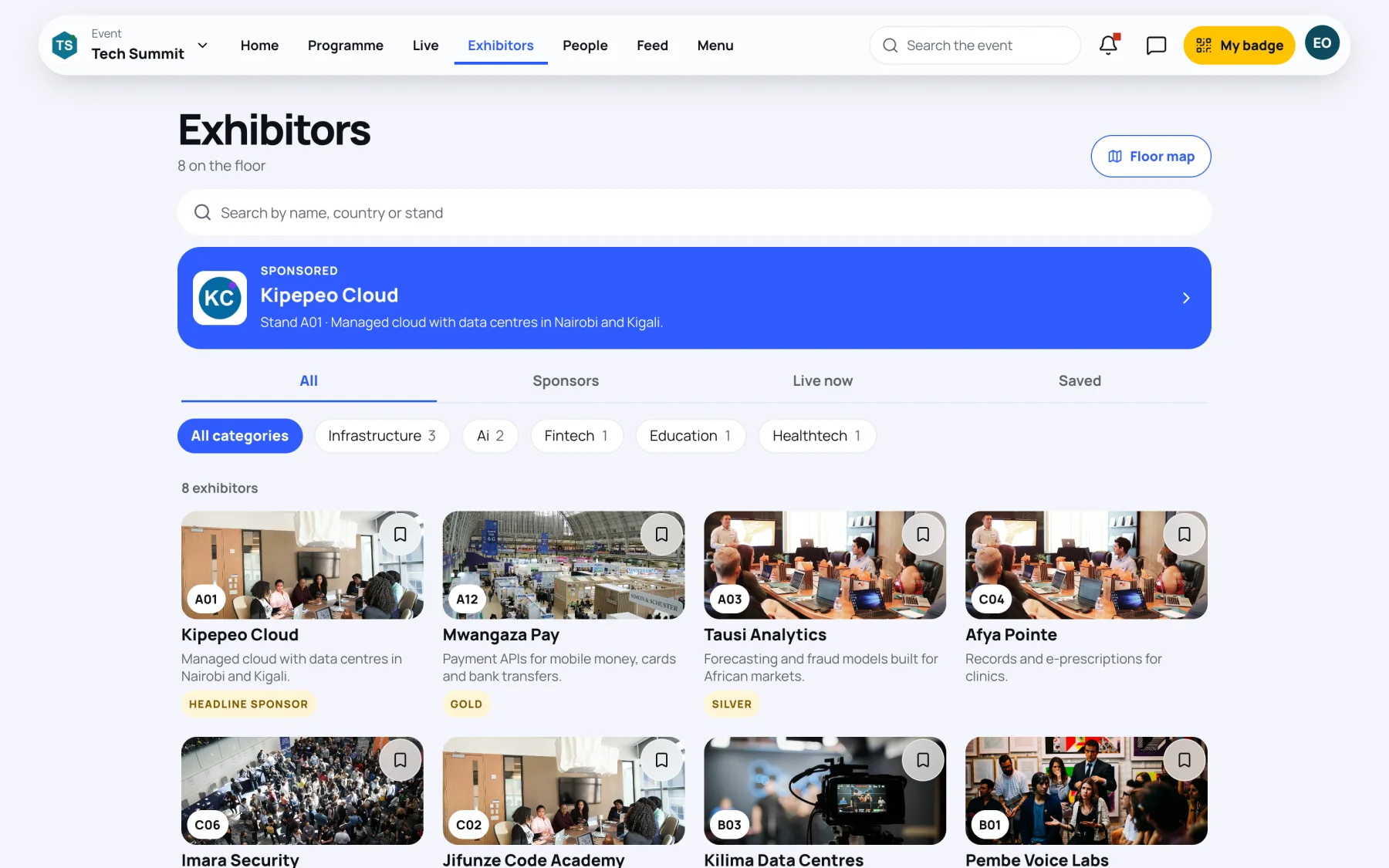
Each card shows the stand's cover picture and number, its name and tagline, and its sponsor tier if it has one, such as Headline sponsor, Gold or Partner.

Search and filter
-
Type in Search by name, country or stand. A stand number such as "A12" works too.
-
Choose a category chip to show only that kind of exhibitor. The number on each chip is how many stands it holds. Select All categories to see everyone again.
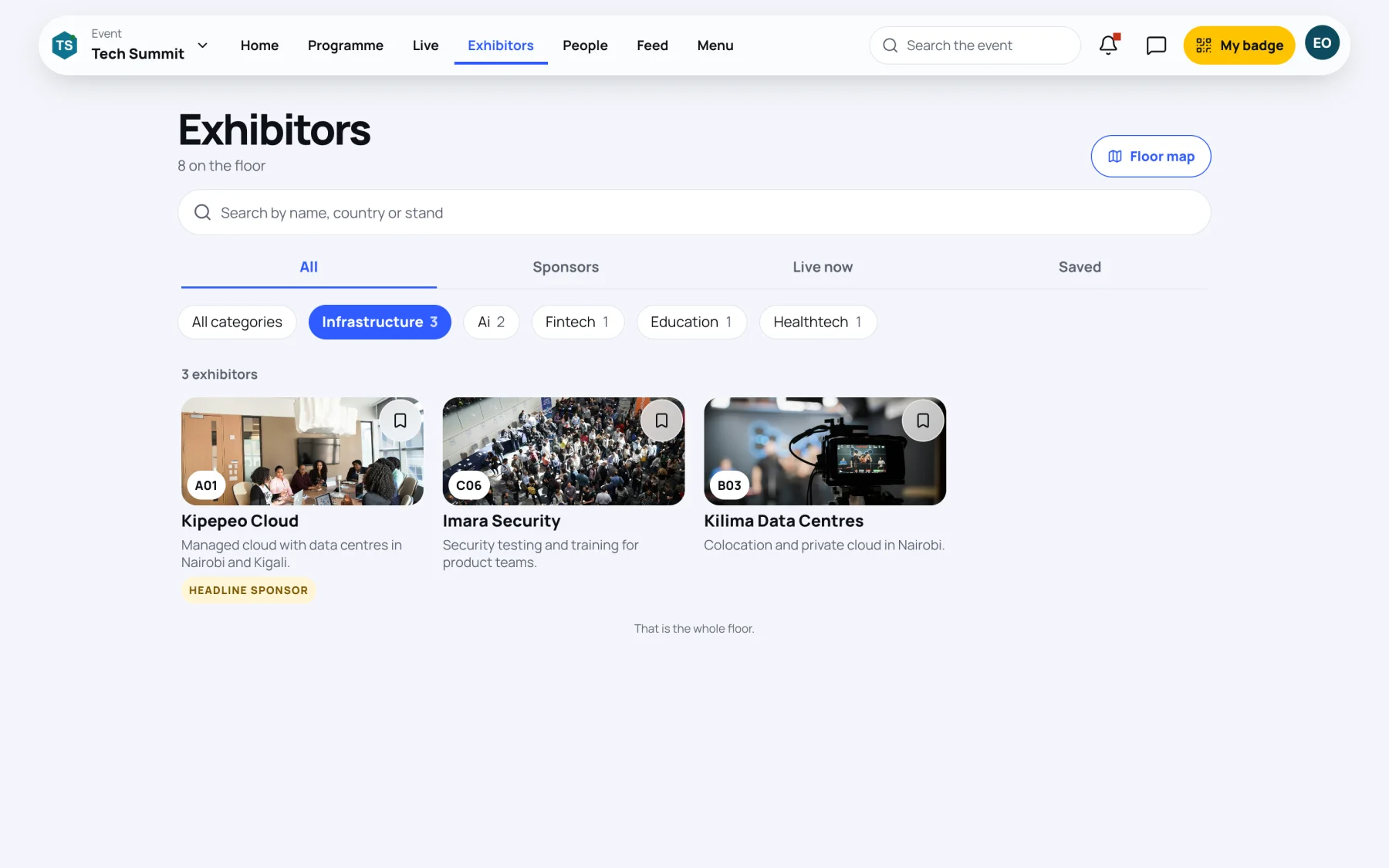
-
Use the tabs to switch between All, Sponsors, Live now (stands running a live demonstration at the moment) and Saved.
Find a stand on the floor
Select Floor map at the top of the page to open the venue map. On a stand's own page, the map pin button shows where the stand is.
Save a stand for later
Select the bookmark on a stand's card.
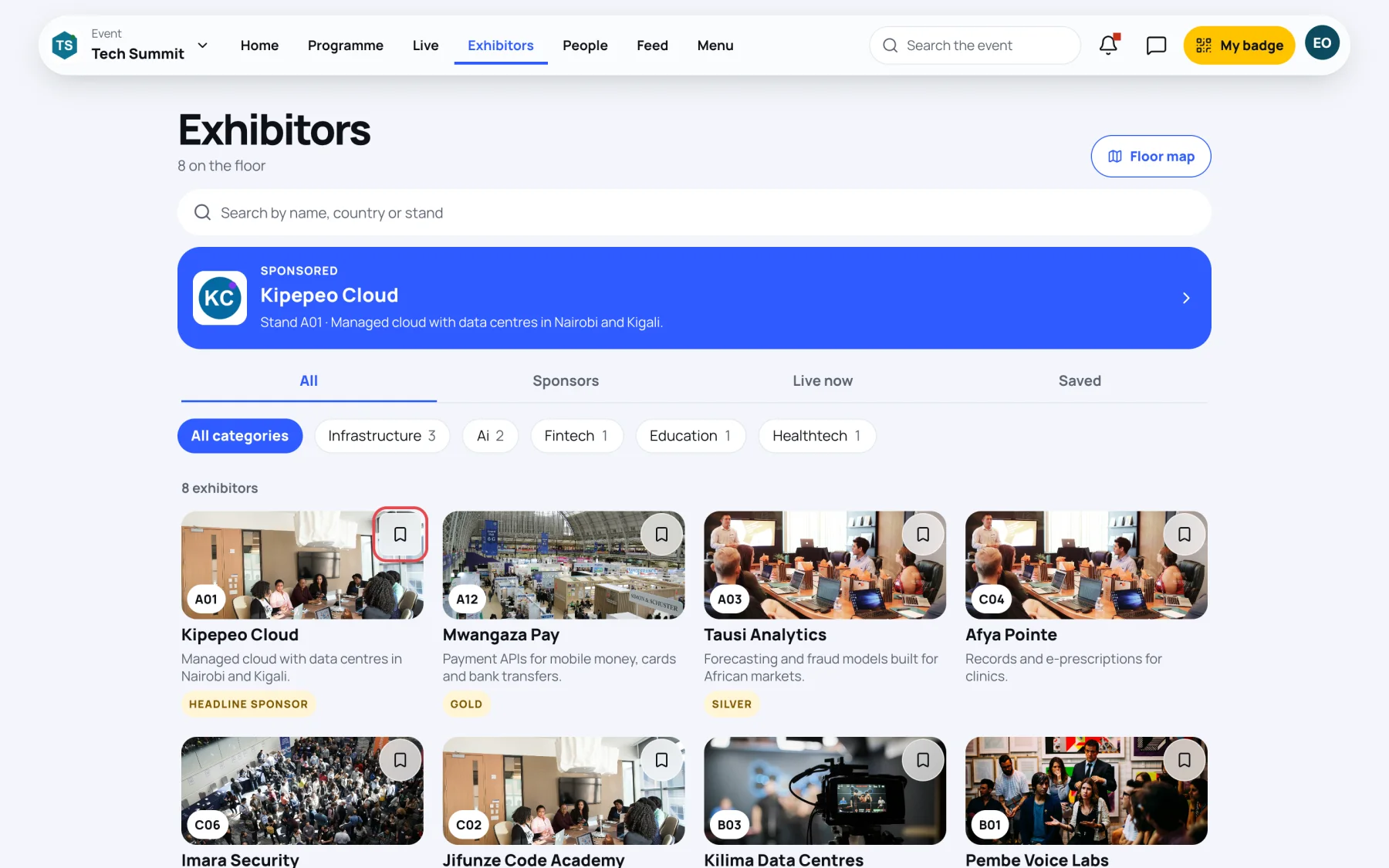
The stand appears under the Saved tab, and in Saved in your own menu. Select the bookmark again to remove it. See Save and contact a stand.
Select any card to open the stand's page. See Visit a stand.
Last updated