Waitlists and reviewed tickets
Not every order is confirmed straight away. A sold-out pass puts you on a waitlist, and some passes are checked by the organising team first. This page explains each status and what happens next.
Registration statuses
Every order has one of five statuses. You see it at the top of My registration and on the event's registration page.
| Status | Holds a place? | What it means | What happens next |
|---|---|---|---|
| Confirmed | Yes | You are registered. Your badge is issued | Nothing. Bring your badge |
| Awaiting approval | Yes, for a limited time | The organising team is reviewing your request | They approve or decline it. You are emailed their answer |
| Awaiting payment | Yes, for a limited time | Your place is held while you pay | Finish paying before the hold ends. See Pay for your order |
| Waitlisted | No | The pass was sold out, so you are in a queue | If a place is released, it is offered to you in turn |
| Cancelled | No | The order was cancelled, declined or ran out of time | You can register again if places are available |
Join a waitlist
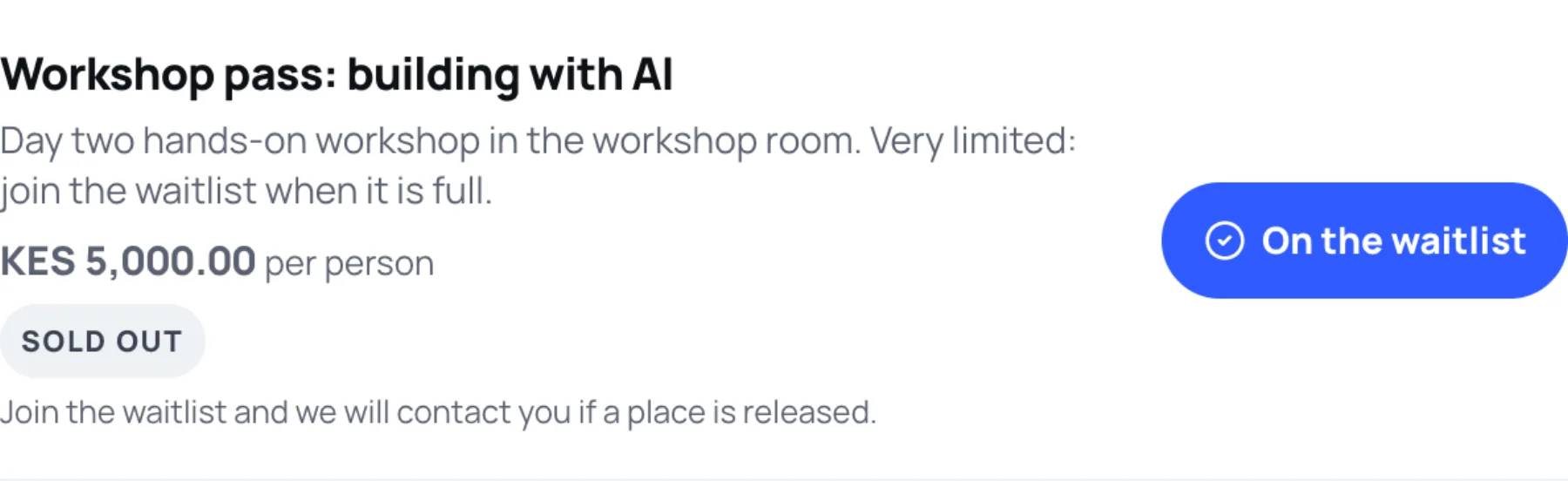
When a pass is sold out, it shows Sold out and Join waitlist instead of the + button.
-
On Choose tickets, select Join waitlist beside the sold-out pass. The button changes to On the waitlist.
-
Select Continue to your details and finish the order as usual. No payment is taken.
-
Zufest shows You are on the waitlist and your position, for example Position 3 in the queue.
When a place is released, it goes to the first person in the queue:
- For a free pass, your place is confirmed.
- For a paid pass, your place is held for you to pay. You are told how long you have.
- For a reviewed pass, your request goes to the organising team.
To leave the queue, open My registration and select Leave the waitlist.
Passes the organisers review
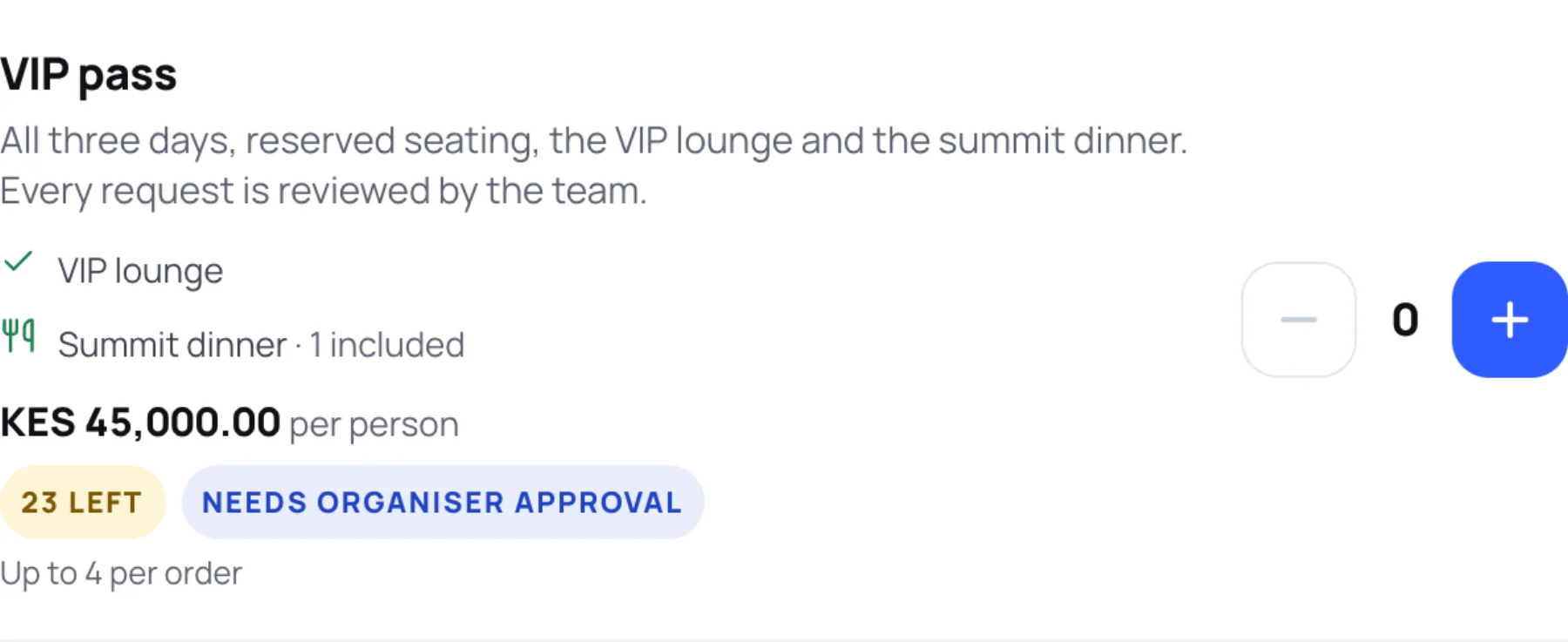
Some passes, such as VIP or press passes, are checked by the organising team before your place is confirmed. They are labelled Needs organiser approval.
-
Choose the pass and fill in your details as usual.
-
On the last step, now called Review and send, a note says the pass is reviewed. No payment is taken when you submit.

-
Select Send for review. Zufest shows Registration received, and the order reads Awaiting approval.
-
Wait for the organising team's answer by email. My registration shows how long your place is held while they review it.
| Their answer | What happens |
|---|---|
| Approved, free pass | Your place is confirmed and your badge is issued |
| Approved, paid pass | Your order moves to Awaiting payment. You have a set time to pay |
| Declined | Your order is cancelled. Any reason the team gives is shown on your registration |
| No answer in time | The hold ends and the order is cancelled |
To withdraw while you wait, open My registration and select Withdraw request.
Last updated