Download or delete your data
You can download a copy of everything Zufest holds about you, or ask for your account to be deleted.
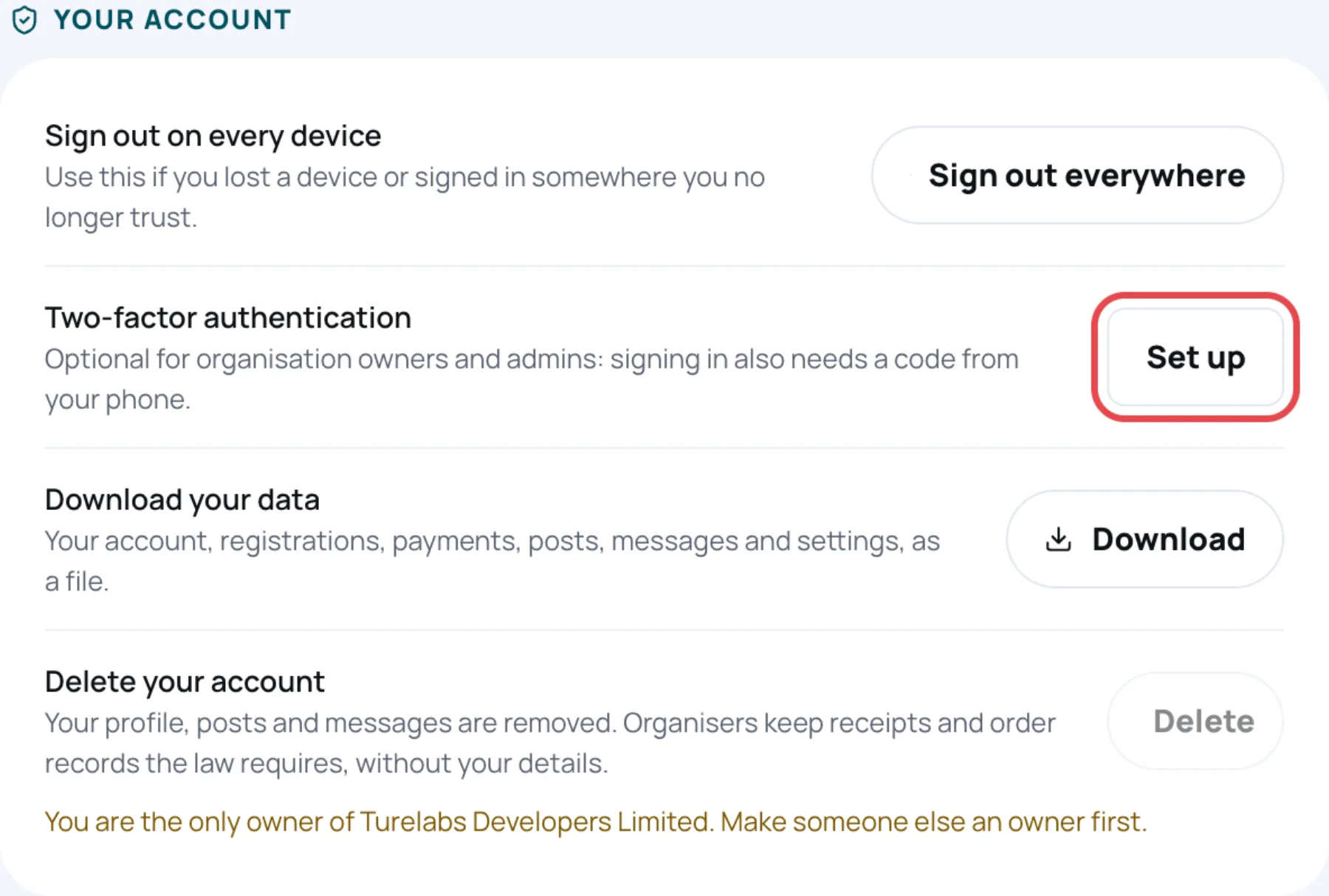
Download your data
-
Under Download your data, select Download.
-
Enter your Password.
-
Select Download.
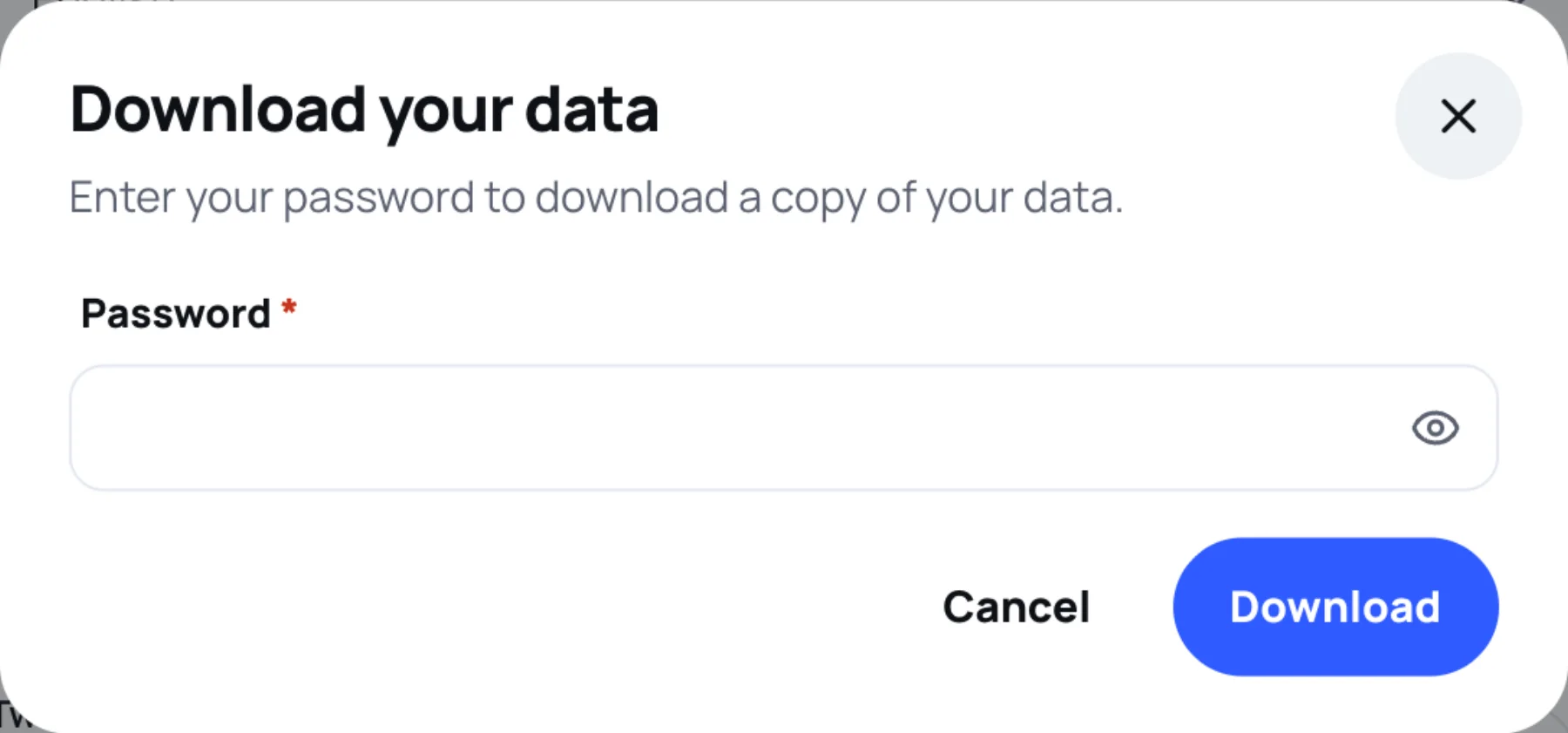
Zufest downloads a JSON file. Keep it somewhere safe: it holds your personal details.
The file holds your account and profile, settings and privacy choices, the events and orders you are part of, your answers on your own registrations, payments, badges, your feed posts and comments, the direct messages you sent, your session questions, feedback and agenda, your connections and the notes you wrote. It never holds passwords, sign-in codes, badge codes or other people's contact details.
Delete your account
-
Under Delete your account, select Delete.
-
Enter your Password.
-
Type DELETE in capitals to confirm.
-
Select Delete my account.
Your account is not deleted straight away. Zufest emails you the date it will be deleted, and Your account shows Your account will be deleted on that date. Until then everything works as usual.
To keep your account, select Cancel the deletion before that date.
What is kept
Organisers and Zufest must keep some records by law. After deletion they no longer carry your details:
| Removed | Kept, without your details |
|---|---|
| Your profile, settings and notifications | Orders, payments, refunds, receipts and invoices |
| Your feed posts, comments and direct messages | Badges and check-in history, as "Deleted attendee" |
| Your connections, saved contacts and notes | Poll, quiz and survey answers, made anonymous |
| Your agenda and saved items |
When you cannot delete yet
Delete is greyed out, with the reason under it, when something must be settled first:
| Reason | What to do |
|---|---|
| You are the only owner of an organisation | Make someone else an owner first |
| You hold a Zufest staff seat | Ask another manager to remove it |
| An order is waiting for payment, approval or a waitlist place | Finish or cancel it |
| A refund is in progress | Wait until it completes |
Last updated