Export the attendee list
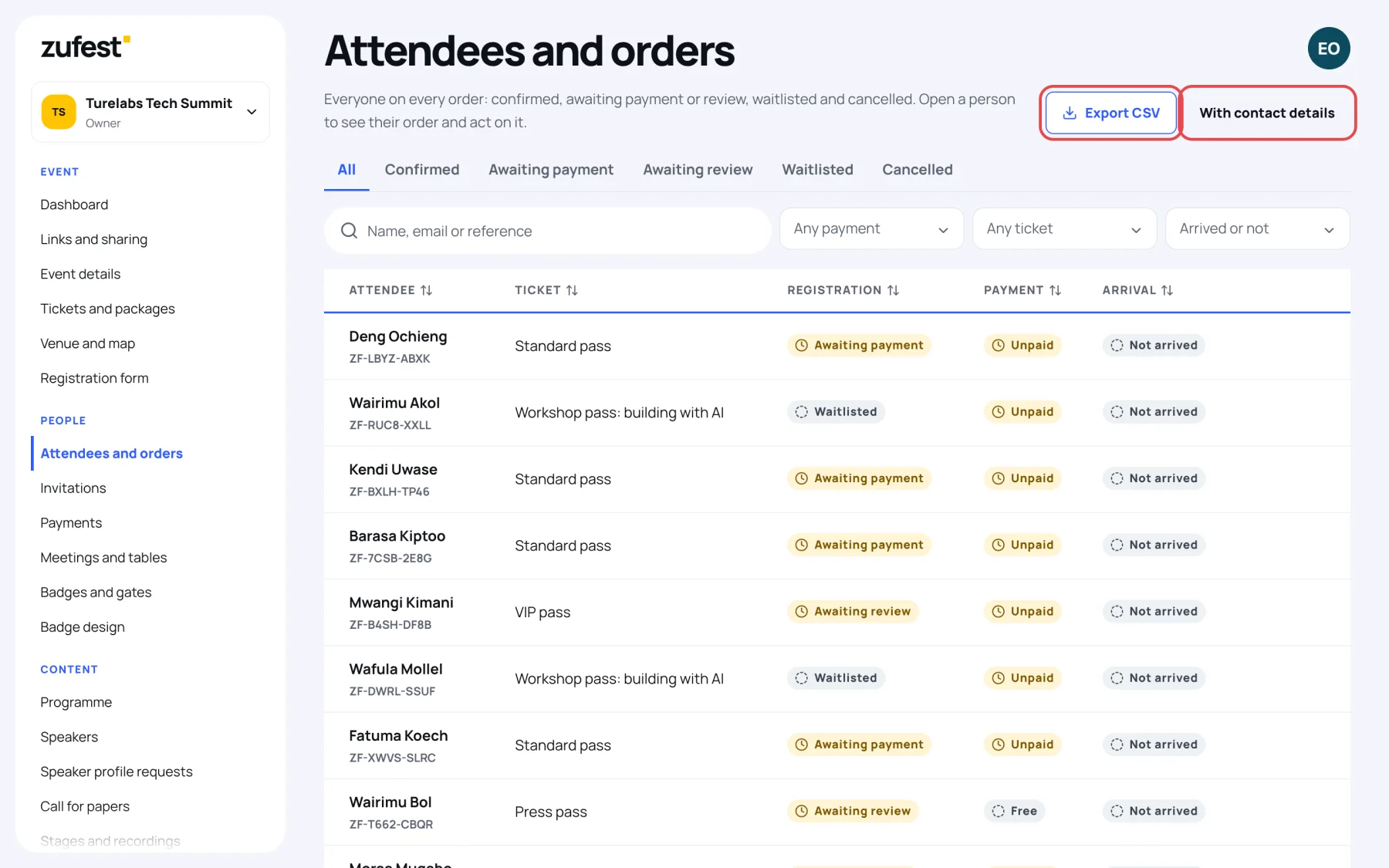
Download the attendee list as a CSV file for a welcome desk, a seating plan or a sponsor report. The file follows the tab, search and filters you have chosen.
Export without contact details
-
In the sidebar, select Attendees and orders.
-
Choose the tab and filters you want, for example Confirmed and one ticket.
-
Select Export CSV. The file downloads.
Export with contact details
-
Select With contact details.
-
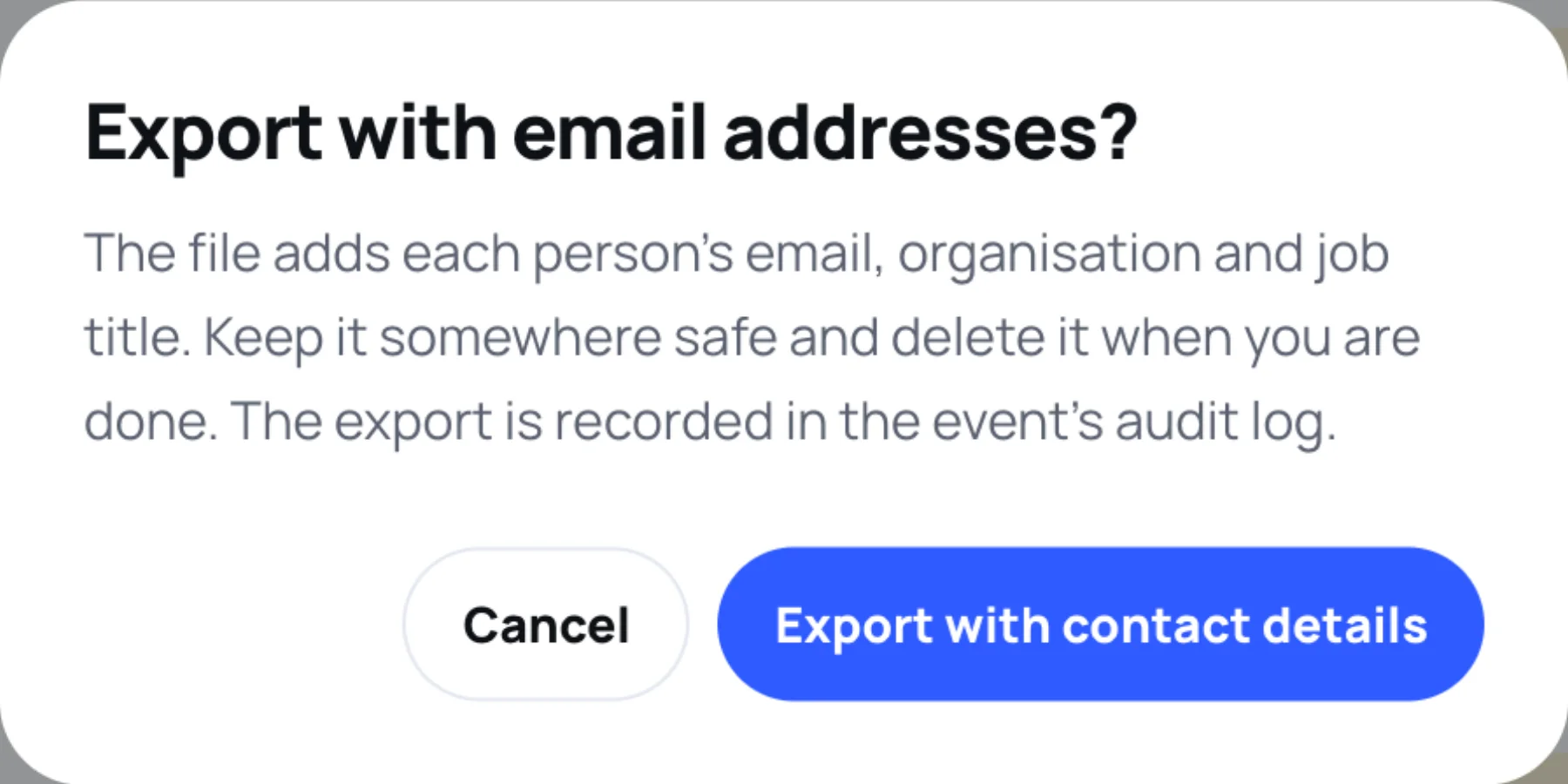
Read the message: the file adds each person's email, organisation and job title.
-
Select Export with contact details.
Files never hold form answers, badge codes or payment details. For reports and other exports, see export data.
Still stuck?
Tell us what you were trying to do and we will help.
Contact us
Last updated