Create your account
One Zufest account works for every event on Zufest, whether you attend, speak, run a stand or organise. Your tickets, agenda and badge stay with the account from one event to the next.
Create an account
-
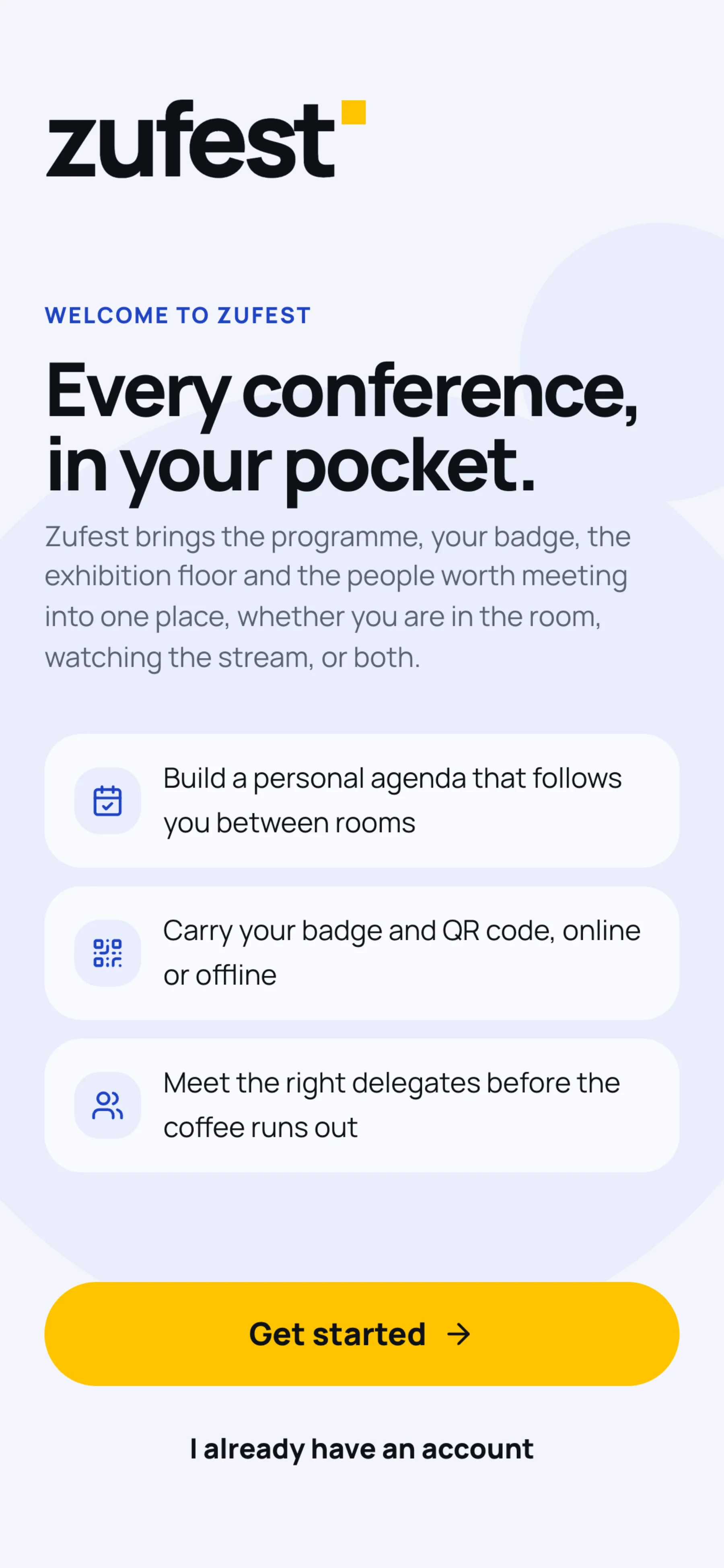
Open app.zufest.com. On a phone you see a short welcome. Select Get started, read the four screens, then select Create my account. If you already have an account, select I already have an account.
-
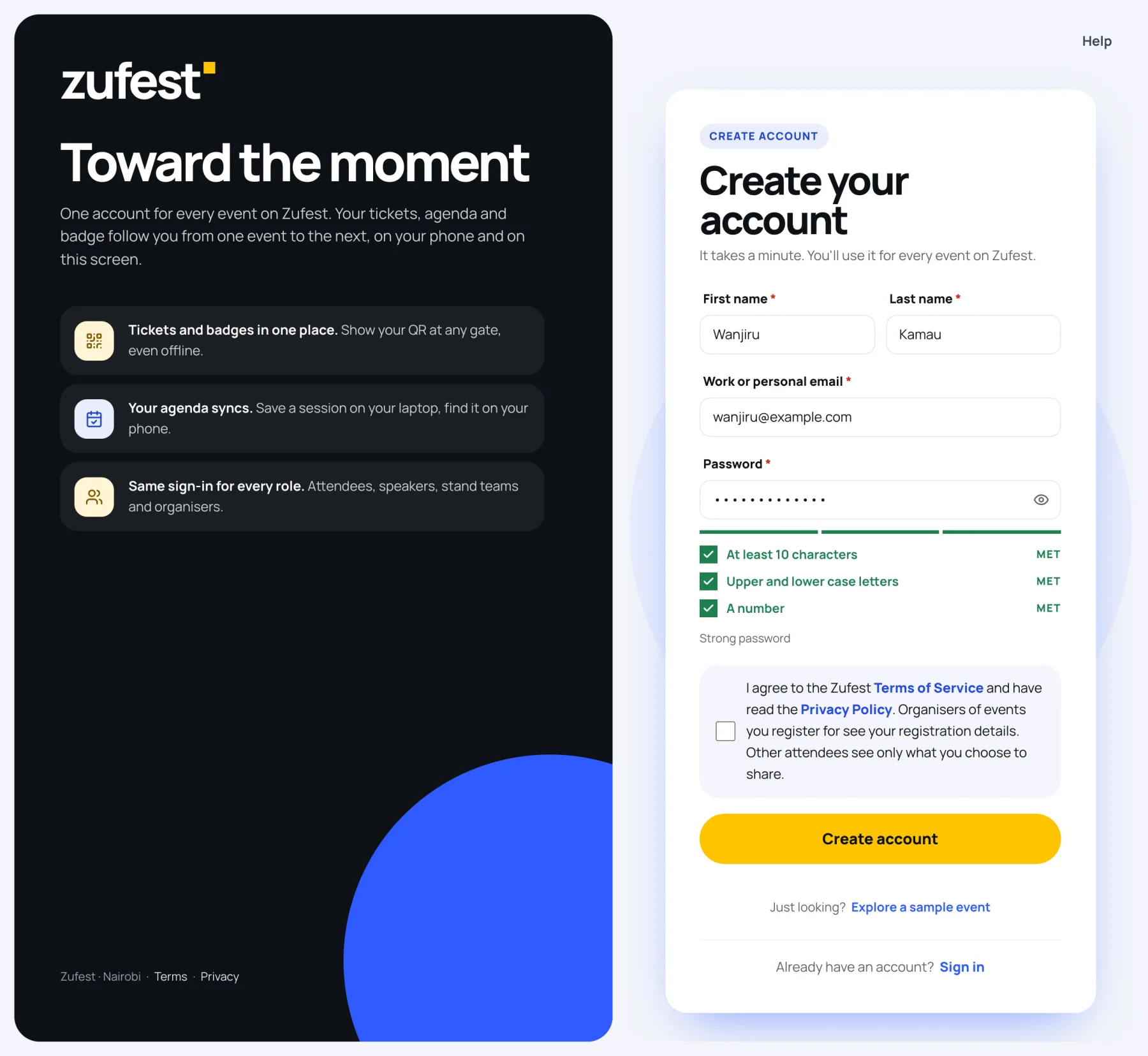
Enter your First name and Last name.
-
Enter your Work or personal email. Use the address you want tickets, receipts and badges sent to. If an organiser registered you, use the address they have on file.
-
Choose a Password. The list under the box ticks off each rule as you meet it:
Rule Example At least 10 characters Riverside2026has 13Upper and lower case letters RandiversideA number 2026When all three are met, the bar turns green and reads Strong password.
-
Tick the box to agree to the Terms of Service and confirm you have read the Privacy Policy.
-
Select Create account.
Continue with Google
If your organisation uses Google, you may see a Continue with Google button above the form. It signs you in with your Google account instead of a password, and creates your Zufest account the first time you use it. If the button is not there, use your email address and a password.
Confirm your email address
After you create your account, Zufest sends a confirmation link to your email address.
- Open the newest email from Zufest.
- Select Confirm my email in the email.
- Come back to Zufest and select I have confirmed, continue.
If nothing arrives after a few minutes, check your spam or promotions folder, then select Send a new link. Links work for a limited time, so always open the newest one. You can select Not now and confirm later. Until you do, your Me page reminds you and offers Send a new link.
Just looking?
Select Explore a sample event on the sign-in or sign-up screen to walk around a read-only sample event without an account.
Next steps
Last updated