Accessibility and language
Make Zufest easier to read and use: turn off animations, make text larger, or change the language.
Reduce motion and text size
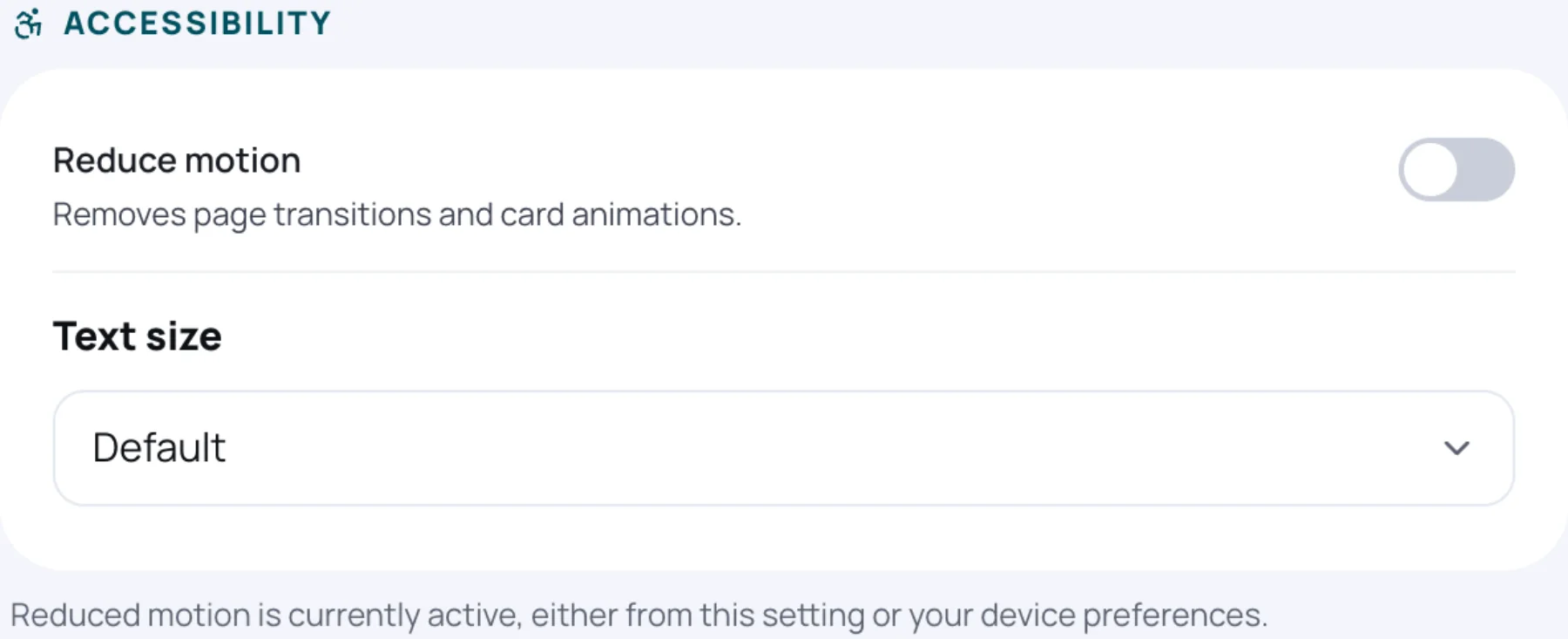
Under Accessibility:
-
Turn on Reduce motion to remove page transitions and card animations.
-
Under Text size, choose Default or Large.
Change the language
Under Language, choose your Preferred language:
| Language |
|---|
| English |
| Français |
| Kiswahili |
| Português |
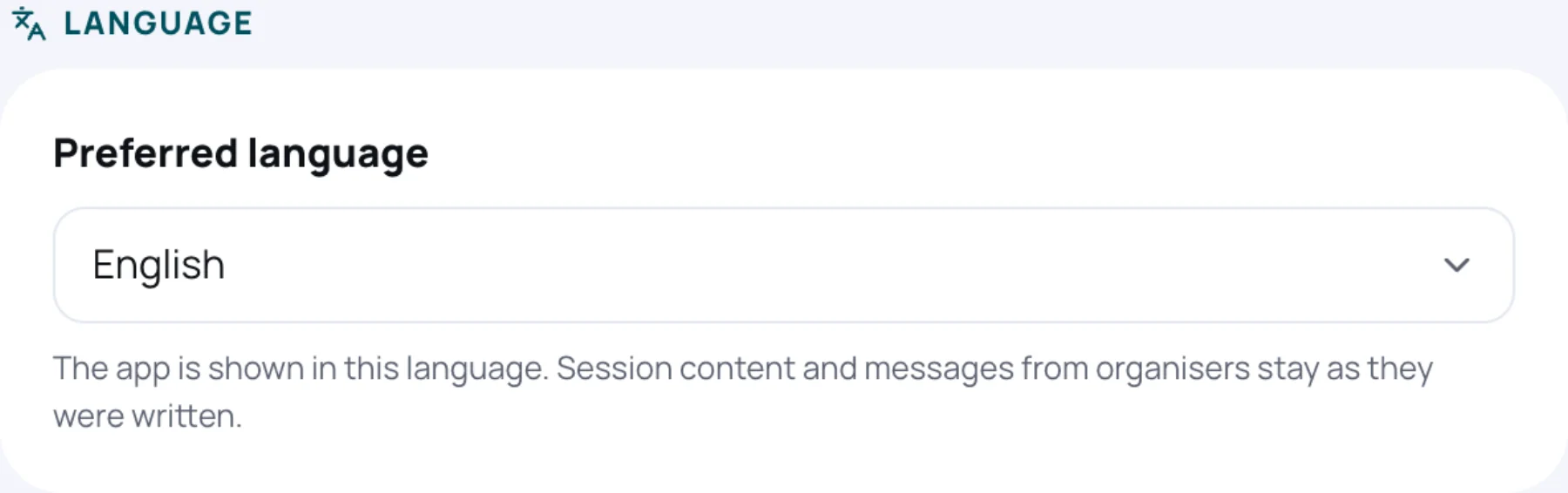
The app's buttons, menus and messages change at once. Session content and messages from organisers stay in the language they were written in.
Still stuck?
Tell us what you were trying to do and we will help.
Contact us
Last updated