Print the programme
You can print the whole programme on paper or save it as a PDF to read offline. It lists every published session, day by day.
Print or save the programme
-
Go to Programme on a computer.
-
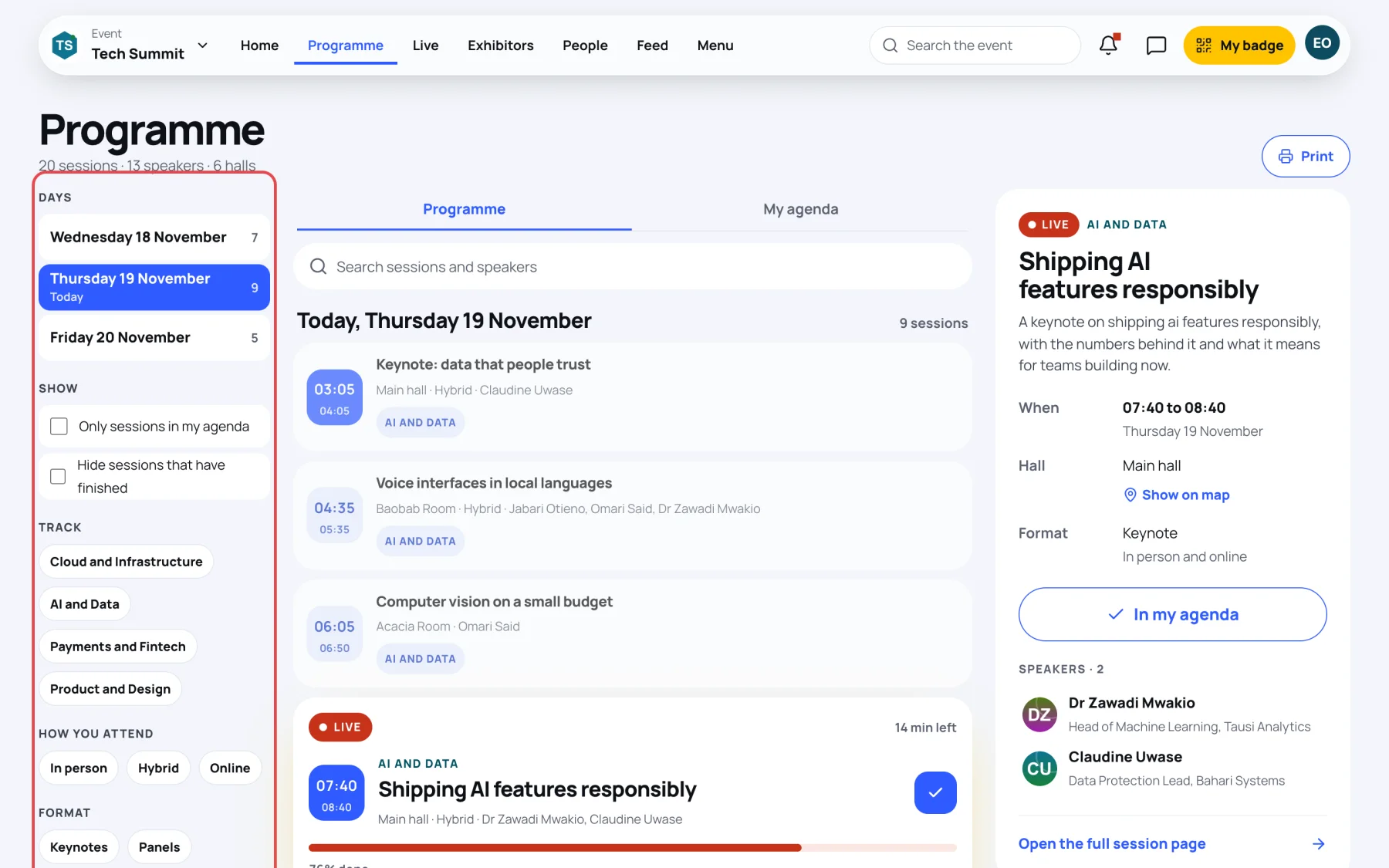
Select Print at the top right.
-
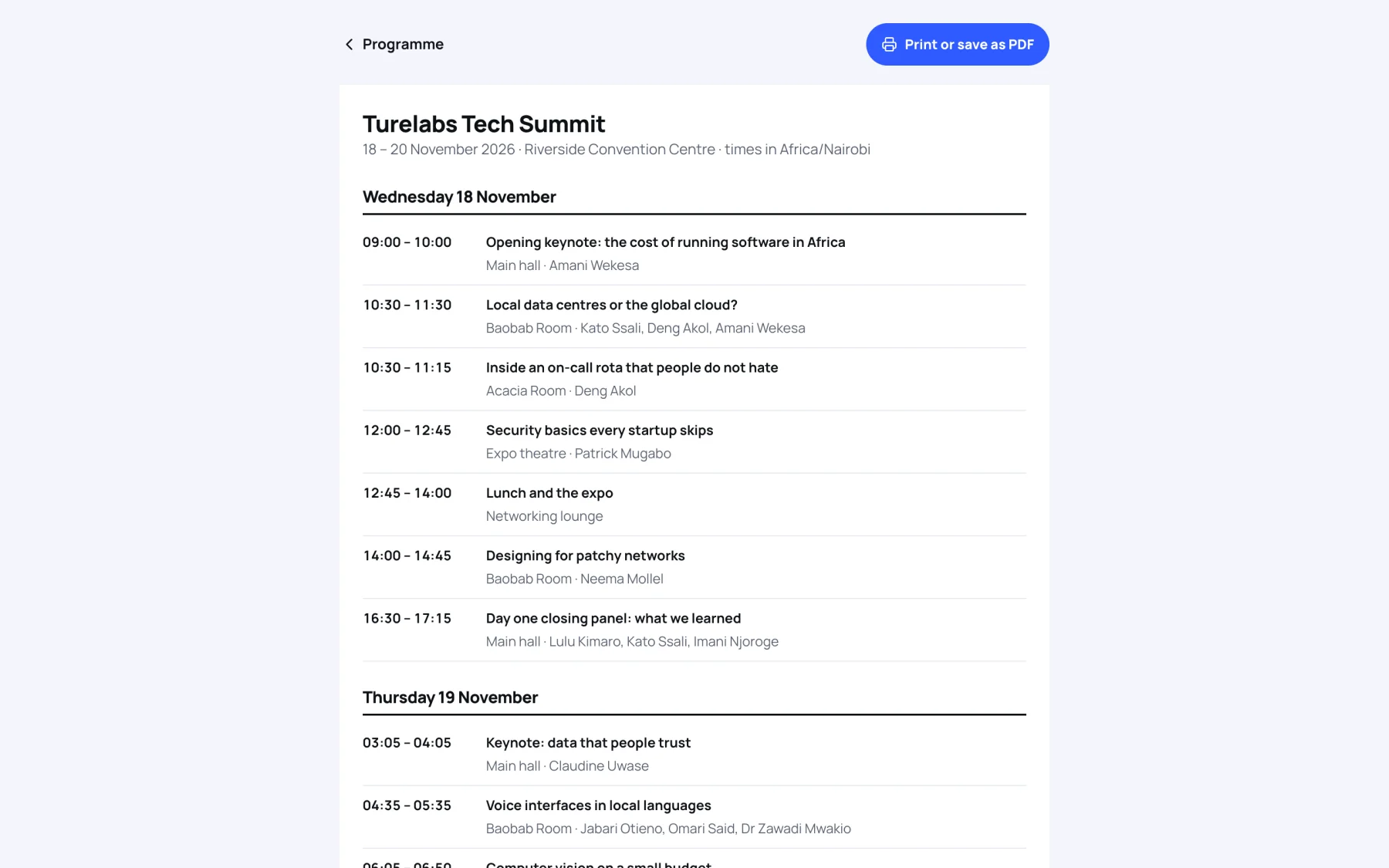
The printable programme opens. It shows the event's name, dates and venue, and says which timezone the times are in. Each day lists the sessions with their time, title, hall and speakers.
-
Select Print or save as PDF. Your browser's print window opens.
-
Choose a printer, or choose to save as PDF, then confirm in the print window.
Only the programme itself is printed, without the buttons or the menu.
Still stuck?
Tell us what you were trying to do and we will help.
Contact us
Last updated