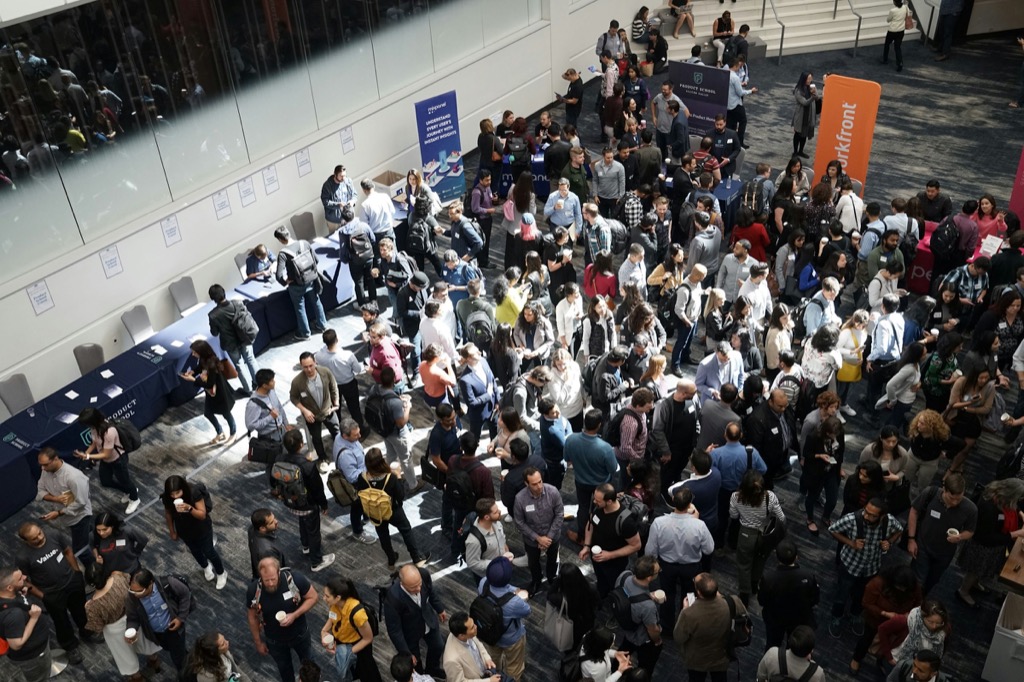
Registration and ticketing
Sell every ticket at the right price, and never oversell
Ticket types, add-ons and promo codes in your event's currency. Every order is priced and counted on the server.
- Priced on the server
- Waitlists and approvals
- Free tickets on Starter
Set up tickets
Prices, capacity, sale windows, add-ons and promo codes.
- Prices, discounts and capacity decided by the server
Publish the event page
Attendees choose tickets and fill in a form for each person.
- One order for a whole team, with a form for each person
Take payment or approve
Places are held while people pay, or wait for your approval.
- Approval tickets, waitlists and invoices you mark as paid
- A clear place on the waitlist when a ticket sells out
- Numbered receipts and invoices, and full refunds
Badges go out
Each confirmed registrant gets a badge straight away.
- Their badge ready the moment the order is confirmed
See a sample event (opens the Zufest app, no account needed)
Inside the product
From ticket to badge, in three moves
Sample screens and figures from the Zufest app.
-
Publish the event page
Attendees choose tickets and fill in a form for each person.
-
Take payment or approve
Places are held while people pay, or wait for your approval.
-
Badges go out
Each confirmed registrant gets a badge straight away.
FAQ
Questions about registration and ticketing
Can two people buy the last ticket at the same time?
No. Places are counted on the server inside the order itself, so only one of them gets it.
Which payment methods can attendees use?
Payment options for paid tickets are confirmed country by country. Tell us where your event is and we will confirm what your attendees can use. You can also send invoices and mark orders as paid.
Can I review registrations before confirming them?
Yes. Mark a ticket type as needing approval, and those orders wait for your team to decide.
How do promo codes work?
A percentage or fixed discount with a usage limit and dates. Each use is counted as the order is placed.
Anything else? Email [email protected] or book a demo (opens the Calendly booking calendar)
Related features
All nine modules-
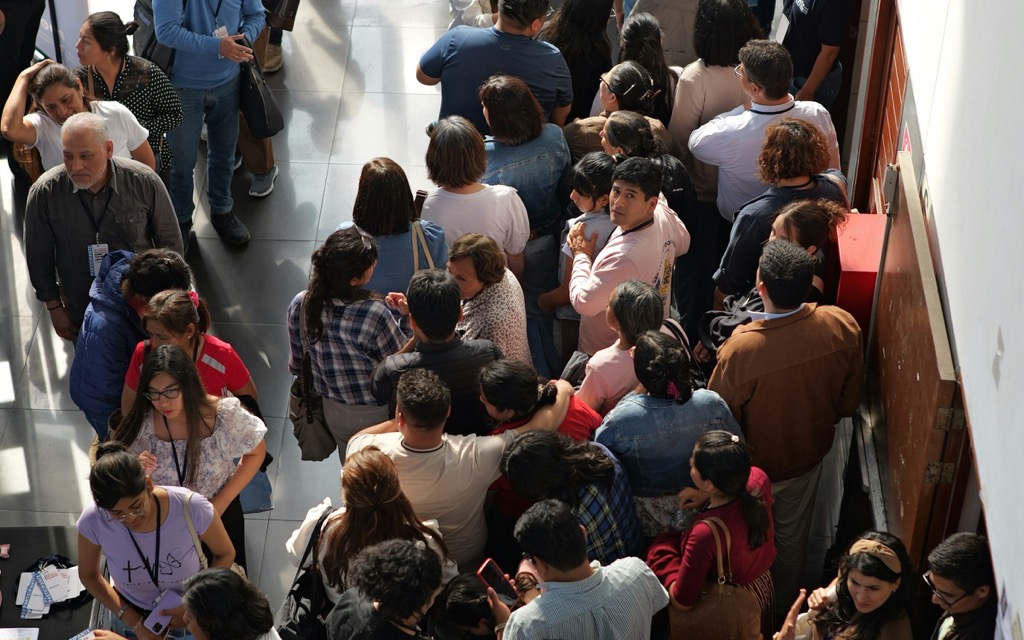
Badges and check-in
A QR badge for every attendee. Scan from any phone. Nobody gets in twice, even across gates.
-

Programme and Q&A
Sessions, tracks, rooms and speakers. Attendees build their own agenda and ask questions live.
-

Polls, quizzes and surveys
Open a poll at the right moment and see results fill in. One vote per person, counted once.
Used most for conferences and corporate events.
Toward the moment.
Sell out without overselling.
Free tickets, capacity limits and registration are on the free Starter plan. Paid tickets come with Professional.