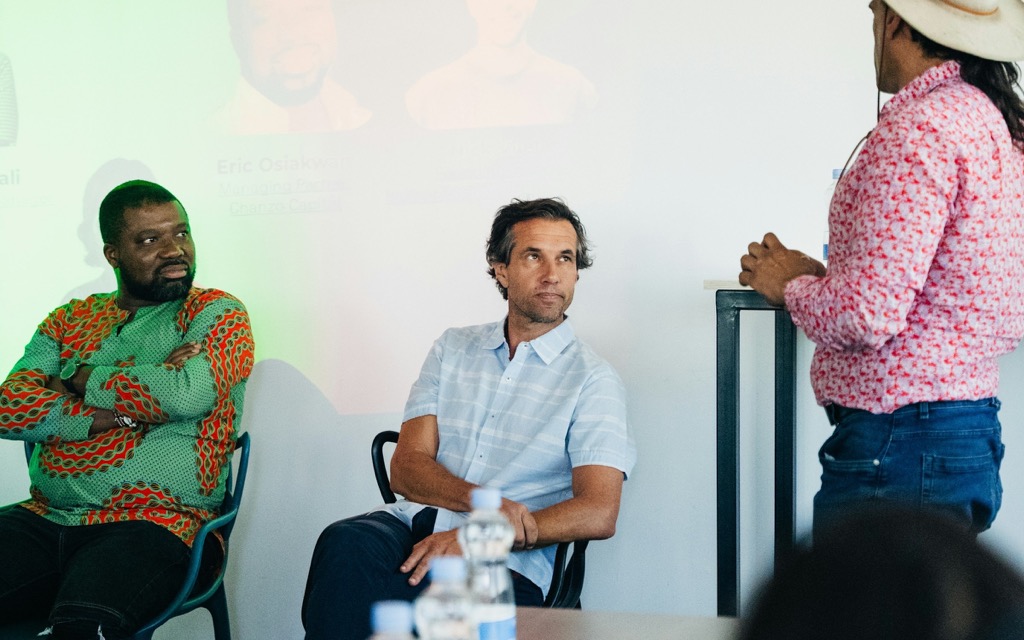
Programme and Q&A
A programme people can actually plan their day around
Sessions, tracks, rooms and speakers in one place. Attendees build their agenda and take part from their phone.
- Tracks and rooms
- Seat limits kept
- Questions in every room
Build the programme
Sessions, tracks, rooms and speaker profiles. Drafts stay hidden.
- Clashes in rooms and speakers shown before you publish
Publish when ready
Attendees see changes as soon as you publish them.
Attendees plan their day
They save sessions, reserve seats and get a reminder.
- A personal agenda and reminders before each session
- Limited sessions never overbooked
Questions in the room
Attendees ask and upvote; speakers mark questions answered.
- Questions upvoted so the best ones are asked
- Ratings and comments on every session
- Speaker materials to keep after the talk
See a sample event (opens the Zufest app, no account needed)
Inside the product
From draft to the room, in three moves
Sample screens and figures from the Zufest app.
-
Build the programme
Sessions, tracks, rooms and speaker profiles. Drafts stay hidden.
-
Publish when ready
Attendees see changes as soon as you publish them.
-
Questions in the room
Attendees ask and upvote; speakers mark questions answered.
FAQ
Questions about programme and Q&A
Can sessions have limited seats?
Yes. Set a capacity and attendees reserve a seat; a full session cannot be overbooked.
Can speakers manage their own sessions?
Speakers can share materials and mark questions answered for their own sessions.
What do attendees see before I publish?
Nothing. Draft sessions stay hidden until you publish them.
Anything else? Email [email protected] or book a demo (opens the Calendly booking calendar)
Related features
All nine modules-

Polls, quizzes and surveys
Open a poll at the right moment and see results fill in. One vote per person, counted once.
-

Networking
A directory, messages and meeting requests. Contact details move only when someone chooses to share.
-
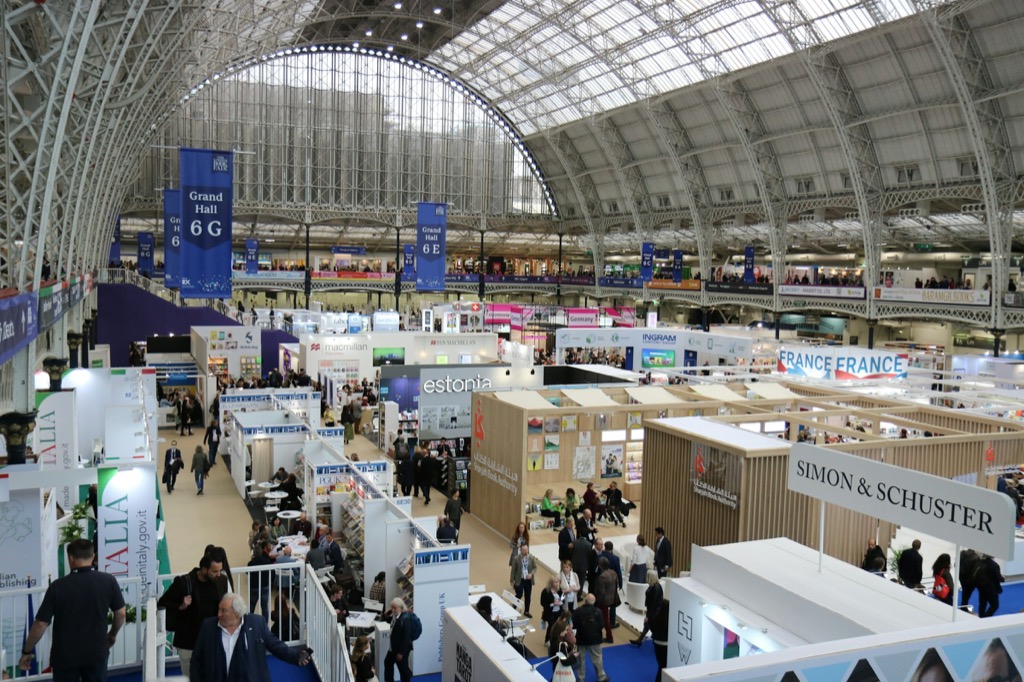
Exhibitors and lead capture
Each stand gets its own team, meeting slots and leads, shared only with the visitor's consent.
Used most for conferences and hybrid and virtual.
Toward the moment.
Publish a programme people use.
The programme and agenda are on the free Starter plan.