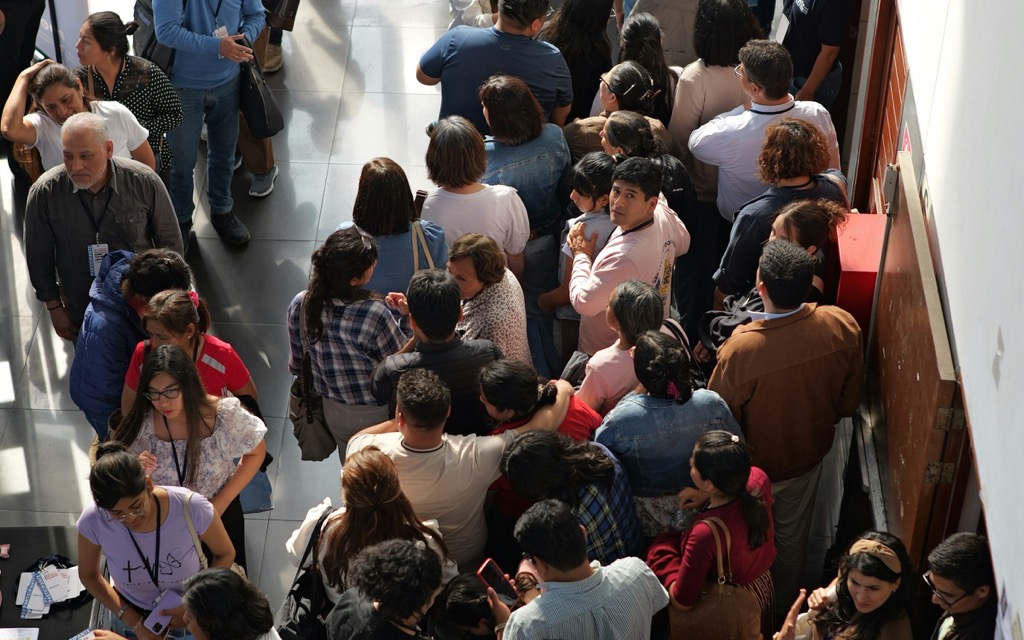
Badges and check-in
Everyone in fast. No one in twice.
Every confirmed registrant gets a QR badge. Your team scans it from any phone and sees the answer at once.
- Any phone camera
- Every scan logged
- Free on Starter
Badges issue themselves
One per registrant, when the order confirms. Cancel it and the badge stops working.
- One badge per registrant, nothing to send by hand
On a phone or printed
Attendees show the QR on their phone, or you print badges.
- The badge is in the app, even without a signal
Scan at the gate
Any phone camera, a handheld scanner, or the code typed in.
- Each badge admitted once, even with several gates scanning
- Day passes checked in your event's own time zone
- One scan at the door and they are in
Any phone with a camera works. No special scanners needed.
Handheld scanners that type the code work too.
Badge will not scan? Type the code. Manual entries are logged.
- 08:52 Wanjiru Kamau · Gate A Admitted
- 08:52 David Otieno · Gate B Already inside
- 08:51 ZF-7Q4K-21 · Gate A Manual entry
- 08:50 Day pass for Friday · Gate B Refused
Watch arrivals live
Who has arrived, by gate, by ticket type and over time.
- Every scan logged, including refusals and manual entries
See a sample event (opens the Zufest app, no account needed)
Inside the product
From order to arrival, in three moves
Sample screens and figures from the Zufest app.
-
Badges issue themselves
One per registrant, when the order confirms. Cancel it and the badge stops working.
-
Scan at the gate
Any phone camera, a handheld scanner, or the code typed in.
-
Watch arrivals live
Who has arrived, by gate, by ticket type and over time.
FAQ
Questions about badges and check-in
Do I need special scanners?
No. Any phone with a camera works, and handheld scanners that type the code work too.
What if a badge will not scan?
Type the code instead. Manual entries are logged so you can see how often it happens.
Can someone get in twice with a screenshot?
No. A badge is admitted once; any later scan shows the person is already inside.
Anything else? Email [email protected] or book a demo (opens the Calendly booking calendar)
Related features
All nine modules-
Programme and Q&A
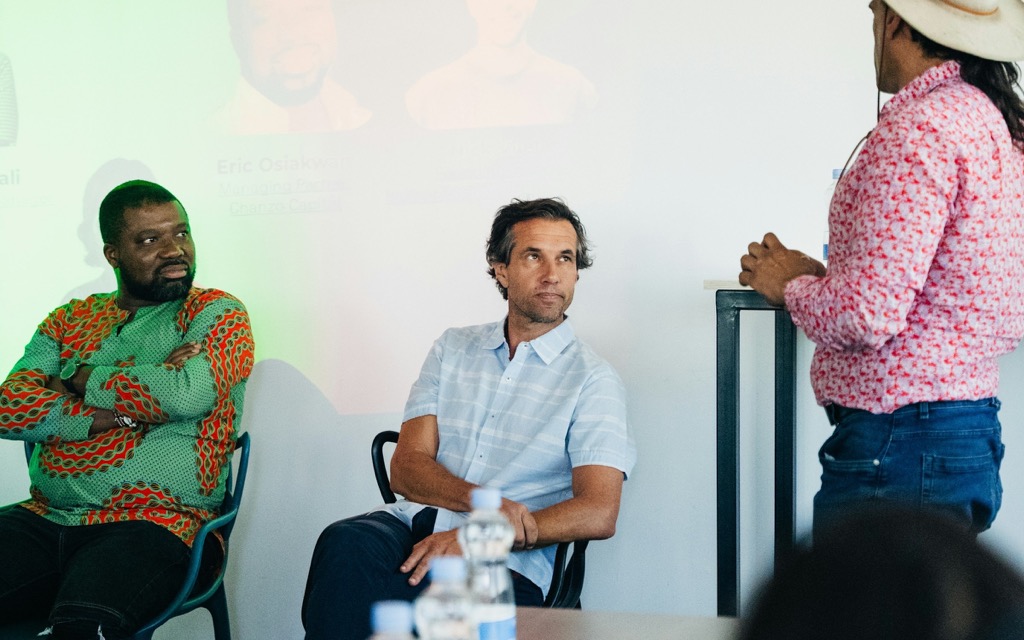
Sessions, tracks, rooms and speakers. Attendees build their own agenda and ask questions live.
-

Polls, quizzes and surveys
Open a poll at the right moment and see results fill in. One vote per person, counted once.
-

Networking
A directory, messages and meeting requests. Contact details move only when someone chooses to share.
Used most for conferences and trade expos.
Toward the moment.
Open the doors without the queue.
Registration, badges and check-in are free on the Starter plan for free events.