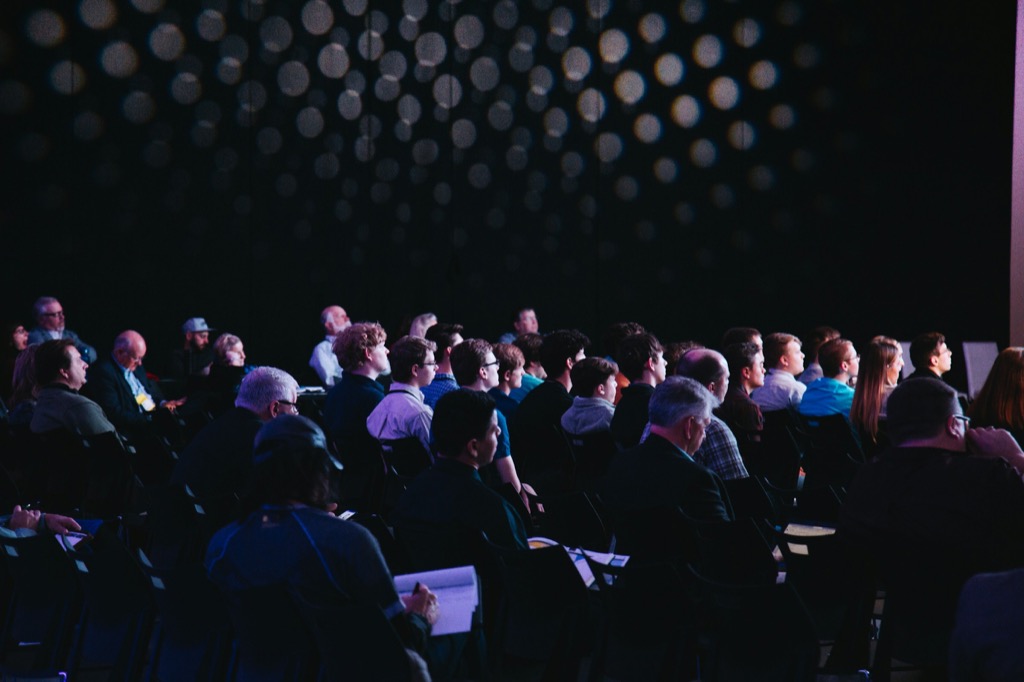
Live stages and recordings
Your stream, for the people who registered
Play the stream from the service you already use inside the event app, for registered attendees only.
- The streaming service you use
- Registered viewers only
- Recordings they can resume
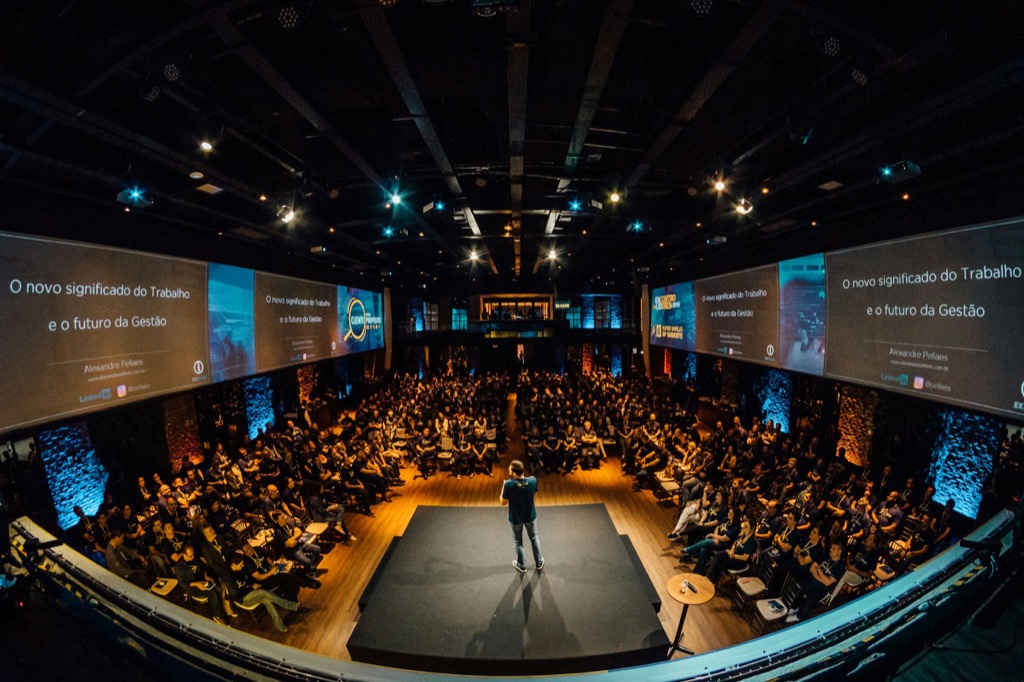
Connect your stream
Paste the HLS or embed link from your streaming service.
- Stream keys masked in your workspace
Choose who can watch
By ticket type, entitlement or region.
- Short-lived playback links for each viewer
Go live
Attendees watch and chat; your team moderates the chat.
- Watch in the same app as their agenda
- Chat with the room during the session
- Stage chat with moderation
Publish recordings
Attendees catch up later and pick up where they stopped.
- Recordings saved with their progress
See a sample event (opens the Zufest app, no account needed)
Inside the product
From stream to replay, in three moves
Sample screens and figures from the Zufest app.
-
Connect your stream
Paste the HLS or embed link from your streaming service.
-
Choose who can watch
By ticket type, entitlement or region.
-
Publish recordings
Attendees catch up later and pick up where they stopped.
FAQ
Questions about live stages and recordings
Does Zufest host the video?
No. You stream with the service you use today and paste its link; Zufest decides who can watch.
Can people share the stream link?
Each viewer gets a short-lived link. For stronger protection, use a CDN that checks Zufest's tokens.
Are audio and video discussion rooms available?
Not yet. Discussion rooms are text rooms for now.
Anything else? Email [email protected] or book a demo (opens the Calendly booking calendar)
Related features
All nine modules-
Organiser workspace
A live dashboard, team roles, campaigns, reports and exports for every event you run.
-
Registration and ticketing
Ticket types, add-ons and promo codes in your currency. Sell out without ever overselling.
-
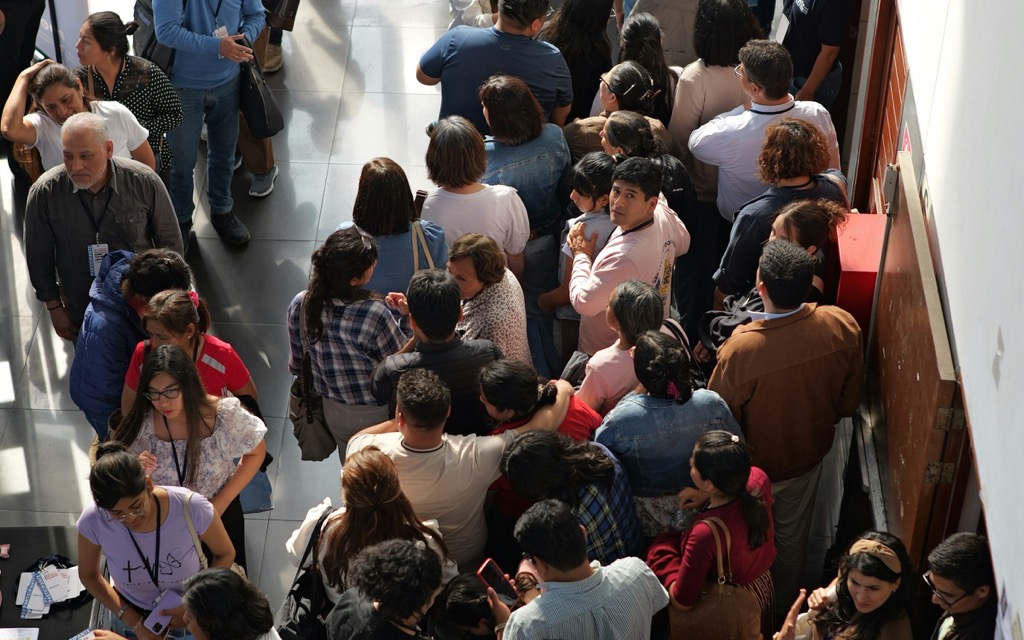
Badges and check-in
A QR badge for every attendee. Scan from any phone. Nobody gets in twice, even across gates.
Used most for hybrid and virtual and conferences.
Toward the moment.
Bring the stage to every screen.
Live stages and recordings come with the Enterprise plan.